
UPDF AI Assistant
AI-powered PDF assistant for summarizing, translating, and creating content.
Quick facts
- Best for
- Document management
- Pricing
- Freemium
- Editor rating
- 4.5 / 5
- Community saves
- 0
About UPDF AI Assistant
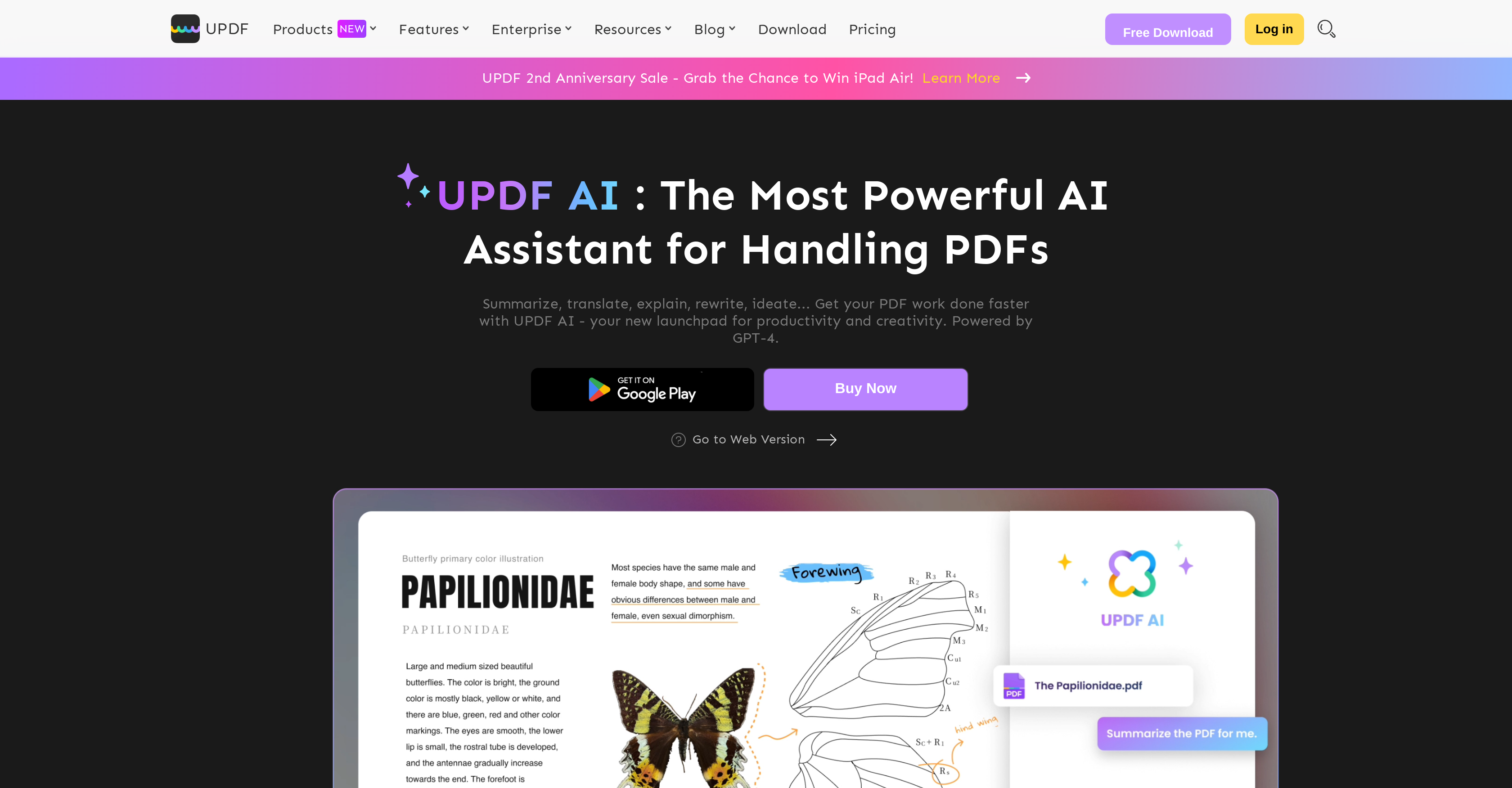
UPDF AI Assistant is a tool designed to automate various tasks associated with handling PDF documents. It integrates AI functionality to deliver transformative operations such as summarization, translation, explanation, and content rewriting. This powerful assistant condenses lengthy PDFs into concise summaries, even simplifying complex data charts. It translates content across various languages directly within the PDF interface, maintaining consistent language and formatting. This AI-driven service enhances comprehension of technical information, educational materials, and medical terms by providing accurate definitions for unreadable words or passages, detailed information on puzzling subjects, and instant answers to queries related to the PDF. Additionally, it aids content generation by brainstorming ideas, checking grammar, eliminating spelling errors, polishing content, and composing new articles directly within the PDF environment. While both the app and web versions offer AI functionalities, the app version additionally provides traditional PDF editing tools. It aids users in industries such as banking, legal, manufacturing, education, healthcare, and insurance, and it operates across Windows, MacOS, Android, and iOS platforms. UPDF AI Assistant is designed for productivity and creativity, helping you accomplish your PDF work faster and more efficiently.
Pros
- Automates PDF handling tasks
- Summarizes lengthy PDFs
- Simplifies complex data charts
- Translates PDF content across languages
- Maintains formatting during translation
- Explains complex information
- Enhances comprehension of technical terms
- Automatically checks grammar
- Eliminates spelling errors
- Generates content ideas
- Composes new articles within PDFWeb and app versions available
- App version includes PDF editing tools
Cons
- Paid plans for full access
- Limited queries in free version
- Web version lacks editing tools
- Limited PDF size per upload
- Limited PDF pages per upload
- Limited PDF uploads per month
- No on-premises version
- Requires Internet connection
- Card needed for free trial
- One account per all platforms