
Tome App AI
VerifiedCreate professional presentations in minutes with AI.
Quick facts
- Best for
- Presentations
- Pricing
- Freemium
- Editor rating
- 4 / 5
- Community saves
- 0
About Tome App AI
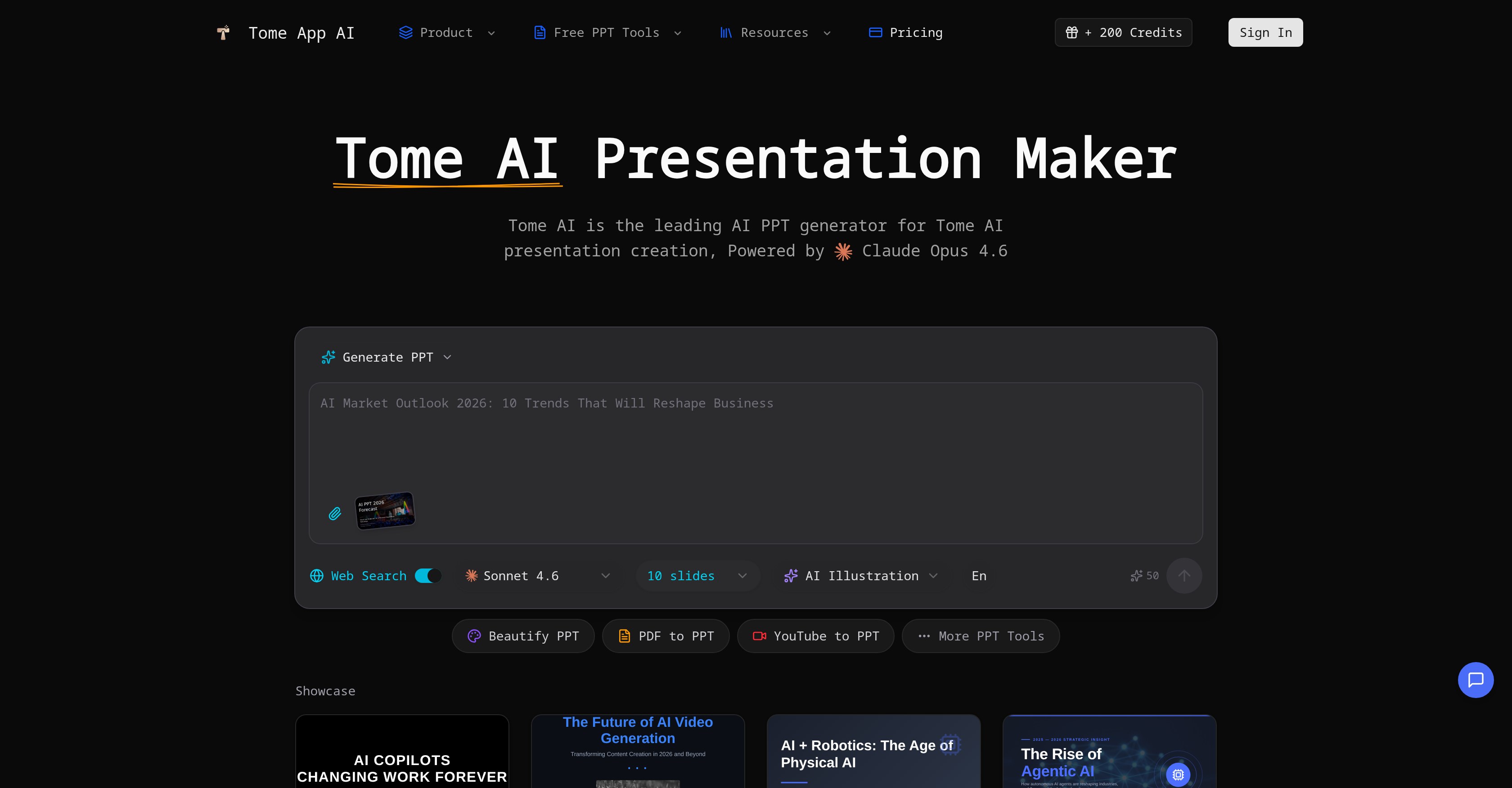
Socials: Tome AI Presentation Maker is an AI-powered tool primarily designed for generating and enhancing PowerPoint presentations. It leverages advanced artificial intelligence methods for management of design, layout, and content structure, with applications across business and educational contexts. The tool provides a suite of functions that allow for the creation of presentations from text prompts, slide enhancement and redesign, and the conversion of PDF files, web pages, and Word documents into PowerPoint presentations. Additionally, it delivers functionality for speaker note generation for slides, text-to-slide transformations, and an option to extract prompts from presentations. Acknowledging the varied presentation needs, the tool comes equipped with a real-time preview and editing feature as well as the capabilities to do text-to-slides conversion and automatic layout selections. A unique aspect of Tome AI Presentation Maker is its ability to beautify presentations by enhancing design, fixing layouts, and applying professional styling. Using its AI technology, it can transform regular slides into visually compelling presentations. Another functionality of this tool includes generating detailed speaker notes to aid confident and impactful presentation delivery. Furthermore, it supports multilingual presentation creation with proper formatting and typography. Supported featuresAgentsAPISlides Key FeaturesAi Generate PptAi Beautify PptAi Pdf To PptYoutube To PptWord To PptPpt Reverse Prompt
Pros
- Creates presentations from text
- Enhances existing Power
- Point decks
- Converts PDFs to presentations
- Translates websites to PPTTranslates word docs to PPTReal-time editing and preview
- Automatic layout selections
- Generates detailed speaker notes
- Multilingual presentation creation
- Converts plain text to slides
- Enhances slide design and layout
- Extracts prompts from presentations
- Specifically designed for business/education
Cons
- No Mobile App
- No Mac
- OS Support
- No Linux Support
- No Hyperlink Support
- No Offline Mode
- No Customization Options
- Limited Format Support
- Incompatible With Standard PPTNo Version Control
- No Team Collaboration Features