
Tosea.ai
VerifiedTurn academic papers into beautiful slides instantly.
Quick facts
- Best for
- Presentations
- Pricing
- Freemium
- Editor rating
- 5 / 5
- Community saves
- 0
About Tosea.ai
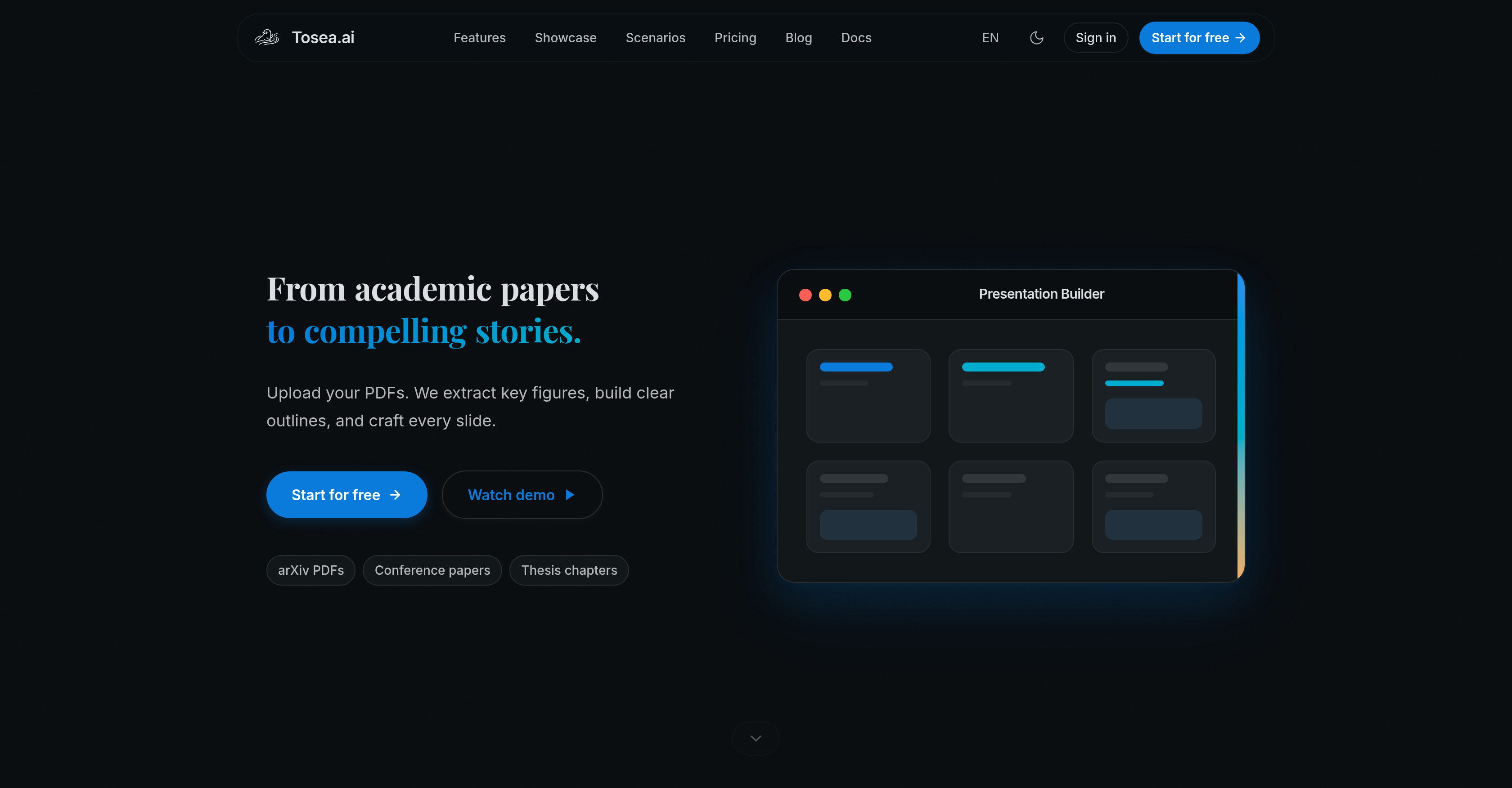
Socials: Tosea.ai is an AI-driven tool designed to convert academic papers and documents into academic slides. The tool utilizes advanced artificial intelligence technology to ensure a high degree of precision when translating complex academic materials into engaging, informative slides. Ideal for academic professionals, this tool streamlines the process of creating presentations by eliminating the time-consuming task of manually converting academic content into visually appealing slides. The AI supporting the tool is trained to not just translate text into slides, but to do so in a manner that maintains the meaning, context and essence of the original document. This leads to the generation of slides that are not just accurate, but also beautiful and professional. The simplicity and speed of this tool's operation helps save users' time while ensuring a high-quality output. Gatekeepers in the academic field could find Tosea.ai particularly useful for creating visually comprehensive, clear and concise presentations from extensive and detailed academic materials. However, the tool's exact functionalities, capabilities and pricing may vary and shall need to be confirmed from their official website or representative. Supported featuresAgentsSlides Key FeaturesZero-hallucination OutputOriginal Figures & Images ExtractionPhd-level Content UnderstandingPdf To Editable Pptx ConversionThree Density Modes (relax / Standard / Dense)Professional Slide TemplatesMulti-language SupportReal-time Slide Editing
Pros
- Zero-hallucination outputs
- Maintains context and essence
- D-level content understanding
- Presentation-grade design
- Faithful data reproduction
- Multi-language support
- Three density modes
- Accurate translation of documents
- Efficient visual data organisation
- Fully editable PPTX output
- Time-saving slide creation
- Professional-grade output
Cons
- Lack of customization options
- Not suitable for all industries
- Potentially oversimplifies complex data
- Limited document type compatibility
- Output limited to PPTXLanguage support may vary
- Unconfirmed pricing and capabilities
- Possibly long processing time
- Limited personal data protection
- No known user support services