
Photoshop Express Photo Editor
Enhance your photos with AI editing tools.
Quick facts
- Best for
- Image editing
- Pricing
- Freemium
- Editor rating
- 4.5 / 5
- Community saves
- 0
About Photoshop Express Photo Editor
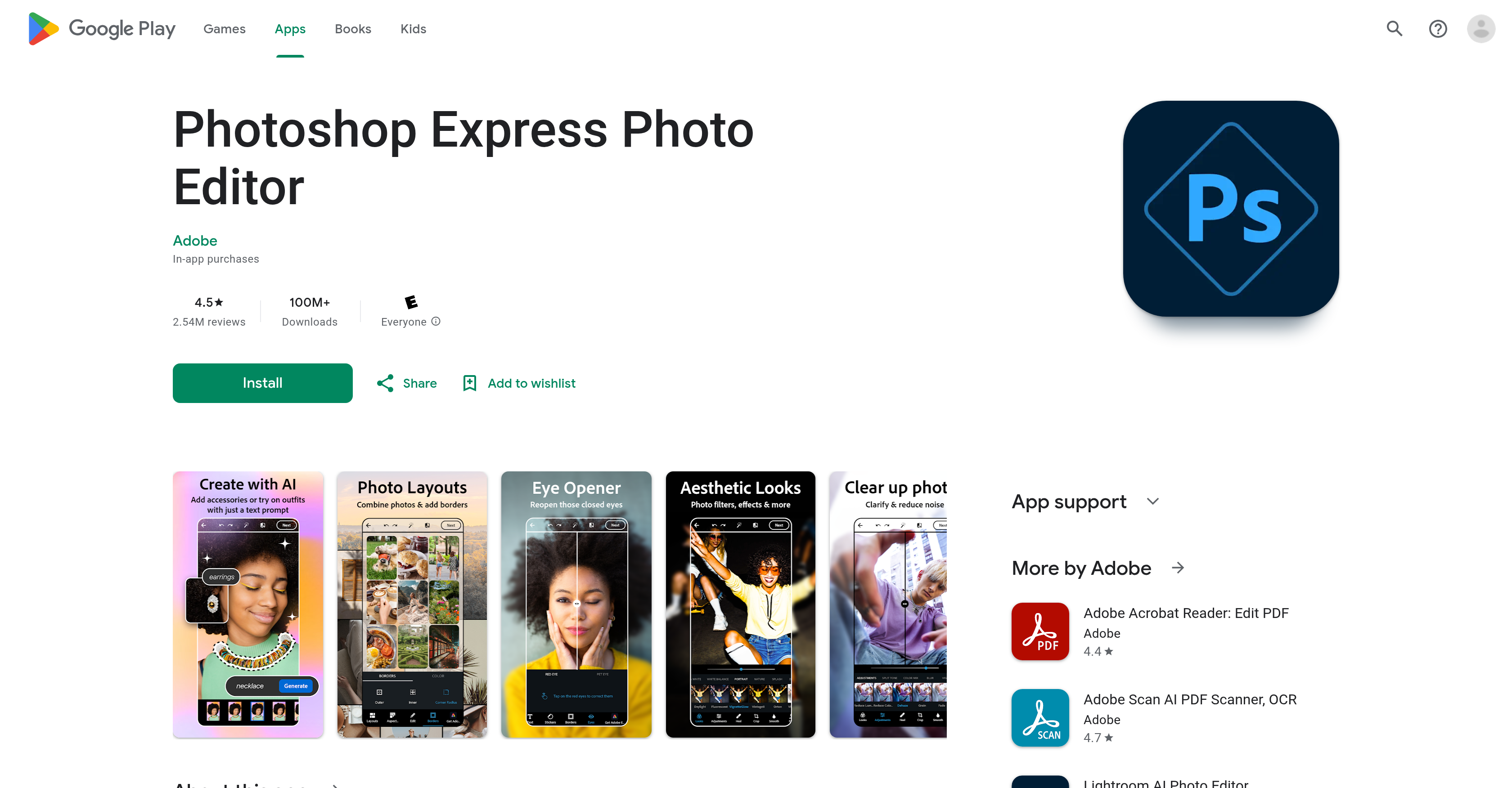
Generated by ChatGPT Photoshop Express Photo Editor is an intelligent image editing tool that brings Adobe-level quality to mobile platforms. It offers a range of conveniences for quick, effective photo editing and manipulation. This app empowers users to delve into their creativity with various different editing features, including the addition of text to images, selfie touch-ups, pre-post edits, and application of a wide diversity of camera filters. Photoshop Express stands out with its AI-powered image generator which allows users to manage and enhance their images with accuracy and simplicity. It also offers a collage maker and a face editor feature. The tool can be used to airbrush selfies, adjust the content of images such as removing red eyes, managing blemishes, and stamping features. The app enables users to also switch image backgrounds, erase objects, and apply vintage-inspired filters. Clarity improvements can be made by removing blur and erasing background noise. Furthermore, the app includes features for combining images into premade photo grids and offers a myriad of font choices and layout options for adding text to photos. In addition to being a powerful editing tool, Photoshop Express allows simple uploading and sharing of images to popular social media platforms. A premium version of the app offers extra features.
Pros
- Adobe-level quality
- Quick, effective editing
- Various editing features
- Collage maker
- Face editor
- Selfies airbrush feature
- Content adjustment of images
- Red eye removal
- Blemish management
- Image stamping
- Background switching
- Object erasing
Cons
- Requires premium for full features
- No layer editing capability
- Unsafe project storage
- Confusing interface for cropping
- Forced share or close prompts
- Metadata watermark hinders sharing
- Risk of app discontinuation
- In-app purchases