
Quick facts
- Best for
- Image editing
- Pricing
- Freemium
- Editor rating
- 4.5 / 5
- Community saves
- 0
About Photopea
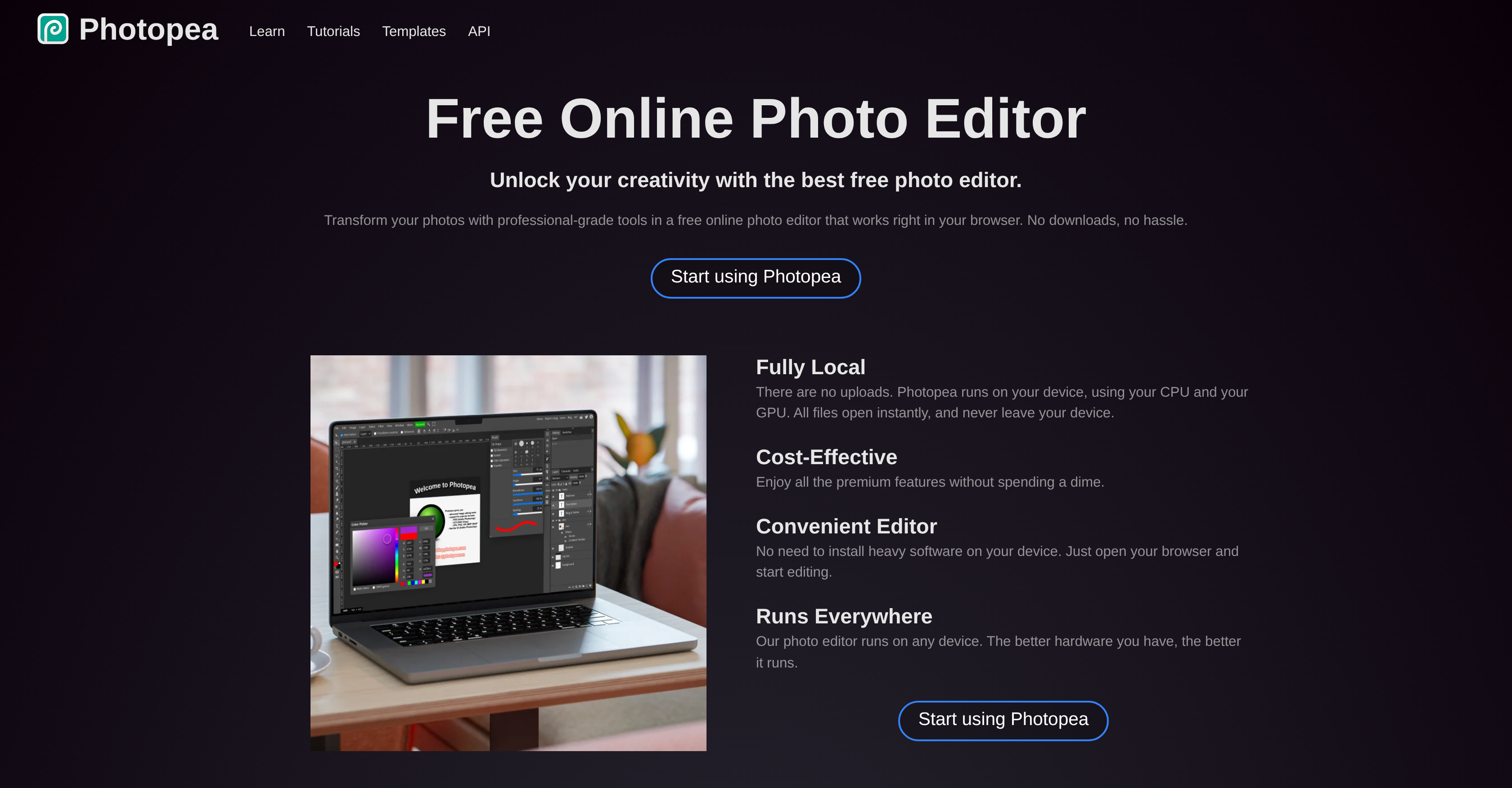
Generated by ChatGPT Photopea is an online tool available for photo editing. This tool operates directly in the user's browser, eliminating the need for any downloads or installations. It provides a variety of features, enabling the editing of photos, applying effects and filters, adding text, cropping or resizing pictures. The application is designed to utilize a device's CPU and GPU, aiming to ensure files open swiftly and remain local to your device without requiring uploads. Its features cater to both basic and advanced photo editing needs. Notable options include cropping, resizing, layering, masking, blending, and a full array of editing tools. The software fully supports PSD format for both opening and saving files, alongside compatibility for a multitude of various image file formats including PNG, JPG, GIF, BMP, WEBP, SVG, PDF, AI, AVIF, DDS, and many more. For images in RAW format, adjustments can be made to exposure, color balance, contrast, highlights, and shadows. The software also incorporates AI technology for tasks such as background removal and content replacement within images. It supports creating and editing vector graphics, making it particularly useful for designers working on logos, icons, or illustrations. Photopea is versatile, with potential to be beneficial for a wide range of users, from social media enthusiasts and educators to small business owners and graphic designers. All of these features are available at no cost, making Photopea a cost-effective solution for professional-quality photo editing.
Pros
- Works in browser
- No downloads required
- Uses CPU and GPUQuick file opening
- No file uploads needed
- Basic & advanced editing tools
- Supports PSD format
- Supports multiple file formats
- RAW format adjustments
- Background removal
- Content replacement
- Vector graphics editing
- Useful for diverse user base
Cons
- Requires internet connection
- Relies heavily on CPU, GPUNo offline version
- Lack of support community
- Subject to browser performance
- No dedicated mobile app
- Limited RAW editing capabilities
- Potential privacy concerns