
Quick facts
- Best for
- Image editing
- Pricing
- Paid
- Editor rating
- 4.5 / 5
- Community saves
- 0
About Photoeditor
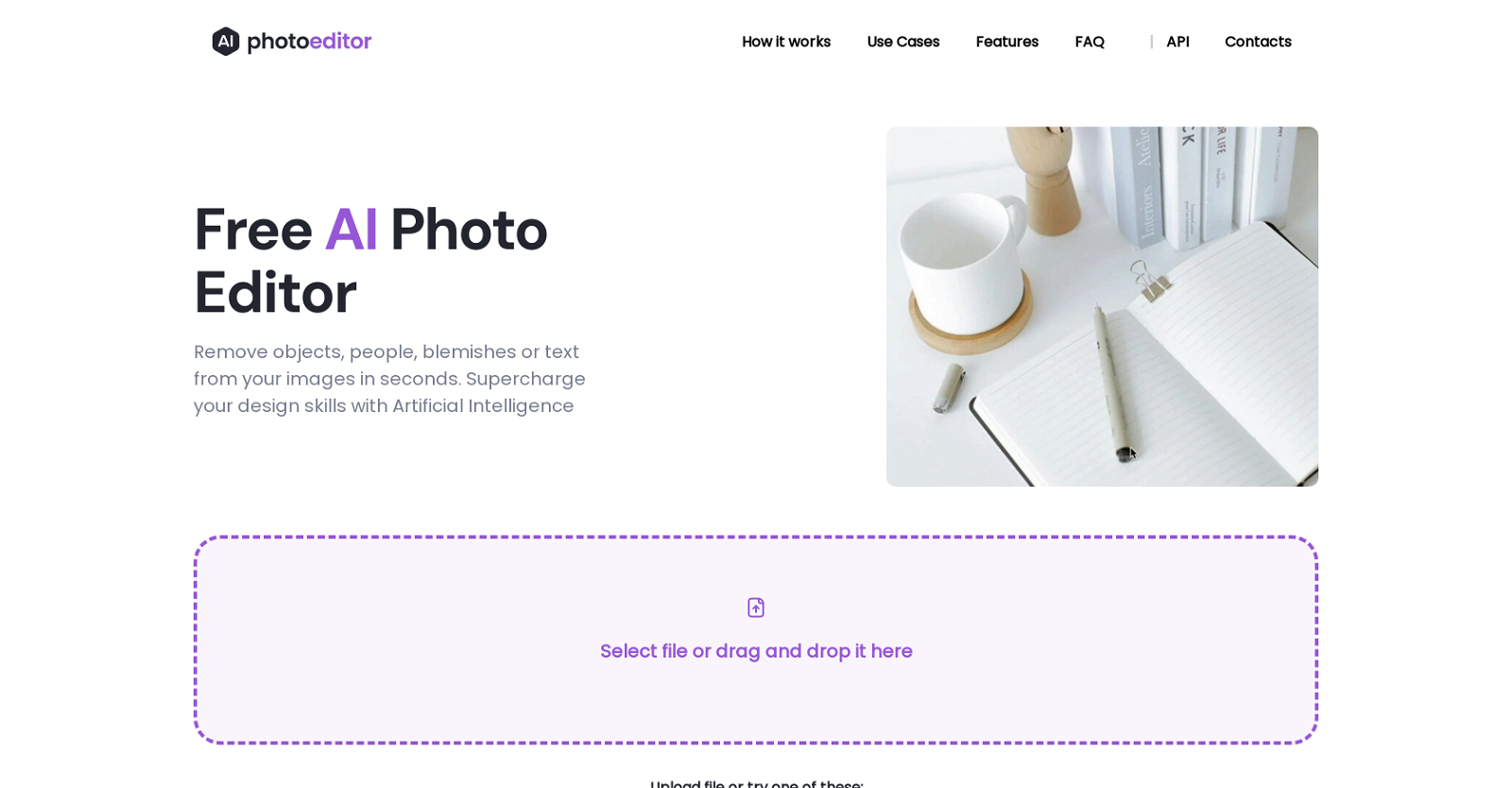
The Free AI Photo Editor is a powerful tool that allows users to remove unwanted objects, text, people, and blemishes from their images quickly and effortlessly. With the use of Artificial Intelligence algorithms, this tool provides exceptional results compared to traditional editing methods. The process is simple: users can upload any image in JPG, PNG, WEBP, or HEIC format, and then draw a mask or brush over the objects or text they want to remove. The AI-powered technology seamlessly analyzes the surrounding pixels and context of the selected area to deliver natural-looking results. This photo editor offers a range of features, including object removal, text removal, and face enhancement. It is compatible with both web and mobile platforms, making it convenient for users to edit their photos from anywhere. The tool provides high-quality results, allowing users to download their edited images in 1024px resolution. With PhotoEditor.ai, users can create stunning portraits, refine social media visuals, and improve room interior photos. The tool is free to use, requiring no downloads or installation. The company is currently working on a Premium AI Photo Editor, which will be a paid subscription-based service. The technology behind PhotoEditor.ai is powered by a modular neural network that utilizes Artificial Intelligence algorithms for Machine Learning. Specifically, it employs inpainting techniques to remove unwanted objects or elements from images. The Free AI Photo Editor is an essential tool for photographers, creative agencies, real estate professionals, e-commerce businesses, and anyone seeking to enhance their images effortlessly and achieve professional-looking results.
Pros
- Supports multiple image formats
- Object and text removal
- Face enhancement feature
- Web and mobile compatible1024px resolution output
- No downloads or installation
- Neural network technology
- Inpainting techniques used
- Useful for variety of industries
- Supports batch removal
- Free to use
- Premium version in development
- Mask or brush options
Cons
- Only supports 1024px resolution
- Lacks background removal feature
- Doesn't support large files (>5MB)No app for mobile devices
- No offline functionality
- Upcoming features will be paid
- Limited to specific formats (JPG, PNG, WEBP, HEIC)Requires manual selection for removal
- Lacks professional retouching tools
- No batch processing