
AI Image 2 Video
VerifiedTurn images into cinematic AI videos instantly.
Quick facts
- Best for
- Image to video
- Pricing
- Freemium
- Editor rating
- 4.5 / 5
- Community saves
- 0
About AI Image 2 Video
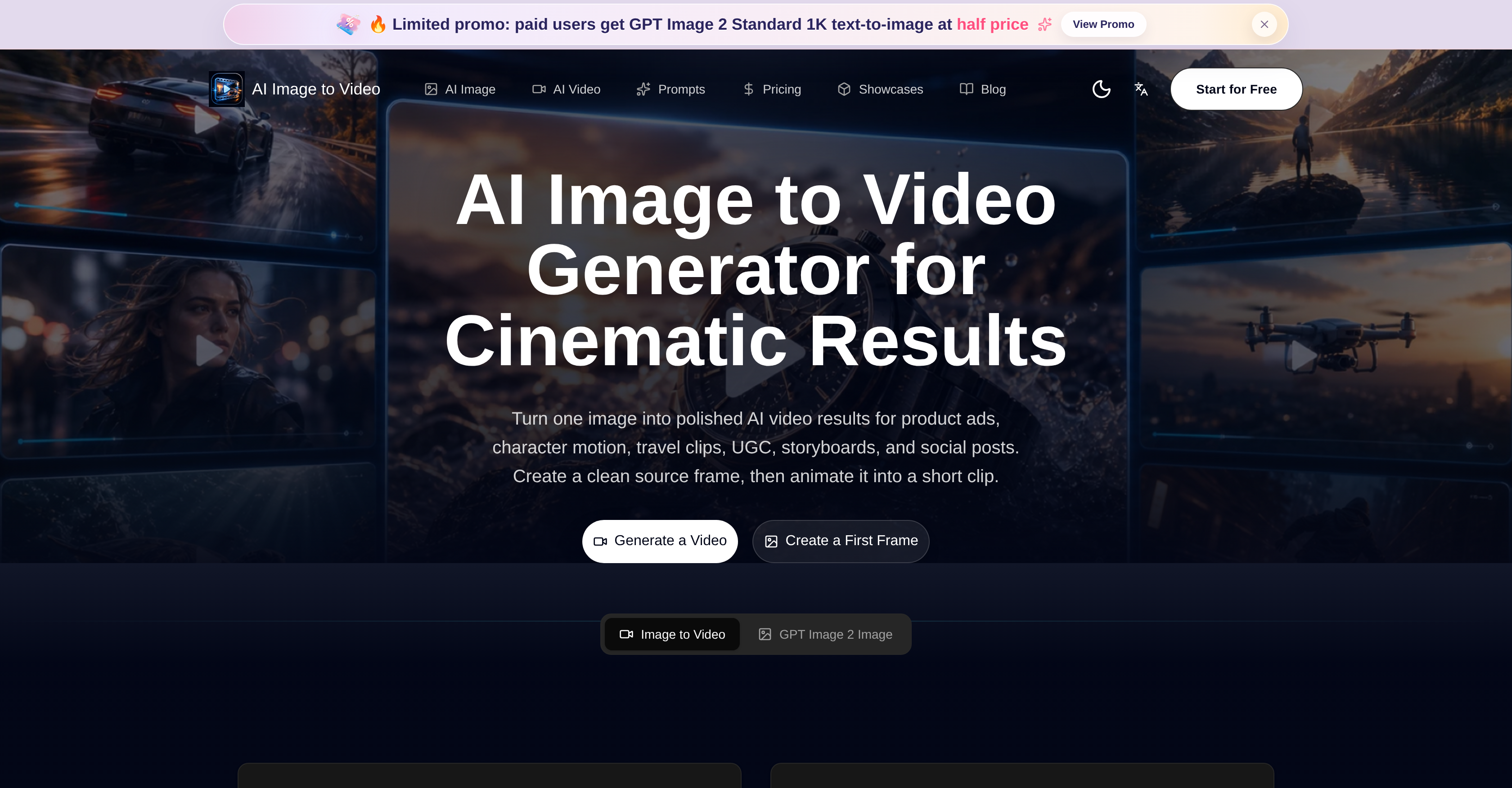
The Free AI Image to Video Generator is an online tool that leverages AI to turn images or photos into short videos. This tool is designed to create captivating results for various uses such as product ads, storyboards, user-generated content (UGC), social posts, and even travel clips. The process begins by creating a clean source frame which is then animated into a short video clip. Several template prompts are available to aid creators, covering areas such as product advertisements, character realization, complex infographic production, style fusion and recomposition, amongst others. The tool offers flexibility to meet diverse creative needs, including photo restoration and the generation of character reference images. It also supports the creation of UI demo frames and facilitates the transformation of posters into storyboards. The tool encourages a workflow where the key visual elements are made visible first, allowing creators to determine the direction of their product, scene, or campaign. It puts an emphasis on preparing the frames before they are animated, focusing on fixing any visual ambiguities and clarifying the subject's focus. Multiple image-to-video continuation options are available, and the tool supports various output formats to cater to different video requirements. From creating product and campaign visuals to providing prompt ideas for motion, the Free AI Image to Video Generator is a comprehensive tool for image-to-video content creation.
Pros
- Creates short video clips
- Template customizations available
- Generates product visuals
- Creates diverse interface designs
- Ensures consistent style across frames
- Aspects ratio variability
- Allows user control over output
- Used for content generation
- Designed for social posts creation
- Generates complex infographics
- Creates storyboard visuals
- Produces character motion videos
Cons
- Limited to short clips
- Predefined templates limit creativity
- Not suitable for long-duration videos
- No multi-image support
- May lose details in animation
- Potentially high learning curve
- Not specified if supports 3DNo mention of performance speed
- No offline mode mentioned
- Potential quality inconsistency across frames