
Quick facts
- Best for
- Xpath data extraction
- Pricing
- Free
- Editor rating
- 4.5 / 5
- Community saves
- 0
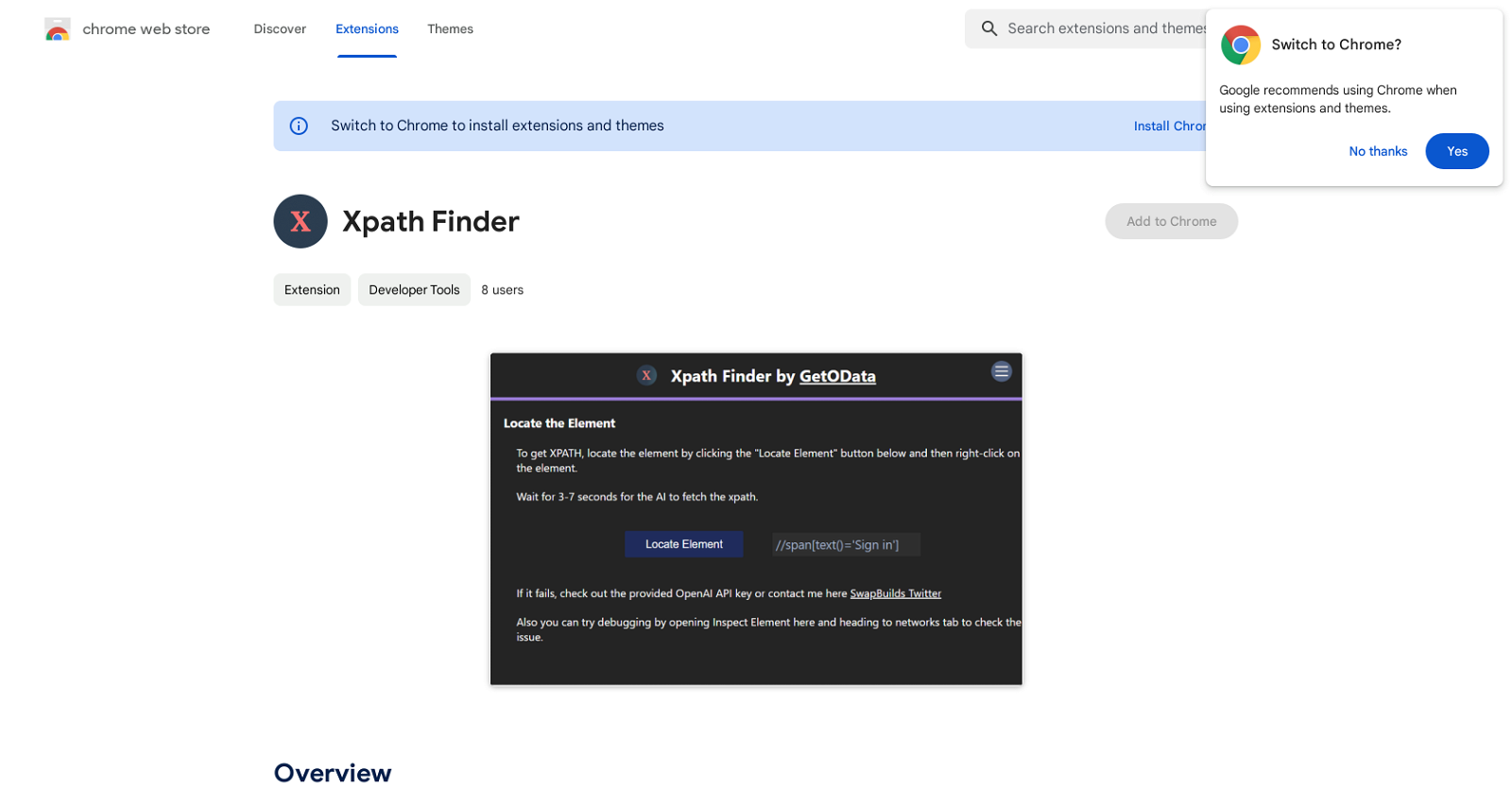
About Xpath Finder
Xpath Finder is a versatile application designed primarily to fetch and provide accurate Xpaths of any element present on a web page. This AI-powered tool is hosted as a Chrome extension, opening up its suite of features directly in the user's preferred web browser. By using its right-click functionality, users can quickly identify the Xpath of their chosen element, eliminating the need to write Xpath themselves. This not only saves time but also enhances productivity by removing the complexity of manually determining Xpaths. The primary utility of this tool becomes evident in tasks that require exact data extraction and web automation, as it provides the correct Xpath needed to locate specific elements on a webpage. With Xpath Finder, users are offered a reliable, accurate, and user-friendly tool to locate, replicate, and ultimately manipulate elements for their respective web objectives, making it a valuable tool in the repertoire of developers, data analysts, and anyone working extensively with web-based projects.
Pros
- Chrome extension
- Right-click functionality
- Eliminates need to write Xpath
- Time-saving
- Enhances productivity
- Assists with data extraction
- Useful for web automation
- Reliable and accurate
- User-friendly interface
- Helps with web-based projects
- Assists in web development
- Facilitates web scraping
Cons
- Only compatible with Chrome
- Limited XPath extraction options
- No multi-browser support
- Lacks automation features
- Lacks documentation
- Can't be used in Incognito
- No user reviews available
- No API for developers
- Not open-source
- Only in English