
AI Voice Enhancer Online
VerifiedInstantly improve speech clarity in any audio or video.
Quick facts
- Best for
- Audio enhancement
- Pricing
- Free
- Editor rating
- 4.5 / 5
- Community saves
- 0
About AI Voice Enhancer Online
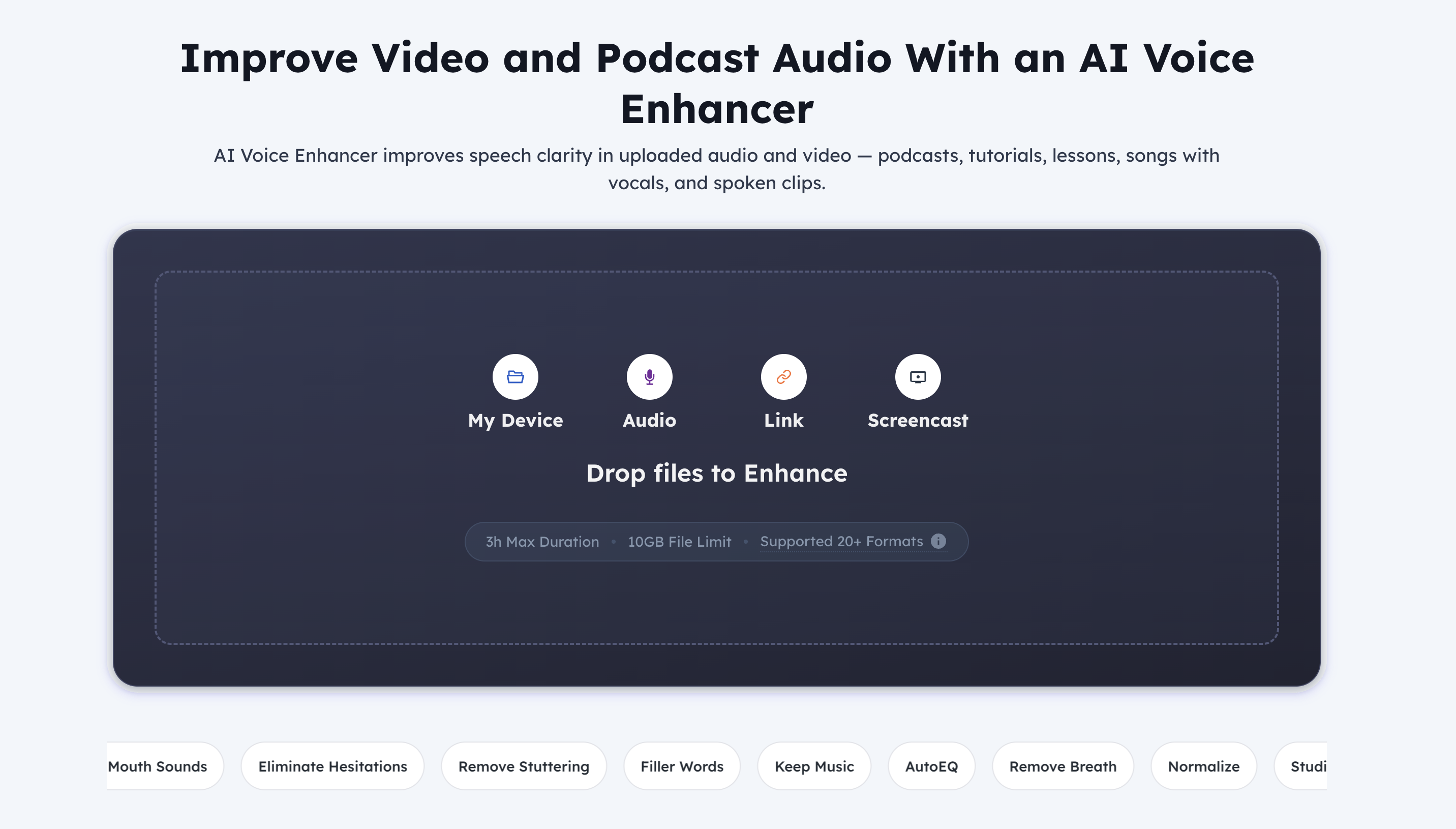
AI Voice Enhancer Online is a tool designed to improve the quality of audio in various types of media files, including but not limited to MP3, video, podcasts, tutorials, songs with vocals, and spoken clips. This enhancement is achieved through the use of complex algorithms that improve the clarity of the speech in the uploaded audio or video files. The AI Voice Enhancer Online eliminates unwanted noise and cleans up narration in files, which is particularly beneficial in audio and video tutorials, podcast recordings, voice-based product demos, as well as in advertising and marketing videos. It can also be utilized for enhancements in audio used in educational platforms, ensuring that students can concentrate on the lessons without being distracted by poor recording conditions. The AI Voice Enhancer Online works with a wide range of file formats, and its intuitive and user-friendly interface allows users to simply upload their file, let the enhancer process the recording, and then compare the enhanced voice against the original version for satisfaction before saving the improved file. The tool also has in-built noise removal features, and allows users to remove long silences, wind noise, mouth sounds, stuttering, filler words, and other undesirable elements from their audio or video files, resulting in a cleaner and professional sound.
Pros
- Works instantly
- No login required
- Supports multiple formats
- Voice and noise separation
- Eliminates hesitations or stuttering
- Removes filler words
- Sound normalization feature
- Serves multiple user types
- Option to compare original and enhanced
- Splits, changes and clones voices
- Removes unwanted background noise
- Improves muffled or distant voices
Cons
- 3-hour max duration10GB file size limit
- Missing offline functionality
- No batch processing
- Can't distinguish inhales/exhales
- No customization settings
- Lacks premium model
- Only instant results
- Can't track process
- No login, no settings saving