
Quick facts
- Best for
- Music editing
- Pricing
- Freemium
- Editor rating
- 4.5 / 5
- Community saves
- 0
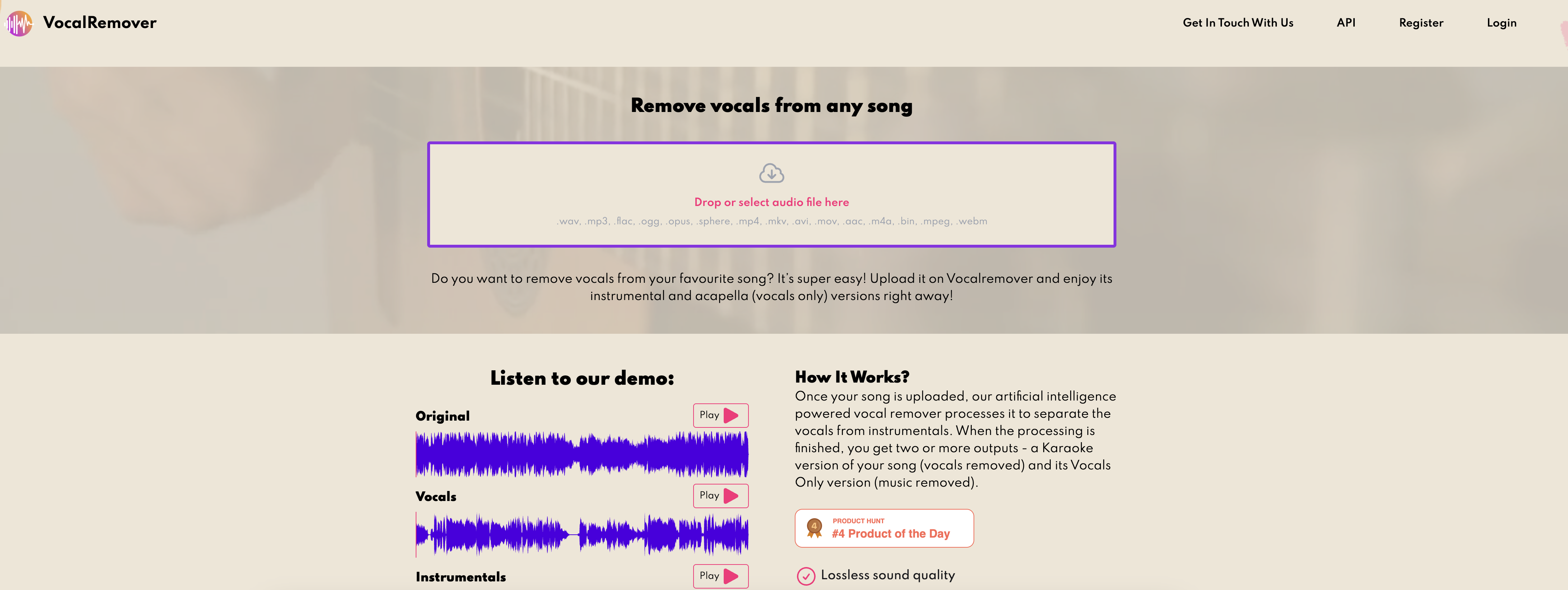
About Vocalremover
Vocal Remover is an AI-powered tool designed to remove the vocal track from any music track, leaving only the background music. It is useful for creating backing tracks or karaoke versions of songs. The tool uses machine learning algorithms to separate vocals from any song, and it only takes one minute to process and separate vocals from instrumentals. After the processing is complete, users get two outputs: a Karaoke version of their song (with vocals removed) and a Vocals Only version (music removed). The tool offers three pricing plans, with the highest plan allowing users to process up to 50 songs. Vocal Remover claims to provide lossless sound quality, ultra-fast conversion, and instant support. The product is available online with a demo where users can upload their music files and try it for themselves. Vocal Remover offers a form where users can send inquiries and provides links to their terms of use, privacy policy, FAQ, and API.
Pros
- Removes vocals from music
- Creates karaoke version
- Generates vocals only version
- Fast one minute processing
- Supports multiple formats (*.mp3, *.flac, *.wav)Up to 50 song processing
- Lossless sound quality
- Ultra fast conversion
- Offers instant support
- Online availability and demo
- API access available
- Accessible in multiple languages
- Frequently Asked Questions (FAQ) Section
Cons
- Limited song processing capacity
- Could be expensive
- Only three pricing plans
- No offline version
- Supports few file types
- Requires internet connection
- No mobile app version
- Slow processing for large files
- Limited language options
- No free permanent version