
Quick facts
- Best for
- Content
- Pricing
- Freemium
- Editor rating
- 4.5 / 5
- Community saves
- 0
About ViralCanvas.ai
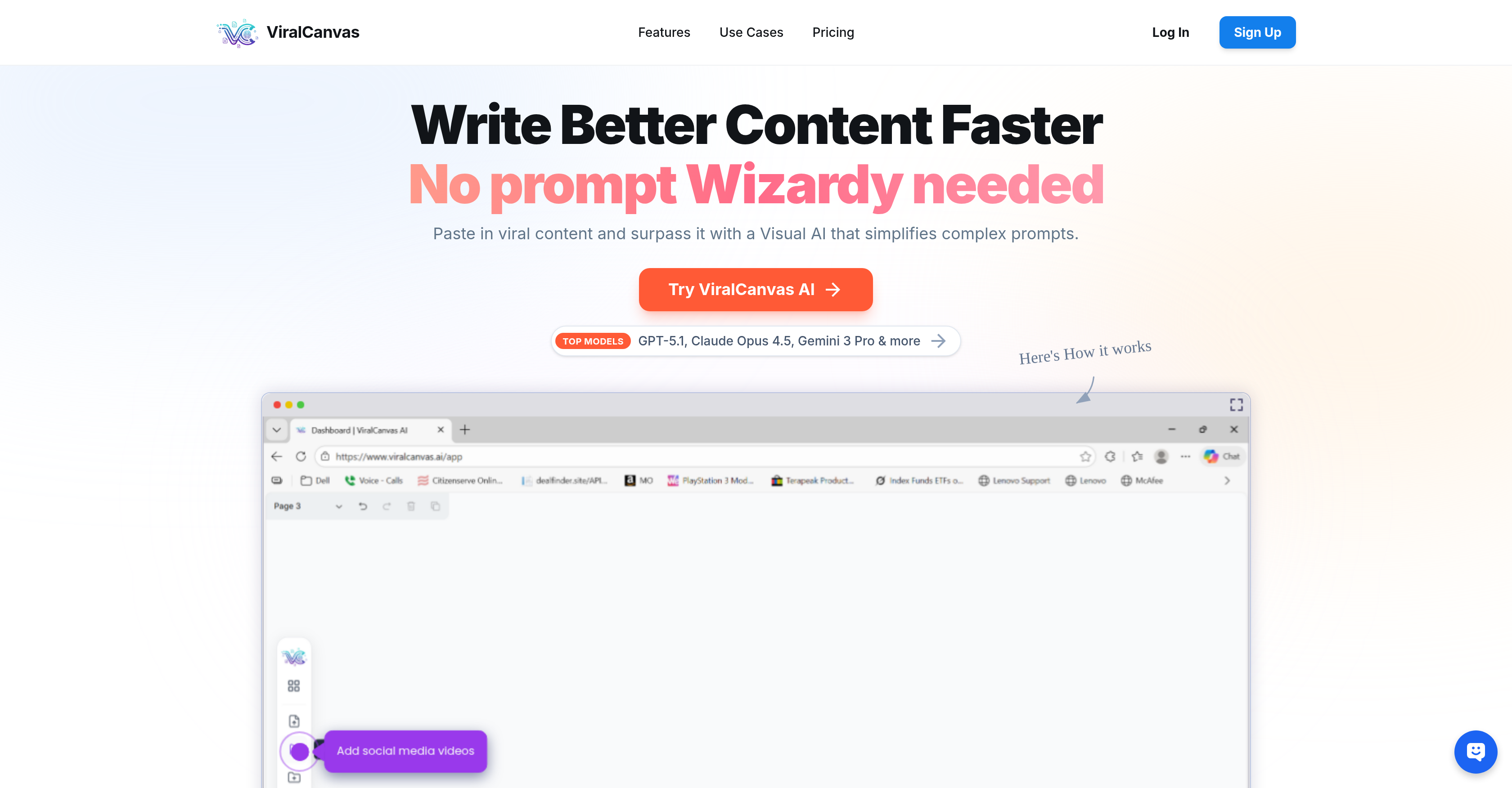
Socials: ViralCanvas.ai is a visual AI-powered workspace that transforms how content creators, marketers, and entrepreneurs research, plan, and produce content. By combining an intuitive whiteboard interface with powerful large language models like Claude Opus 4.5, Claude 3.5 Sonnet and GPT-4o, ViralCanvas lets users bring together multiple sources of information—YouTube videos, documents, and more—and chat with everything at once to generate insights, outlines, scripts, and strategic plans in minutes instead of hours. The Core Concept: Context is King Traditional AI chatbots force you to work linearly—one prompt, one response, one context at a time. ViralCanvas takes a fundamentally different approach. Imagine a digital whiteboard where you can drag in a YouTube tutorial, a competitor's website, a PDF brand guide, a spreadsheet of audience research, and a blog post about best practices. Now imagine connecting all of those elements to an AI chat window and asking: "Based on everything here, create a content strategy for the next 30 days." That's ViralCanvas. The platform understands that real creative work doesn't happen in isolation. Content creators don't just need AI to write—they need AI that understands their brand voice, their audience insights, their industry trends, and their strategic goals all at once. ViralCanvas makes that possible by letting users build rich context visually before ever typing a prompt. Key Features Visual Whiteboard Interface The whiteboard is the heart of ViralCanvas. Users can arrange, group, and connect different content elements visually—making it easy to see relationships between sources and organize complex projects. For visual thinkers and neurodiverse creators who struggle with linear text-based workflows, this spatial approach to AI collaboration is transformative. Create groups for different aspects of a project: one for brand assets, one for competitor research, one for content inspiration. Then connect exactly what you need to each chat conversation for precise, contextually-aware outputs. Multi-Source Content Import ViralCanvas can ingest content from multiple formats and platforms: YouTube Videos — Paste a URL and ViralCanvas automatically transcribes the content, making it available for AI analysis and reference TikTok Videos — Import short-form content for trend research and inspiration Instagram Content — Bring in posts and reels for competitive analysis PDF Documents — Upload brand guides, research papers, templates, and reference materials Word Documents — Import existing content, SOPs, and written materials Text Boxes — Add your own notes, prompts, frameworks, and instructions directly on the whiteboard Dual AI Model Access Users can choose between Claude 4.5 Opus, Claude 3.5 Sonnet and GPT-4o (plus GPT-4o mini for lighter tasks) directly within the chat interface. This flexibility matters because different models excel at different tasks: Claude tends to produce more natural, human-sounding written content GPT-4o excels at data analysis, list-making, and structured outputs Switch between models mid-conversation based on what you're trying to accomplish—no need to maintain separate subscriptions or copy-paste between platforms. Connected Context Chat The magic happens when you connect whiteboard elements to a chat window. Unlike traditional AI where you're limited by what you can paste into a single prompt, ViralCanvas lets you attach entire groups of content—multiple videos, documents, and websites simultaneously—giving the AI comprehensive context to work with. Ask questions like: "What are the common themes across these five competitor videos?" "Create a blog post outline based on my brand guide and these industry articles" "Generate 20 video titles in my brand voice based on what's performing for these channels" The AI responds with outputs that actually understand your full context, not just a snippet. Use Cases Content Planning & Strategy Plan weeks or months of content in a single session. Import top-performing videos from your niche, add your brand guidelines, connect audience research, and ask the AI to generate content calendars, video concepts, and posting strategies that align with what's actually working in your space. Research & Synthesis Stop watching hours of videos and reading dozens of articles. Import everything into ViralCanvas, connect it to a chat, and ask for summaries, key takeaways, and actionable insights. Perfect for staying current on industry trends, preparing for podcast interviews, or conducting competitive analysis. Script & Copy Creation Feed the AI your brand voice documentation, successful past content, and topic research. Generate scripts, captions, email sequences, and long-form content that sounds like you—not generic AI output. Course & Curriculum Development Educators and course creators can import teaching resources, learning objectives, and existing materials to generate lesson plans, worksheets, assignments, and student resources that follow their exact templates and standards. Client & Agency Work Agencies can create boards for each client containing brand assets, past campaigns, audience data, and strategic documents. Generate client-ready deliverables that stay on-brand without re-explaining context for every request. Who It's For ViralCanvas is built for: Content Creators planning YouTube videos, podcasts, newsletters, and social content Entrepreneurs developing marketing strategies, sales materials, and business plans Marketers conducting research, creating campaigns, and managing multiple brands Educators building curriculum, lesson plans, and learning materials Freelancers & Agencies managing client work with consistent brand alignment The Bottom Line ViralCanvas.ai eliminates the friction between having ideas scattered across videos, documents, and websites—and turning those ideas into polished, strategic content. It's not just another AI writing tool. It's a visual thinking environment that makes AI genuinely useful for complex creative work. For creators tired of copying and pasting between tabs, re-explaining context with every prompt, and getting generic outputs that miss the mark—ViralCanvas offers a smarter way to work with AI. Website: viralcanvas.ai
Pros
- Flexible file upload
- Interactive Objects Integration
- Seamless Organization of Items
- Native Note-taking facilities
- Dynamic linking between items
- Persistent Knowledge Graph Creation
- Enhances productivity across profiles
- Safe file uploading
- Interactive Canvas workspace
- Items containerization for projects
- Use of videos in workspace
- Non-linear, item-aided thinking
Cons
- Cannot extract text from images
- Files can't be grouped automatically
- No version control or history feature
- No collaborative features
- Doesn't support all file types
- No mobile application
- No offline mode
- No text-to-speech functionality