
Quick facts
- Best for
- Content
- Pricing
- Freemium
- Editor rating
- 5 / 5
- Community saves
- 0
About Vidocu
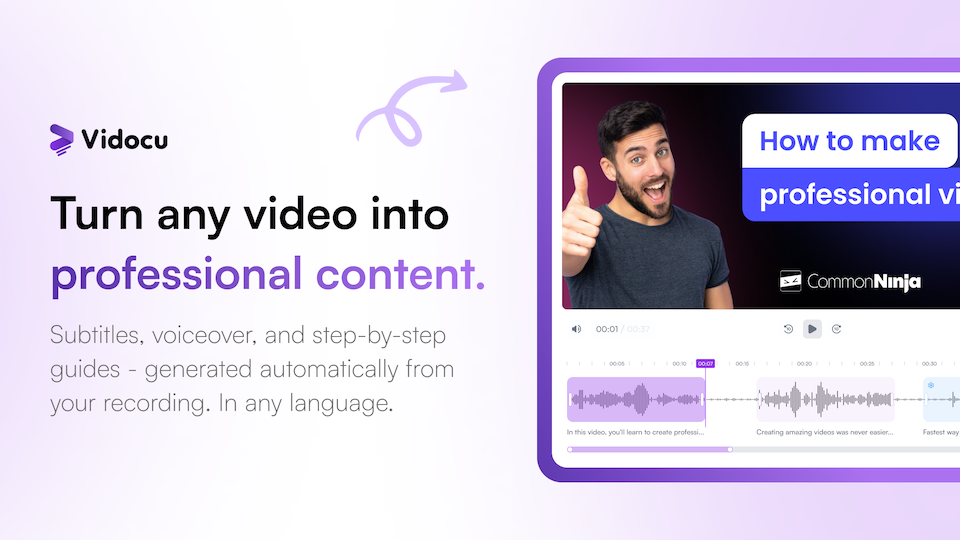
Vidocu is an AI-powered tool designed to transform screen recordings and videos into professional tutorials, help articles, and documentation. It can automatically generate subtitles, voiceovers, and step-by-step guides. The solution offers a variety of tools, including AI-Powered Subtitles, AI Voiceover, Video Translation in multiple languages, and AI Documentation that enables the conversion of videos into documents and standard operating procedures. Vidocu also offers impressive video editing features such as trimming, cutting & arranging, zooming & panning, adding elements & annotations along with built-in music library for background music. Additionally, it provides the ability to insert callouts, highlights, and presentation slides, and allows you to brand your videos with a watermark. Vidocu's developer API enables you to build on top of the solution. The AI-Powered Trimmer offers intelligent cuts and auto highlights, while the Format Converter allows you to transform video formats. The AI also powers key takeaways in the form of video summaries and is even capable of generating FAQs from video content.Vidocu's powerful AI technology allows automatic generation of subtitles in any language. It offers multiple natural voice options for voiceover, with auto-generated script from your video content. The platform is capable of translating subtitles and generating voiceover in any language, thus enabling you to reach global audiences seamlessly.Overall, Vidocu eliminates manual work and reduces the amount of time and cost associated with converting videos into tutorials or documentation.
Pros
- Transforms screen recordings into tutorials
- Auto-generates subtitles, voiceovers, guides
- Video translation in multiple languages
- Converts videos into documents/SOPs
- Video editing features: trim, cut, arrange
- Zoom, pan, add elements & annotations
- Built-in music library
- Insert callouts, highlights, slides
- Branding videos with watermark
- Developer API for custom solutions
- Format converter for videos
- Generates video summaries & FAQs
Cons
- Lacks live voice-over feature
- No specified video resolution options
- Inadequate tutorial generation customization
- Loom and webinar conversions not mentioned
- Unspecified video format support
- No collaborative editing features
- Unspecified content importing options
- Limited styling and branding controls
- No mentioned support for other media types