
Quick facts
- Best for
- Video repurposing
- Pricing
- Paid
- Editor rating
- 4.5 / 5
- Community saves
- 0
About Videotap
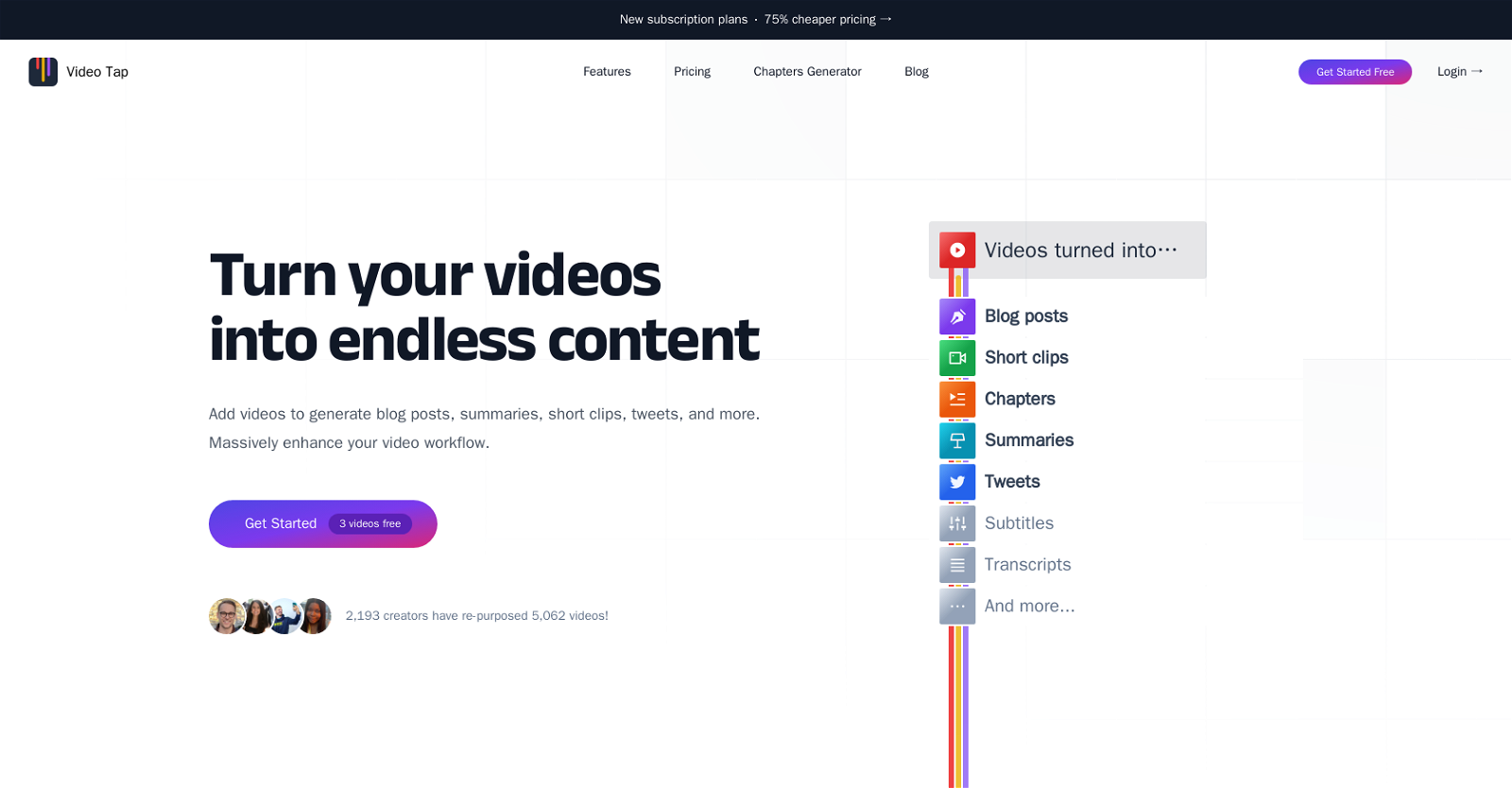
Generated by ChatGPT Video Tap is an AI tool that can transform videos into various types of content such as blog posts, short clips, summaries, tweets, subtitles, and more. It helps creators and marketers to repurpose their existing video content into multiple formats with minimal effort, thereby enhancing their video workflow exponentially. With Video Tap, users can also generate meaningful chapters and timestamps for their videos, making it easier for viewers to navigate lengthy content and improving the video's SEO on YouTube. Video Tap enables creators to generate more content on their platforms without having to invest in writers or spending a significant amount of time and money. It provides a suite of content generation tools that offer features like concise summaries, detailed descriptions, and subtitles in .srt or .vtt format, improving the content's discoverability and accessibility. Video Tap empowers creators with a range of content generation tools to drive more traffic, amplify their reach and save time. The tool has a straightforward two-step process where users are required to provide their YouTube URL or upload their video files, and Video Tap automatically turns their video into various kinds of content. Besides, Video Tap offers 75% cheaper pricing compared to other AI video tools in the market and can seamlessly integrate across different platforms such as YouTube, social media, email, etc. Overall, Video Tap offers an easy-to-use and efficient way to repurpose video content into multiple formats, making it an ideal tool for marketers and creators looking to enhance their video workflow.
Pros
- Repurposes videos into various content
- Generates meaningful video chapters
- Improves video's SEO on You
- Tube
- Generates subtitles in .srt and .vtt
- Seamless integration across platforms75% cheaper than competitors
- Easy two-step process
- Automatic content creation from videos
- Creates blog posts from videos
- Generates concise summaries and descriptions
- Turns videos into tweets
- Creates transcripts from videos
Cons
- Doesn't support video editing
- Depends on internet connection
- Limited to English subtitles
- Could lack detailed customization
- Accuracy of transcriptions unmentioned
- Owned video channels not specified
- Potential data and privacy issues
- No app for mobile platform
- No clear video format specifications
- No mention of batch processing