
Quick facts
- Best for
- Design
- Pricing
- Freemium
- Editor rating
- 5 / 5
- Community saves
- 0
About Veeso AI
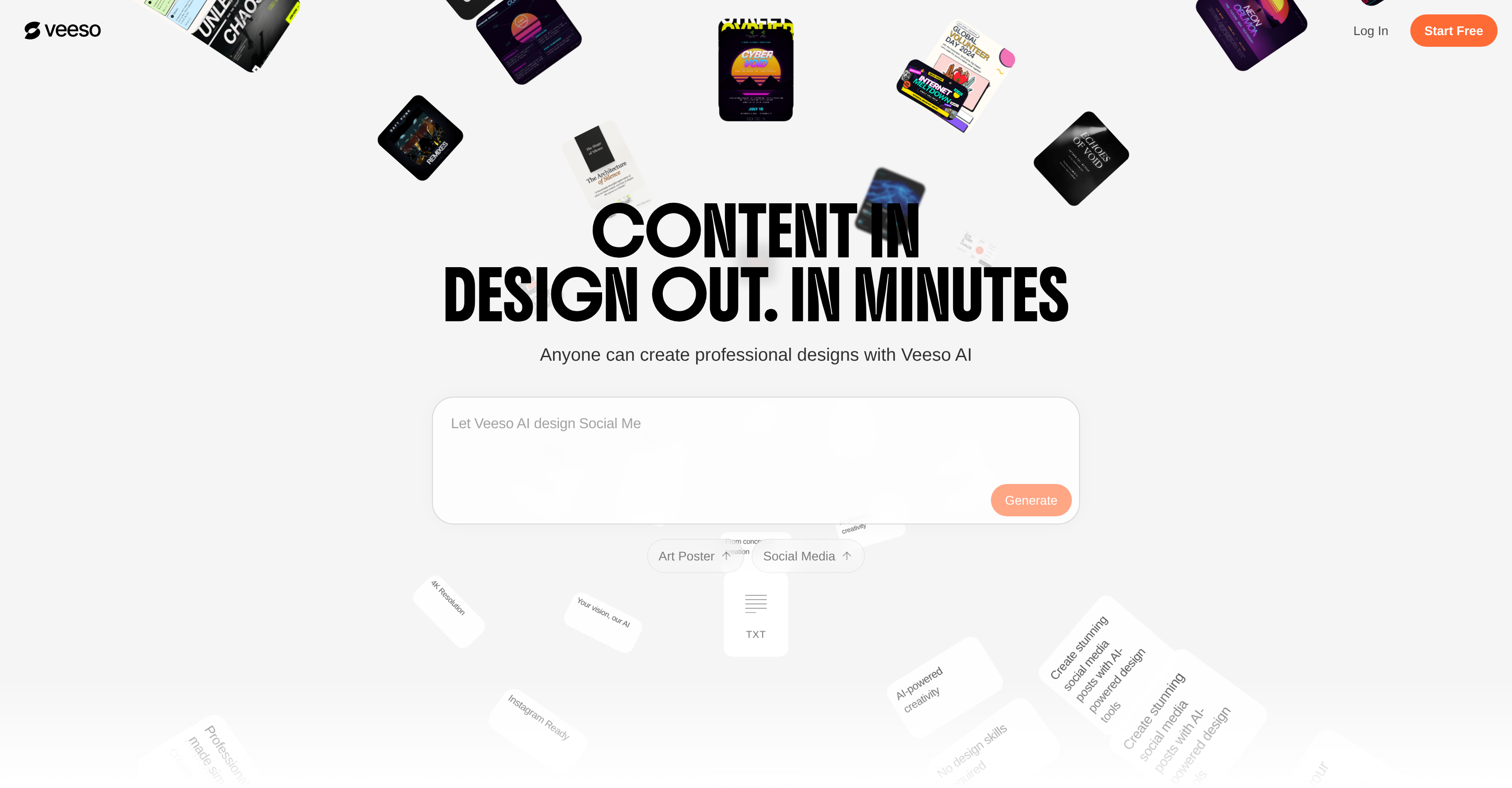
Socials: Veeso AI is an intelligent design platform that automates the creation of visually compelling designs. With a focus on usability, it offers a range of features that make it easy for individuals with no design skills to create professional and personalized designs. The tool accepts both uploaded files and pasted content and leverages AI-powered capabilities to transform the content into a design with appealing typography and layout. It includes an intuitive editing feature to allow users to easily make changes to their design. Veeso AI also includes an auto-layout form that prepares layouts for social posts, slides, and pages. With an exciting feature for image transformation, Veeso AI offers at least fifteen AI styles that users can apply to any image to change its style in just one click. The tool also has impressive background removal capabilities, providing precise removal for multiple product types, portraits, and complex scenes. Additionally, Veeso AI has HD Upscaling capabilities, enabling users to enhance the resolution of their images up to four times. It's ready for designing visuals for diverse applications such as e-commerce, email marketing, job postings, travel guides, event promotions, and academic materials. Veeso AI is always updated, with the latest AI models integrated into its system, ensuring users enjoy the cutting-edge in AI design innovation. Supported featuresAgentsAPIMCP (Model Context Protocol) Key FeaturesTurn Raw Copywriting Into Ready-to-use Design Instantly, Fully Auto-layout, No Manual Adjustment Required.Every Text And Image Element Is Freely Editable And Replaceable, Giving You Full Control Over The Final Design.Import Long Documents (pdf, Word) And Transform Them Into Clear Visuals While Keeping Structure And Data Precise.
Pros
- Transforms text into visuals
- One-click professional design
- Automates content design
- Extensive typography options
- Image upscaling feature
- User-friendly interface
- Content-to-Design conversion
- Allows uploaded files
- Supports pasted content
- Final designs are editable
- Auto-layout form feature
- Designs for diverse applications
Cons
- Limited design customization
- May produce similar designs
- Text-heavy content challenges
- Auto-layout limitations
- No design skill enhancement
- Inflexible for intricate designs
- Lacks traditional design tools