
Quick facts
- Best for
- Blur Removal
- Pricing
- Freemium
- Editor rating
- 5 / 5
- Community saves
- 0
About UnblurImage AI
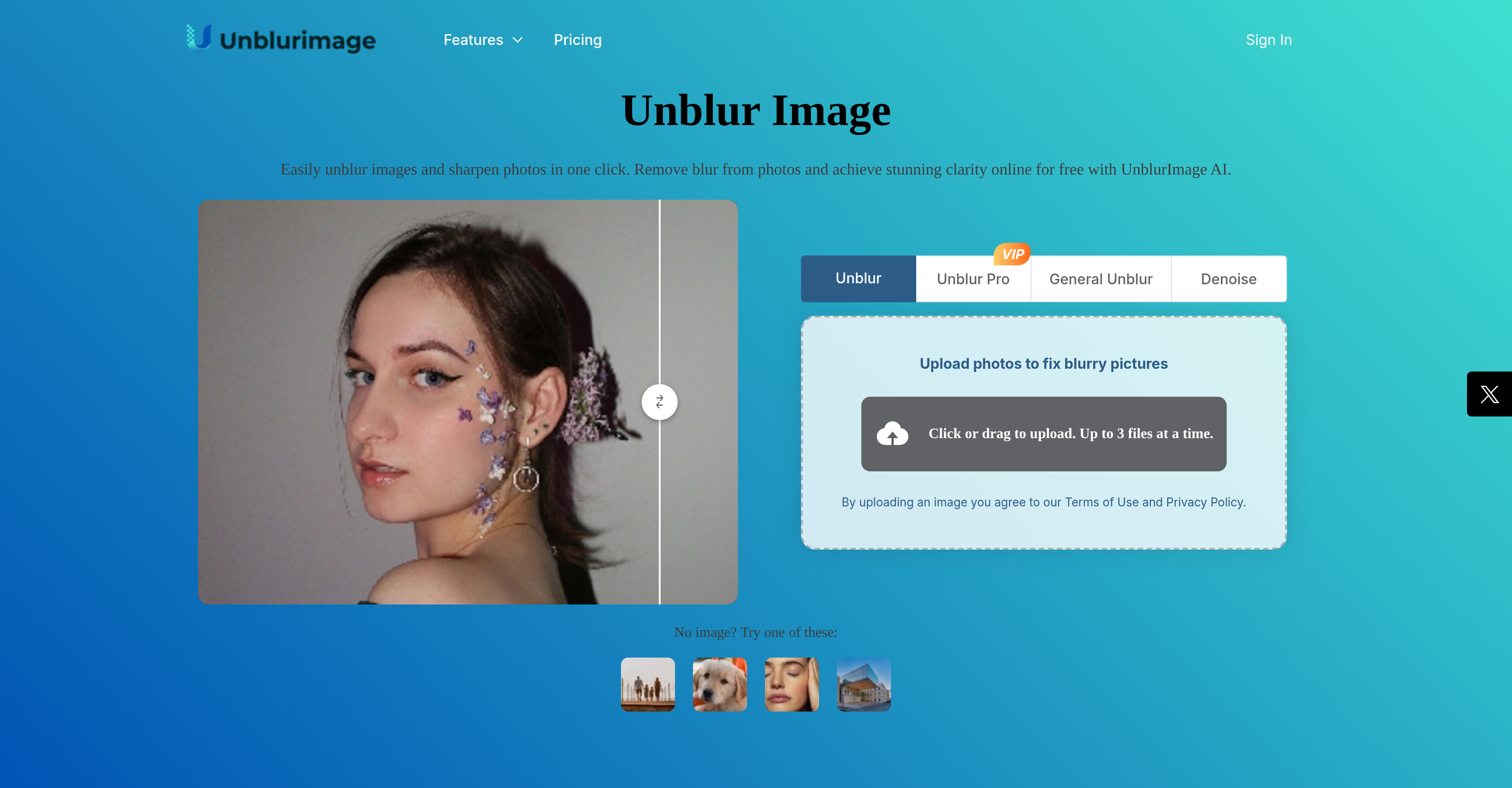
UnblurImage AI aims to help users easily remove blur from their images and enhance photo clarity. It uses artificial intelligence-based algorithms to refine each pixel in an image, ensuring sharpness and stunning clarity. The tool also has a feature to remove image noise and improve overall image quality by eliminating sources like high ISO noise, scan noise, or compression noise. It upscales images to higher resolutions, making photos crisp and sharp even when enlarged for high-resolution prints or large displays. Additionally, UnblurImage AI provides an image quality enhancement feature that makes lines sharper, colors more vibrant, and textures clearer. The tool supports multiple formats such as PNG, JPG, and HEIC and provides flexible upscale options. The user can process and download the unblurred image in high quality without needing to sign up.
Pros
- Remove photo blur
- Flexible upscale options
- Clearer texture visibility
- Supports multiple formats
- No sign-up required
- Image noise removal
- Refines each pixel
- Enhances image quality
- Makes colors vibrant
- Makes lines sharper
- High-resolution image support
- One-click quality enhancement
Cons
- Lacks batch processing
- No mobile app
- Limited upscale options
- Limited maximum resolution
- No subscription options
- Unspecified processing time
- Lacks advanced editing features
- No video unblur feature
- Doesn't support RAW format
- Limited high resolution support