Quick facts
- Best for
- Productivity
- Pricing
- Free
- Editor rating
- 3 / 5
- Community saves
- 0
About Ultra-Attention
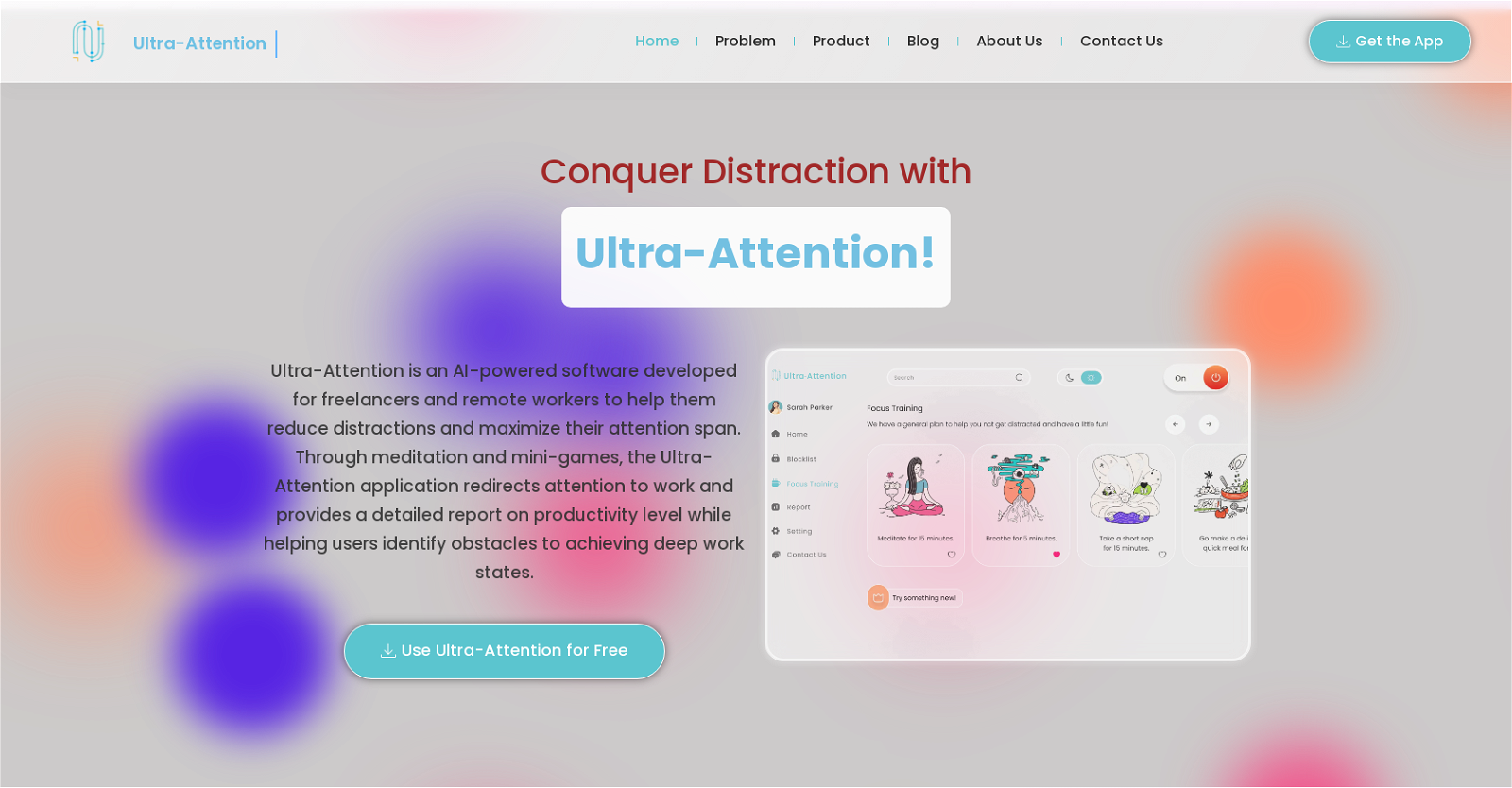
Ultra-Attention is an AI-powered software designed specifically for freelancers and remote workers to help minimize distractions and enhance their focus. By utilizing meditation and mini-games, this desktop app redirects attention towards work and offers a comprehensive productivity report while identifying obstacles that hinder deep work states. The application employs machine learning to adapt to each user's unique work habits, ensuring a personalized experience.Distractions are a common challenge faced by computer users, particularly those working remotely or as freelancers. Even a brief 3-second interruption can have a significant impact on task accuracy. With the proliferation of technology, maintaining focus has become increasingly difficult. Research indicates that once distracted, it takes an average person up to 23 minutes to regain concentration. The frequency of distractions throughout the day can significantly impede project completion time. Ultra-Attention addresses this issue by providing users with the ability to limit the use of unnecessary or distracting applications, tracking eye and mouse cursor movements, and detecting signs of distraction and fatigue through webcam monitoring.Maximizing productivity is crucial, especially for freelancers and remote workers. The number of individuals choosing to work from home or at their own pace has been steadily increasing. However, maintaining concentration, particularly in a home environment, can be disruptive to normal workflow. Ultra-Attention aims to improve work-life balance by ensuring users stay focused and work efficiently. By implementing this software, users can achieve heightened productivity and improve the overall quality of their work.
Pros
- Designed for remote workers
- Utilizes meditation techniques
- Includes mini-games
- Provides comprehensive productivity reports
- Adapts to user's work habits
- Helps identify work obstacles
- Limits use of distracting applications
- Tracks eye movement
- Tracks mouse cursor movement
- Detects signs of distraction
- Monitors signs of fatigue
- Improves work-life balance
Cons
- Requires extensive webcam use
- Potential privacy concerns
- Distraction detection inaccuracies
- Limited app blocking
- Time-consuming focus training
- May not suit all work styles
- Potential over-reliance on software
- Limited customization
- Personalization requires long adaptation period