
Trimbox AI Assistant
VerifiedAutomatically draft email replies, straight from Gmail.
Quick facts
- Best for
- Gmail email writing
- Pricing
- Freemium
- Editor rating
- 4.5 / 5
- Community saves
- 0
About Trimbox AI Assistant
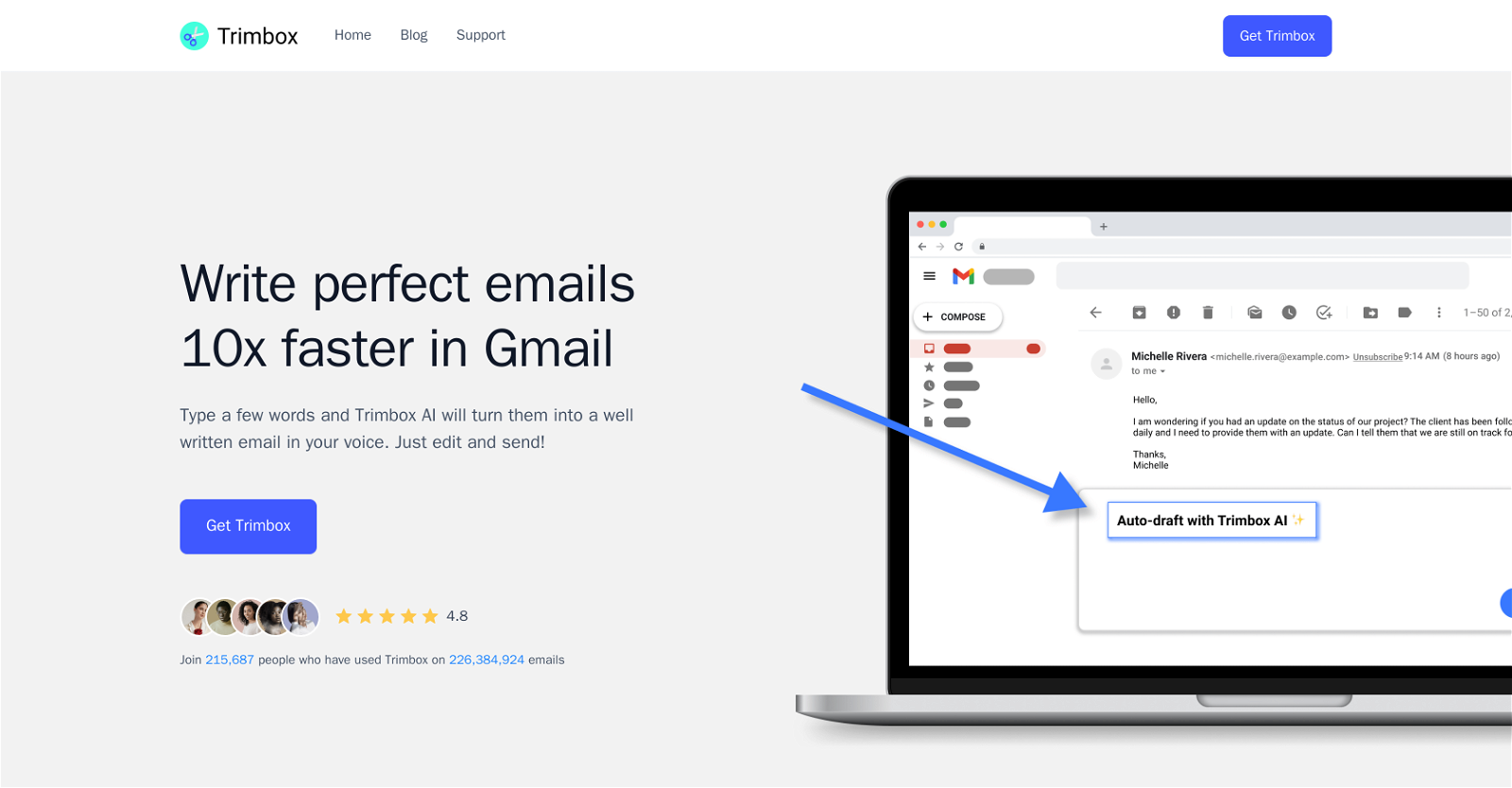
Trimbox AI Assistant is a tool designed to automate email drafting directly from Gmail. It assists users in regaining control of their inbox by minimizing time spent on constructing email replies. Rather than having to compose emails from scratch, users type a few words and the tool transforms these initial ideas into more comprehensive, professional text, while maintaining the user's voice. This functionality resides directly within the Gmail interface for seamless integration into users' existing workflows. The drafted emails can further be edited by the users before sending. The tool also includes features for convenience and efficiency in managing the inbox. Users can unsubscribe from email lists with a single click without having to open the email, reducing unwanted clutter in their inbox. Trimbox AI Assistant furthermore offers a feature to delete all past emails from a particular sender which can be beneficial when running low on storage space. The overall utility of Trimbox AI Assistant composes in saving time, increasing email productivity, and maintaining a cleaner and more manageable inbox for its users.
Pros
- Automates email drafting
- Seamless Gmail integration
- Maintains user's voice
- Allow edits before sending
- Single-click unsubscribe feature
- Bulk email deletion function
- Storage space management
- Helps control inbox clutter
- Saves considerable time
- Improves email productivity
- Efficient text generation
- Increases email professionalism
Cons
- Only works with Gmail
- Not suitable for short emails
- Dependent on user's typing
- May not maintain voice accurately
- One-click unsubscribe may misfire
- Mass delete can delete important emails
- Potential privacy concerns
- Limited to email drafting
- Cannot handle complex emails
- No support for multiple languages