
Quick facts
- Best for
- Transcription
- Pricing
- Freemium
- Editor rating
- 4.5 / 5
- Community saves
- 0
About Transkriptor
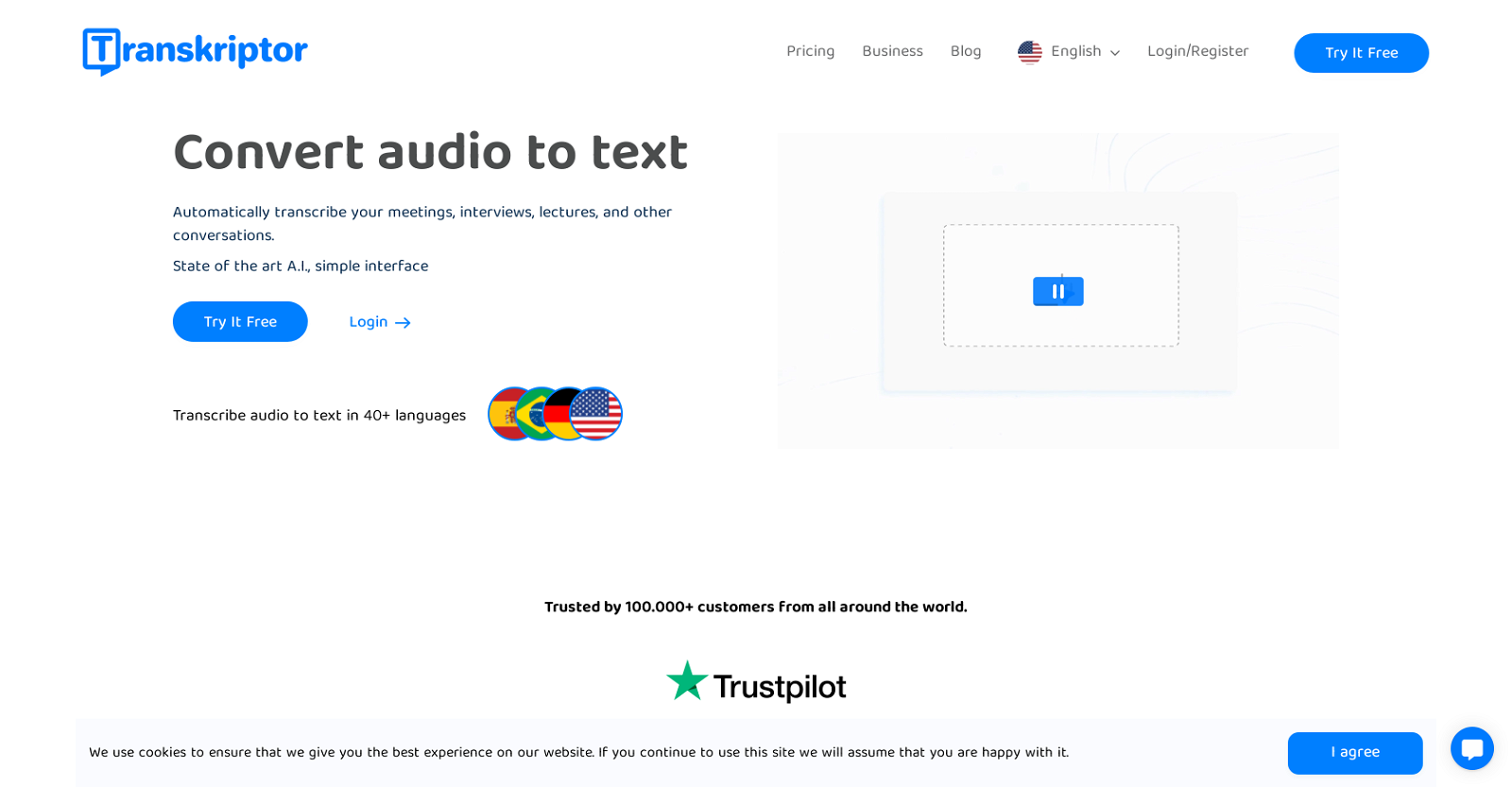
Socials: Transkriptor is an AI-powered automatic transcription solution that converts spoken content into precise, editable text, with up to 99% accuracy. Whether you’re transcribing lectures, interviews, meetings, podcasts, or YouTube videos, Transkriptor empowers you to save time, improve productivity, and extract actionable insights from conversations. 🎙️ Input Made Easy Transkriptor offers versatile input options to accommodate any workflow: - Upload audio (MP3, WAV, M4A) and video (MP4, MOV, AVI) files - Paste a YouTube URL to transcribe videos—no download needed instantly - Record live directly within the tool - Import files from cloud services like Google Drive and Dropbox Transkriptor integrates with popular meeting platforms including Zoom, Google Meet, and Microsoft Teams. Receive transcripts automatically after each call or meeting. 🧠 More Than Just Transcription – AI-Powered Features Transkriptor goes beyond basic speech-to-text with powerful AI enhancements: 🔍 AI Chat Assistant: Ask questions about your transcript like “What are the key topics discussed?” or “Summarize this meeting.” 📊 Smart Insights: Get automatic summaries, topic highlights, and keyword extraction ❤️ Sentiment Analysis: Understand emotional tone and speaker attitudes across conversations 👤 Speaker Identification: Distinguish and label different speakers automatically ⏱️ Timestamping: Add precise time markers or remove them as needed 🌎 Translation: Convert your transcript into 100+ languages instantly 📤 Output & Sharing Options Customize and export your transcripts with ease: - Export as TXT, DOCX, PDF, SRT, or VTT Use the built-in editor to clean up transcripts and auto-sync with audio. - Create subtitles for videos - Share transcripts via secure links or collaborate with team members 🔐 Enterprise-Grade Privacy and Security Data privacy is at the core of Transkriptor’s design: - Encrypted storage and secure processing - GDPR-compliant and privacy-focused - Optional team admin controls and access permissions Supported featuresAPITranscription Key FeaturesTranscribe Your Voice Notes & MeetingsAudio File TranscriptionSentiment AnalysisSpeaker RecognitionAuto SubtitlesAdd Texts To Videos, Be It Music Video, Visualizer, Or Just Subtitles To Existing VideoMeeting IntelligenceMeeting Note Automation
Pros
- Multilingual support (40+ languages)Automatic meeting note generation
- Simple user interface
- Highly rated customer satisfaction
- Audio to text conversion
- Video to text conversion
- Transcription of online content
- Meeting transcript automation
- Minimizes manual note-taking
- Time-saving solution
- Supports multimedia content
- Instantaneous query response
- Automatic document translation
Cons
- Unsupported file formats
- Limited export options
- Unclear pricing
- Requires reliable internet access
- Limited offline functionality
- Accuracy depends on audio quality
- Missing advanced customization
- Lacks real-time transcription
- No API for integrations
- Limited automation capabilities