
TabCrunch
AI tab manager that crunches key info into bite-sized summaries.
Quick facts
- Best for
- Browser tabs management
- Pricing
- Freemium
- Editor rating
- 4.5 / 5
- Community saves
- 0
About TabCrunch
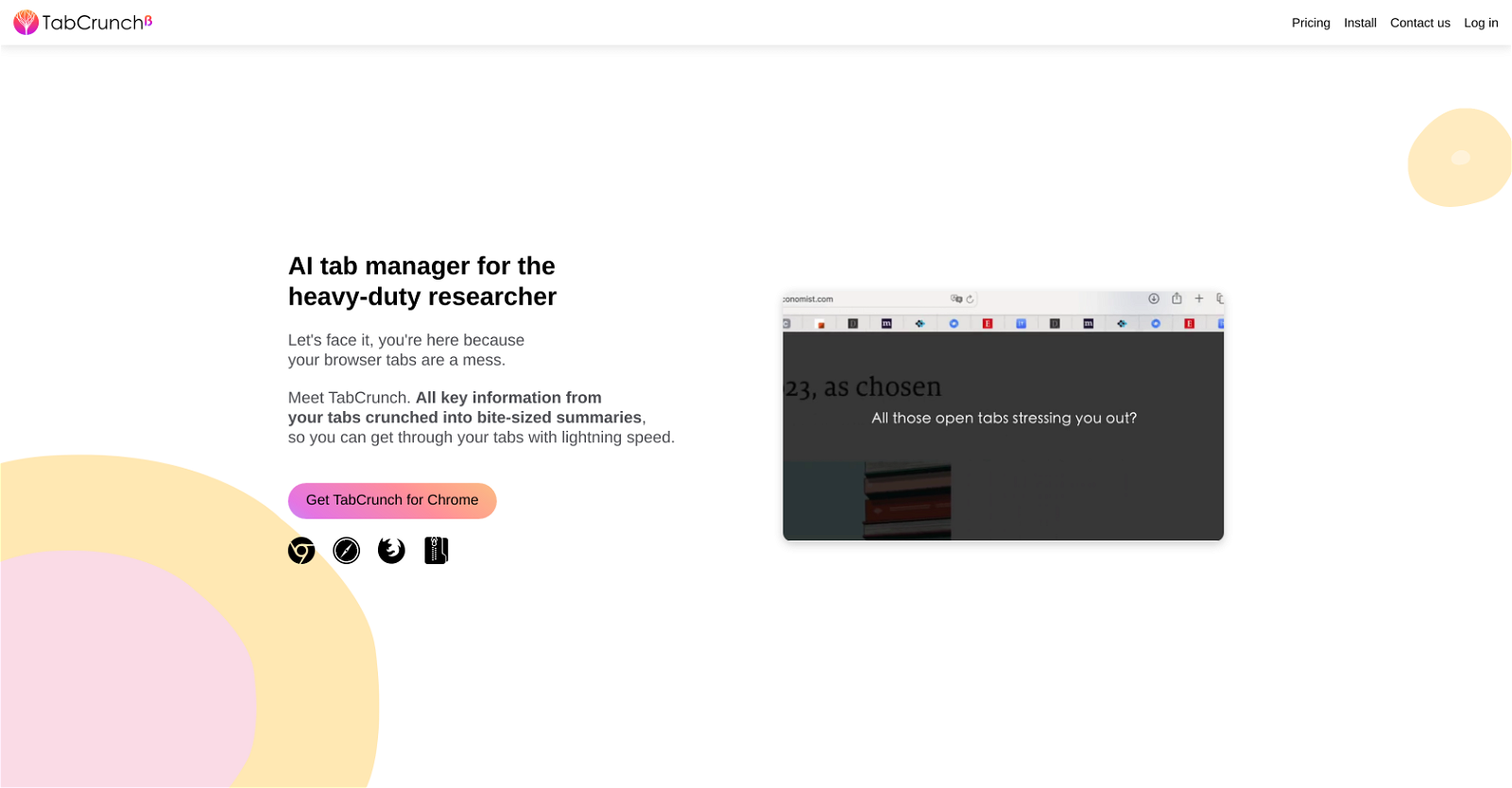
TabCrunch is an AI-enabled tab manager designed for heavy-duty researchers. It uses large language models to analyse tab content and organises the tabs in the user's browser into groups based on their content. Additionally, it provides a synopsis of the main points from all tabs in a group, enabling users to digest large amounts of information swiftly and efficiently. The tool also offers an overview of each tab group, displaying information such as reading time, content overlap, and a breakdown by website and language. It also has a feature for extracting key factual data from articles, presenting them in bullet point format. Furthermore, it identifies and lists tabs with similar content under the 'Similar tabs' section. TabCrunch includes collaborative functionalities, allowing users to share entire groups of tabs for collaborative efforts. An additional feature of this tool is that it can remember closed tabs, facilitating easy reopening if enabled. With search options to locate specific tabs via keyword in either the URL, title, or body of the article, users can quickly find what they're looking for. Lastly, TabCrunch supports import and export of tabs across devices, so users can import tab lists in formats like CSV, TXT, or HTML, or export tabs from selected groups as CSV or JSON files.
Pros
- Content-based tab grouping
- Synopsis of tab groups
- Overview of tab groups
- Reading time display
- Content overlap identification
- Website breakdown feature
- Language breakdown feature
- Key facts extraction
- Similar tabs identification
- Collaborative functionalities
- Tab sharing feature
- Closed tabs memory
Cons
- No mobile version
- Limited import/export formats
- No multi-language support
- Depends on large language models
- No manual summarization option
- Limited collaboration functionalities
- No offline mode
- Doesn't specify supported browsers
- No user customization for grouping
- Can't disable tab memory feature