
Quick facts
- Best for
- Short videos
- Pricing
- Freemium
- Editor rating
- 4.5 / 5
- Community saves
- 0
About Studio Momento
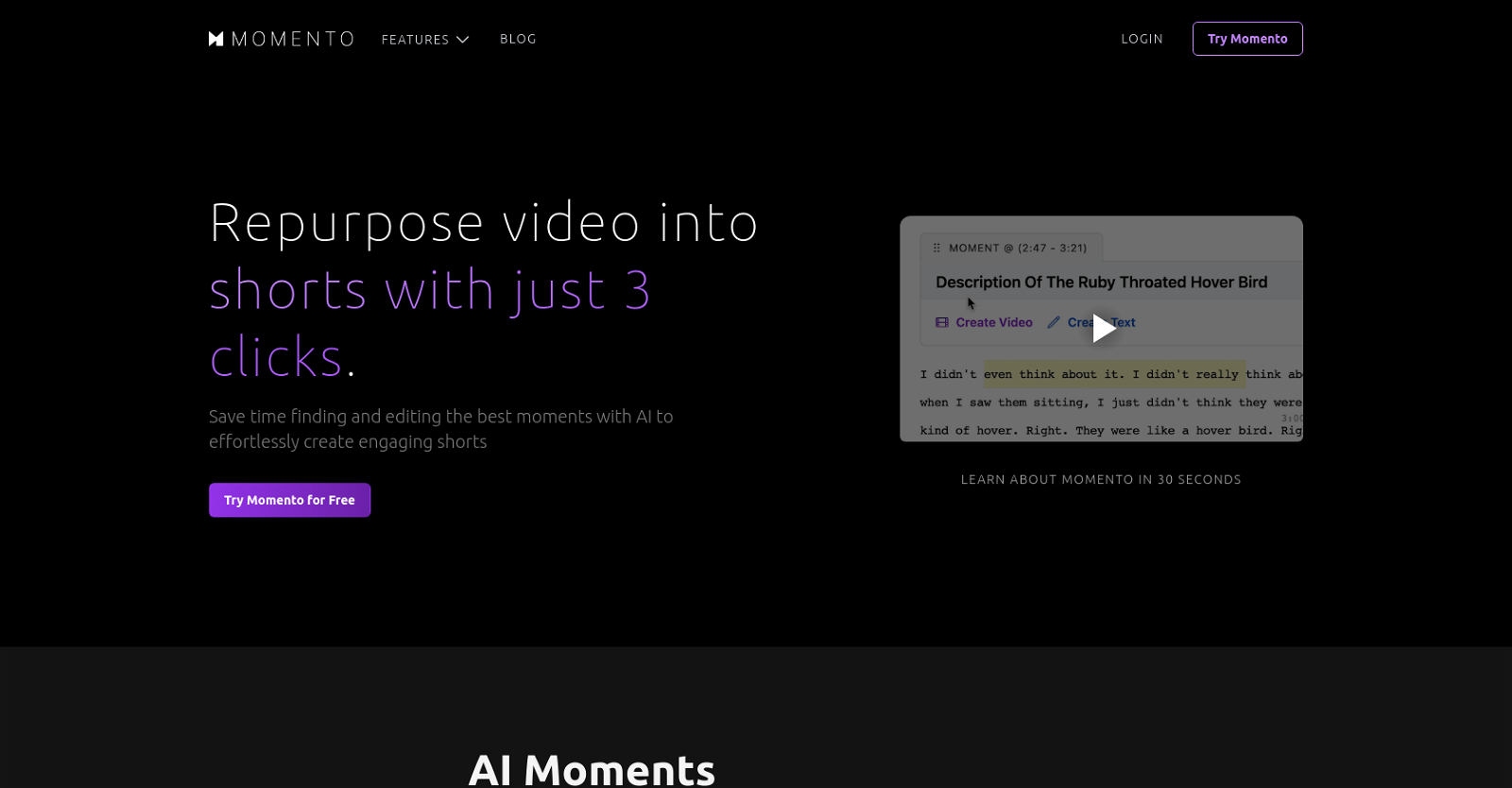
Momento is an AI video editing tool that allows users to easily create engaging high-quality shorts from their longer videos. With its MagicEdits feature, Momento streamlines the editing process by automatically identifying key moments in the video, framing speakers, suggesting cuts, and adding captivating captions. The tool is designed to save time and effort by eliminating the need for manual editing. It offers a user-friendly interface that allows users to repurpose their videos into shorts with just three clicks. With AI Moments, Momento can quickly find key highlights, funny moments, and more within the video content. This feature can be applied to various types of videos, including podcasts, speeches, lectures, vlogs, and gaming content. The MagicEdit feature enables the creation of professionally edited shorts in minutes, without requiring any prior editing experience. It streamlines the process by automatically removing filler words and silences, and highlighting key words. In addition, Momento offers AI Social Media functionality, allowing users to easily post their shorts to multiple social media platforms with just one click. The tool assists with AI and trend analysis to optimize social media reach. Furthermore, the AI Writing feature integrates ChatGPT to help users write or find anything within their videos. Momento offers different pricing plans, including a free plan with limitations on upload minutes and exports. The Creator plan offers enhanced features such as auto-finding viral shorts, auto-framing faces, auto-cutting filler words, and more. The Pro plan provides further customization options, unlimited exports, priority support, API access, and lifetime storage. Overall, Momento provides a time-saving and user-friendly solution for editing and repurposing video content into engaging shorts with the help of AI technology.
Pros
- Automated editing
- Creates engaging shorts
- Automatically identifies key moments
- Frames speakers
- Suggests cuts
- Adds captions
- User-friendly interface
- Repurposes long videos
- Highlights funny moments
- Magic
- Edit feature
- Removes filler words
Cons
- Limited upload minutes
- Limited exports
- Doesn't remove watermark in free plan
- Uploads stored limited time
- Large files only for Pro plan
- Limited customization in lower tier plans
- No offline functionality
- Not designed for detailed editing
- Automatic feature misinterpretions
- Trend analysis accuracy