
Slides Orator
VerifiedAI avatar presents slides and answers questions.
Quick facts
- Best for
- Interactive presentations
- Pricing
- Freemium
- Editor rating
- 5 / 5
- Community saves
- 0
About Slides Orator
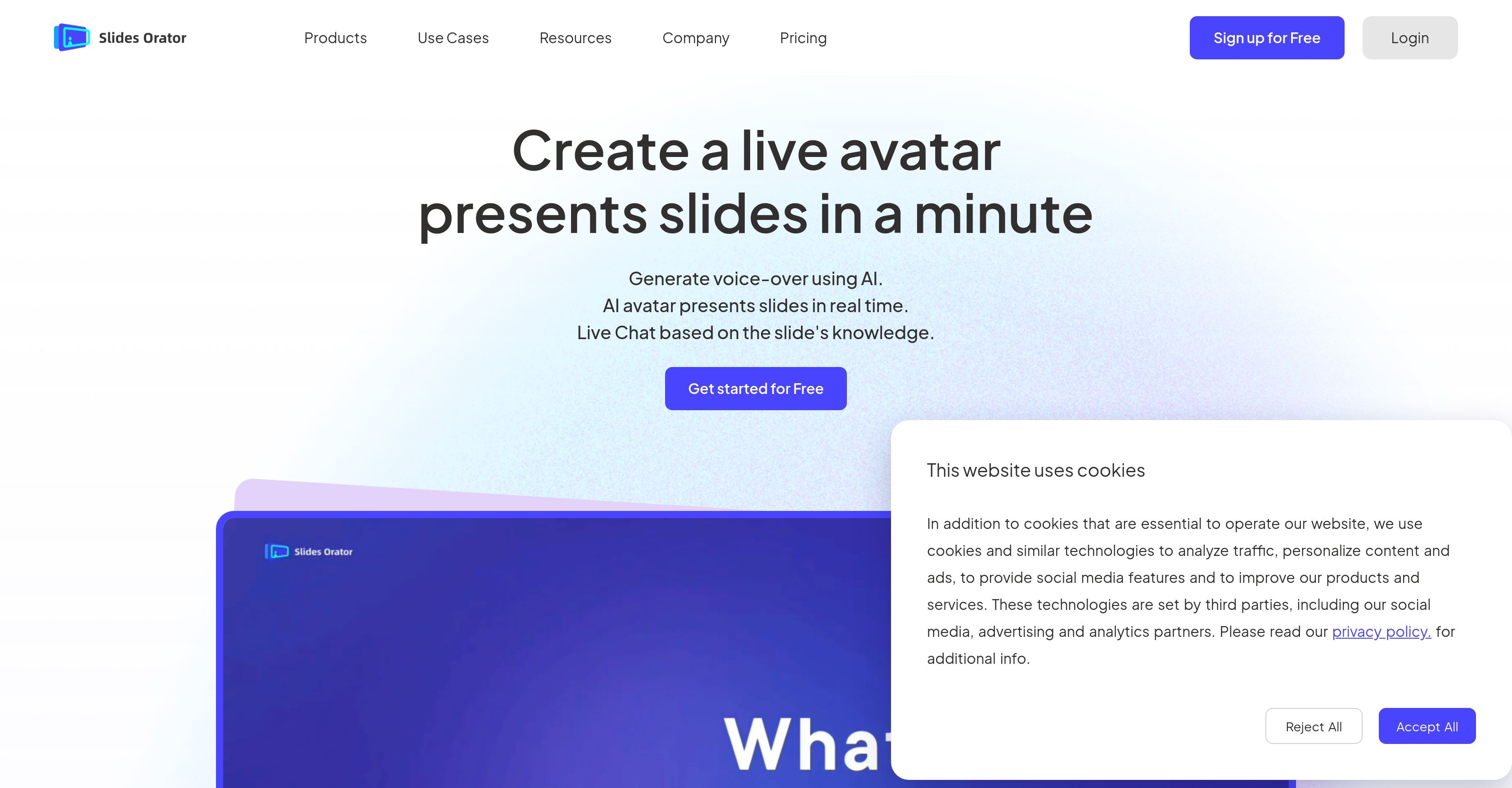
Slides Orator is an advanced tool that leverages Artificial Intelligence (AI) to create interactive presentations. It features a real-time 3D AI avatar that presents slides and interacts with the audience. Users can share their presentations with others who can engage in live chats with the AI avatar, based on the slide's information. Offering more than just speech, these interactive slides generate creative ideas and extensions, making every Q&A session a potential source of surprise. A strong appeal of Slides Orator is that it is not dependent on complex video streaming technologies, instead, it uses a game engine for client-side rendering optimizations that comparatively minimize consumption costs. The tool has broad utility across various fields like corporate training, class reviews, product introductions, and speech co-piloting. Using an AI digital assistant, it simulates the presentations and updates in real-time, aiding more precise expression. In educational settings, Slides Orator can transform simple points of knowledge into comprehensive PPT explanations. For product introductions, it can replace reception staff, detailing various business areas to different types of visitors. The tool offers continuous online availability and can be customized with simple photographic uploads, adding another layer of personalized interaction. Supported featuresSlides
Pros
- Interactive presentations
- Live audience interaction
- Audience live chats
- Generates creative ideas
- Makes Q&A sessions surprising
- Game engine for rendering
- Reduced consumption costs
- Useful for corporate training
- Applicable for class reviews
- Effective for product introductions
- Aids speech co-piloting
- Real-time updates to presentations
Cons
- Requires stable internet connectivity
- Reliant on client-side rendering
- No offline mode
- May over-complicate simple presentations
- Avatar interactions may not always be coherent
- Relies on user defined knowledge base
- Unsuitable for highly technical presentations
- Not streamlined for visually impaired
- Dependent on photographic inputs
- Limited avatar customization options