
Quick facts
- Best for
- Content translation
- Pricing
- Freemium
- Editor rating
- 4.5 / 5
- Community saves
- 0
About SimpleLocalize
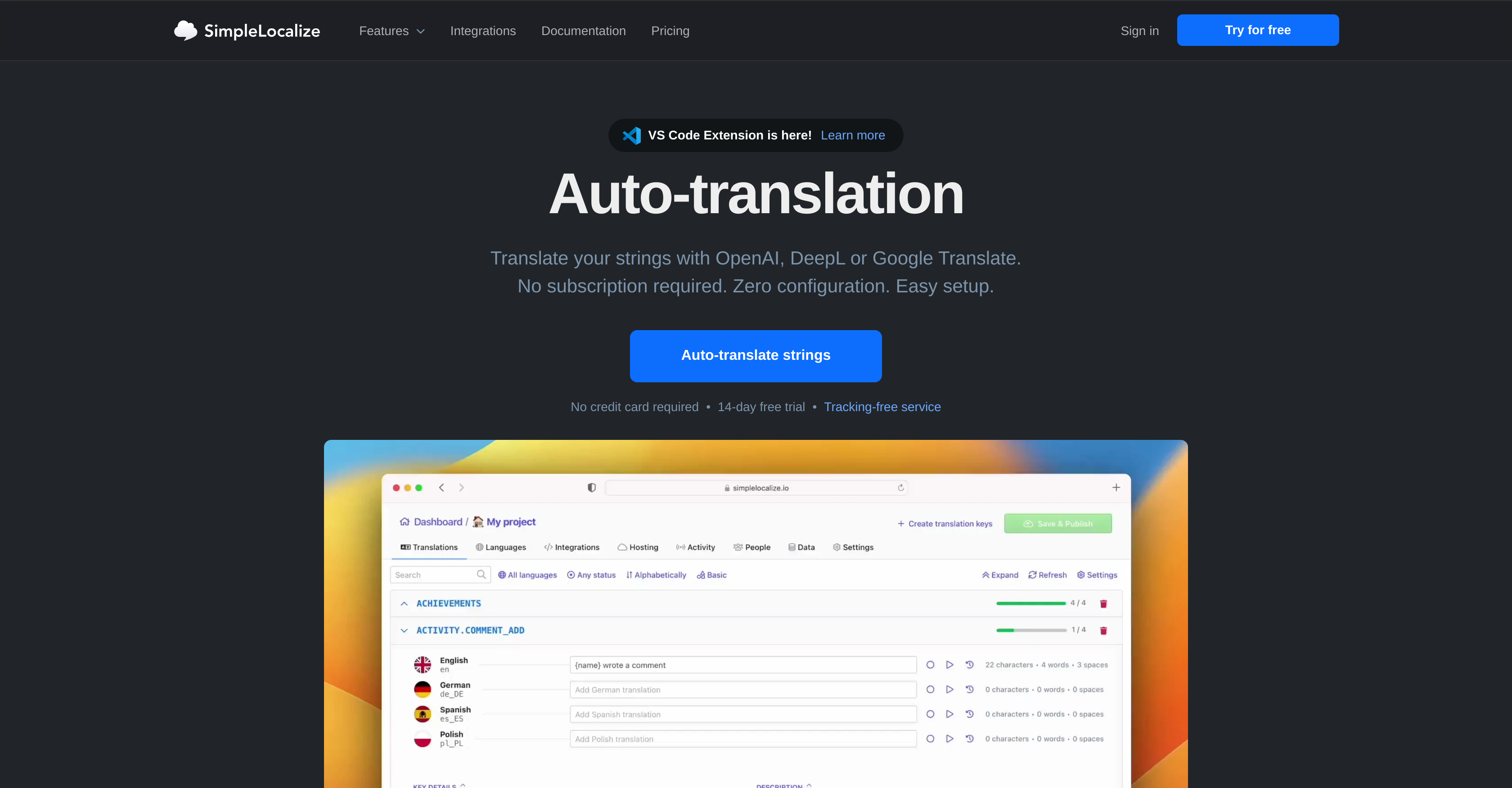
SimpleLocalize is an AI-powered tool designed to simplify and automate translation tasks. It provides auto-translation capabilities using multiple providers such as OpenAI, DeepL, or Google Translate. The tool serves varied translation needs, covering everything from technical content to user interface strings. Its quick auto-translation feature allows users to translate text instantly, without any setup. SimpleLocalize offers the flexibility to translate strings in bulk or individually and keeps translations up-to-date with automation features. One of the tool's fundamental capabilities is to auto-translate all strings at once, which significantly accelerates the task of filling out missing translations or adding new languages to a project. To further speed up the process, SimpleLocalize supports automation for auto-translation, enabling automatic string translation when new ones are added or if the default language translation is edited.Alongside auto-translation services, SimpleLocalize comes with a built-in web-based translation editor, providing features such as change history, review statuses, counters for characters, and more. This tool allows users to bring their own API keys for machine translation services, enabling them to use their preferred translation service provider and keep costs low.For individual needs, it offers a quick translation feature that translates a single string directly from the editor. Additionally, the bulk auto-translation feature comes into help when there's a need to translate multiple strings simultaneously. Supported featuresTranslation
Pros
- Auto-translation using multiple providers
- Supports technical content translation
- Supports user interface translation
- Quick auto-translation feature
- Translates in strings bulk
- Keeps translations up-to-date
- Web-based translation editor
- Built-in change history feature
- Offers review statuses
- Inbuilt character counters
- Allows custom API keys
- Quick translation of individual strings
Cons
- No offline access
- Requires own API keys
- Limited to three providers
- Possibility of high translation costs
- No highlighted changes
- Decimal for string additions
- Unknown translation quality
- Dependence on third-party services
- Potential for mis-translations
- Slow with large volume translations