
Quick facts
- Best for
- Interior design
- Pricing
- Freemium
- Editor rating
- 4.5 / 5
- Community saves
- 0
About RoomDesign
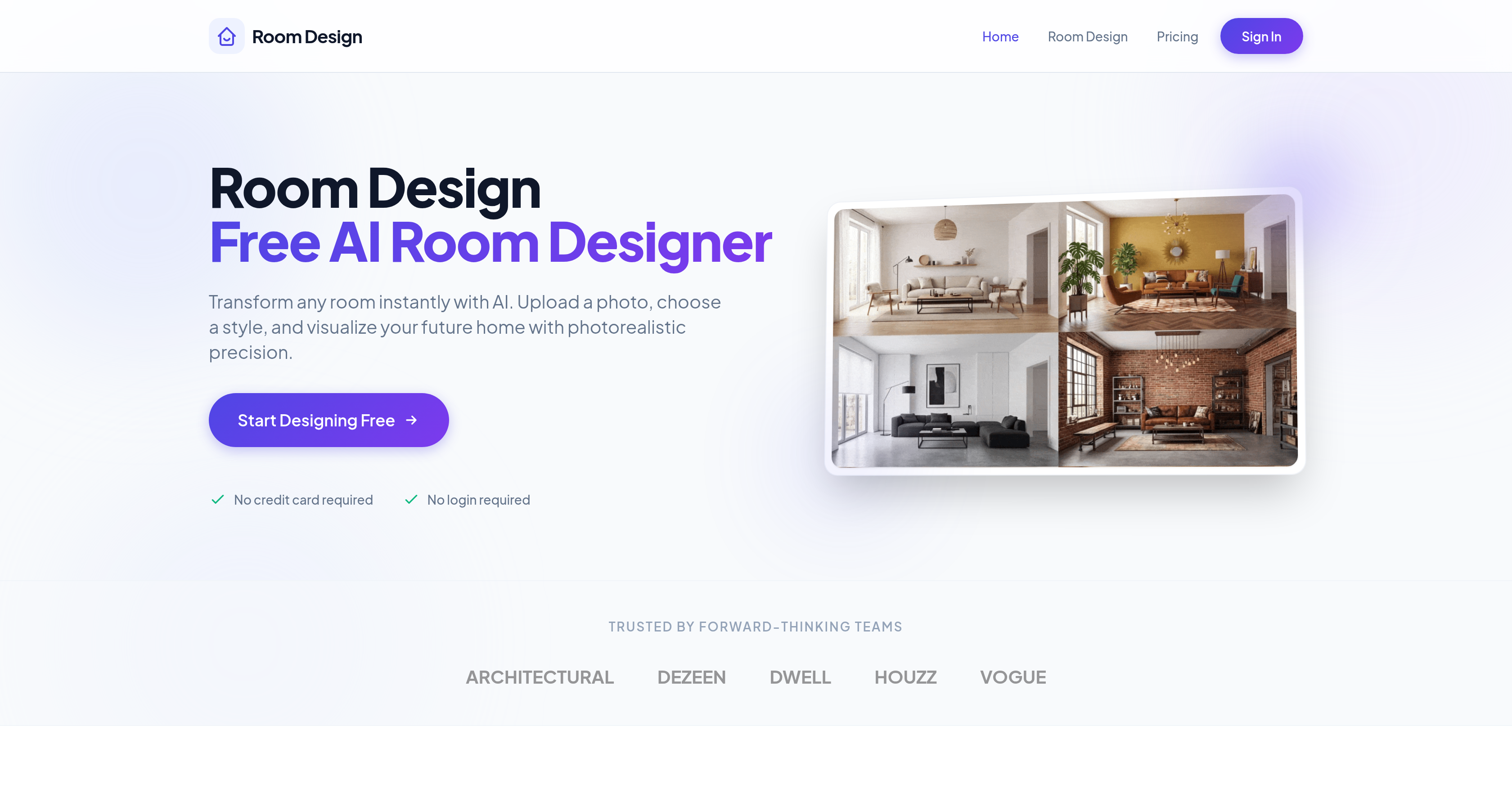
Room Design leverages artificial intelligence to aid homeowners and interior designers in instantly visualizing redesigned spaces. It allows users to upload an image of a room and see transformative changes based on a range of professionally curated styles, from modern minimalism to cozy Scandinavian. Users can also modify materials within the room, changing walls, floors, and furnishings for an updated look. It provides suggestions for furniture combinations tailored to your chosen visual style and room layout, facilitating the creation of a cohesive interior. Room Design uses intelligent color and lighting suggestions to create depth and harmony in spaces. Users can manually adjust different parts of the room, such as swapping sofas and updating lighting, while maintaining other aspects of the room. It renders and delivers room designs in 4K quality. Room Design is beneficial for homeowners, interior designers, and design teams looking to visualize new or restyled rooms with precision and efficiency.
Pros
- Free to use30+ professional styles
- Upload photo functionality
- Instant visualization
- Furniture matching algorithms
- Intelligent color suggestions
- Intelligent lighting suggestions
- Manual room adjustment4K render quality
- No signup required
- Fast transformation of photos
- Furniture combination suggestions
- Automatic layout optimization
- Pixel-perfect consistency
Cons
- Limited to 30 styles
- No sign-up might limit personalization
- Dependent on quality of uploaded photo
- Limited changes without manual adjustment
- Suggestions might not match user taste
- No verification for suggested furniture availability
- Lacks real-time design collaboration feature
- Limited to 5 free generations daily
- Doesn't support multi-room design
- Lack of application on mobile devices