
PixPal - Free AI Chat with Image Editor & Video Generator
VerifiedAI chat with images – Create, edit, innovate for free!
Quick facts
- Best for
- Images
- Pricing
- Free
- Editor rating
- 4 / 5
- Community saves
- 0
About PixPal - Free AI Chat with Image Editor & Video Generator
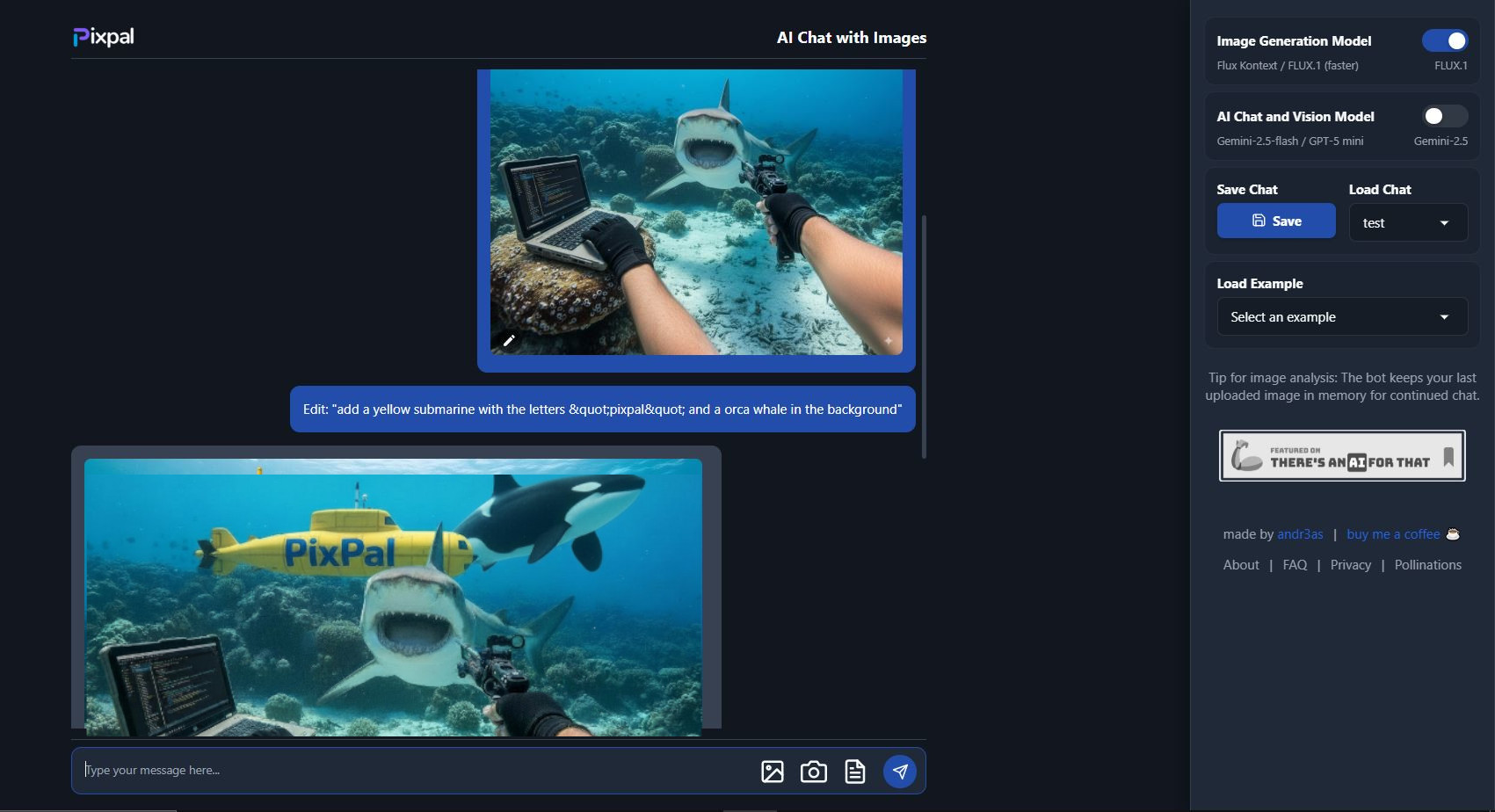
PixPal is a free, browser-based creative AI assistant and Image editor. It merges AI chat with powerful image tools so you can: Upload or snap a photo and get instant transformations: change colors, remove or insert elements, adjust styles, or tweak specific regions without messing up the rest. Select multiple images and combine them into one! Generate new images, remix existing photos, build websites from screenshots, even design simple 2D/3D animations or web games — all inside a single chat. Create short videos from images. Behind the scenes: it uses Gemini 2.5 a state-of-the-art multimodal model that handles both text and image input, Seedream 4.5, the leading AI image editor that maintains consistency across edits (style, objects, characters) with precise editing and multiple image edit/merge, and Z Image Pro generator. Seedance Pro video generator instantly creates videos from your images. PixPal is built for everyone — from people just experimenting to pros who need quick results. It’s completely free to use, doesn’t make you register, so you can stay creative without friction. Supported featuresAgentsAPINo Signup
Pros
- Seedream image editor/generator
- Gemini 2.5 Text Generation and image analysis
- Advanced photo editing
- Multiple Image editing
- Seamless image tweaking
- Remove elements from images
- Image generation
- Video Generation
- Save and load sessions
- User-friendly interface
- Doesn't require signing up
- Free to use
Cons
- No offline capabilities
- Doesn't specify supported file formats
- No mobile version described
- Lacks advanced editing tools
- Full blog posts quality unspecified