
Picture To Text Converter
Extract editable text from images instantly
Quick facts
- Best for
- Image to text
- Pricing
- Freemium
- Editor rating
- 4.5 / 5
- Community saves
- 0
About Picture To Text Converter
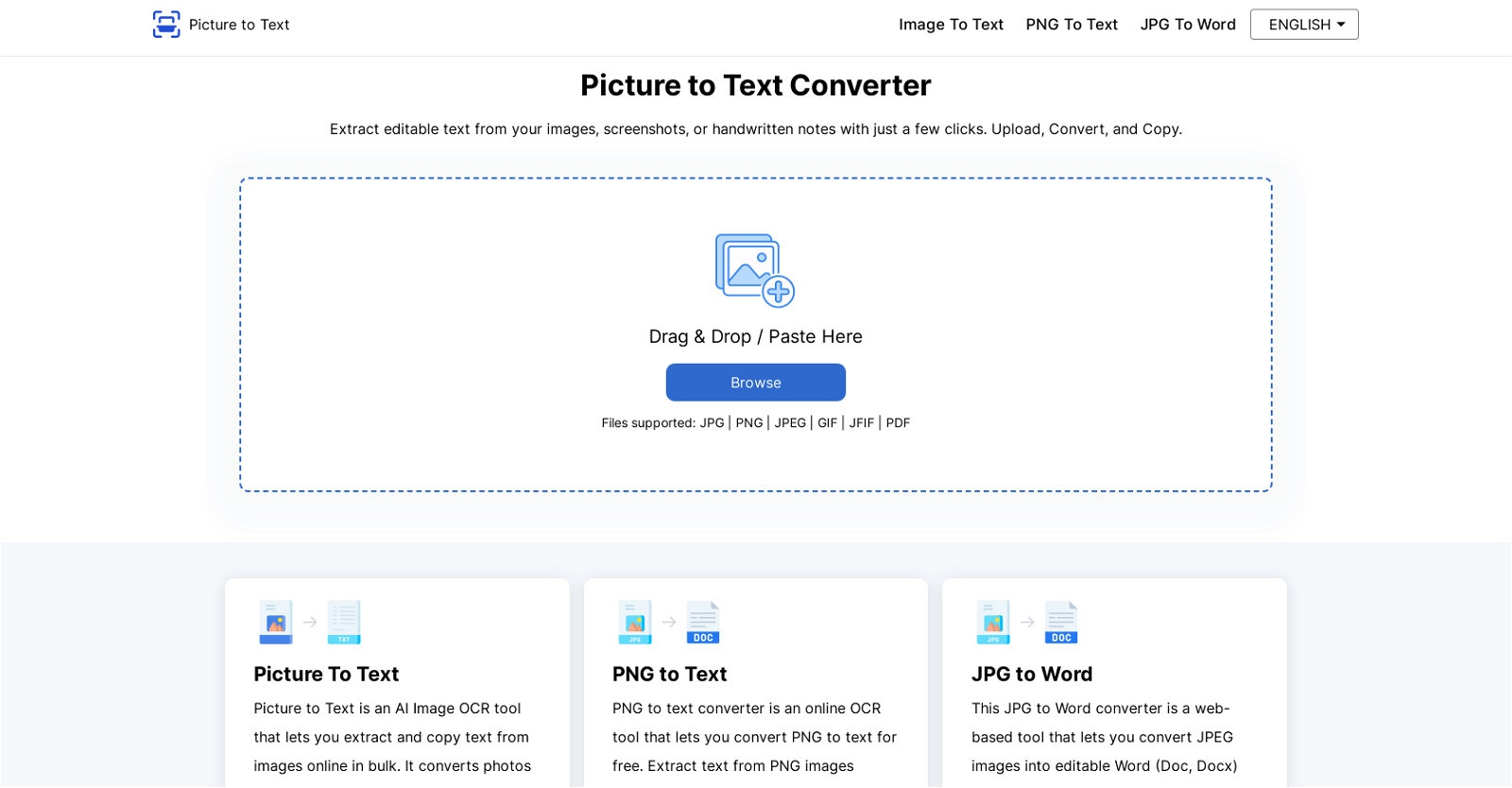
Picture To Text Converter is an online artificial intelligence tool built to extract and transcribe text from images in different formats, including JPG, PNG, PDF, GIF, JPEG, TIFF, BMP, WEBP, and SVG. This tool, powered by Tesseract-OCR technology, is capable of accurately recognizing and converting text from scanned documents, blurred images, or handwritten notes into editable text. The tool also comes with batch processing capacity allowing for simultaneous conversion of multiple image files. Above this, it supports more than 20 languages including English, German, Spanish, Russian, and Korean, among others. When it comes to data security, Picture To Text Converter does not store user's images or the extracted text, a clear demonstration of the tool's commitment to data protection. Upon completion of the extraction process, users have the option to either copy the text to clipboard or download it as a TXT file. This text extraction process is considerably fast, making it an efficient tool for digitizing office documents, converting screenshots to text, digitizing invoices and receipts and much more. Using this tool is cost-free, requires no logins, subscriptions, or any hidden charges.
Pros
- Supports multiple formats
- Uses Tesseract-OCR technology
- Recognizes text from scans
- Works with blurred images
- Transcribes handwritten notes
- Batch processing capability
- Supports over 20 languages
- Provides data security
- Doesn't store user images
- Doesn't store extracted text
- Option to copy or download
- Fast text extraction
Cons
- Doesn't support all languages
- No integration options
- No mobile application
- Dependent on internet connection
- No option to edit in-tool
- Relies on Tesseract-OCR only
- Lack of document storage capability
- No OCR tuning capabilities
- No automatic picture enhancement
- Cannot handle complex layouts