
Notta Note Taker
AI note taker that transcribes and summarizes meetings.
Quick facts
- Best for
- Meeting transcription
- Pricing
- Freemium
- Editor rating
- 4.5 / 5
- Community saves
- 0
About Notta Note Taker
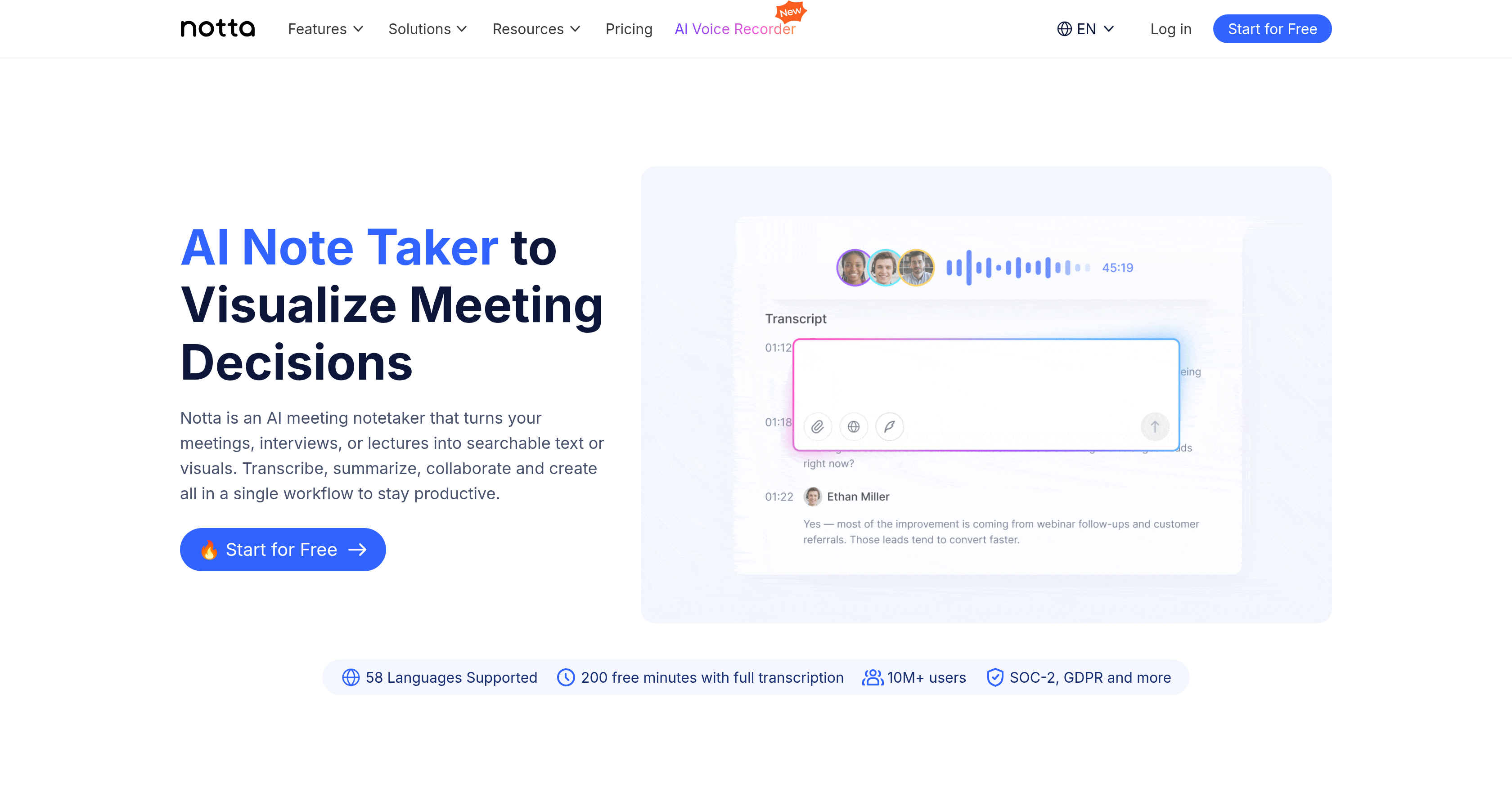
Notta is an AI-based platform designed to assist in capturing, transcribing, and summarizing the content of meetings, interviews, or lectures. It provides a variety of features including AI transcription that captures audio and video and transcribes them into text in 58 languages, automatic translation to empower conversations, and bilingual transcription for smoother communication in bilingual meetings. Furthermore, Notta provides a feature to extract key insights and possible follow-up actions from your meetings a beneficial tool for corporate strategizing. Notta also offers a meeting recording feature that enables high-quality audio and video capturing of online meetings, as well as a meeting scheduler to simplify meeting scheduling and sync events to your calendar for better organization. Impressively, Notta can turn your content into infographics or slides with AI, fostering better understanding and simplified representation of information. This platform integrates seamlessly with many popular professional tools, streamlining your workflow and enhancing productivity. Notta's AI-driven platform is compatible with virtual or offline meetings and supports transcriptions and translations in 58 different languages, making it a versatile tool for global interactions. It is built to support various professional roles including executives, sales and customer success teams, consultants, and educators, providing tailored value to each. Supported featuresMeeting intelligenceTranscription
Pros
- Transcribes in 58 languages
- Automatic translation feature
- Bilingual transcription
- Extracts key insights
- Identifies follow-up actions
- Meeting recording feature
- Calendar syncing for scheduling
- Turns content into infographics
- Turns content into slides
- Seamlessly integrates with professional tools
- Supports virtual and offline meetings
- Tailored solutions for different roles
Cons
- Limited languages for content generation
- Requires internet for virtual meetings
- Transcription errors possible
- No offline mode mentioned
- Possible integration compatibility issues
- May not suit individual users
- Learning curve for non-tech users
- Dependence on meeting recording quality
- Limited transcription minutes on free plan
- Monthly or annual payments required