
Meshy Character Animation
Transform images and text into 3D models instantly.
Quick facts
- Best for
- Character animation
- Pricing
- Freemium
- Editor rating
- 4.5 / 5
- Community saves
- 0
About Meshy Character Animation
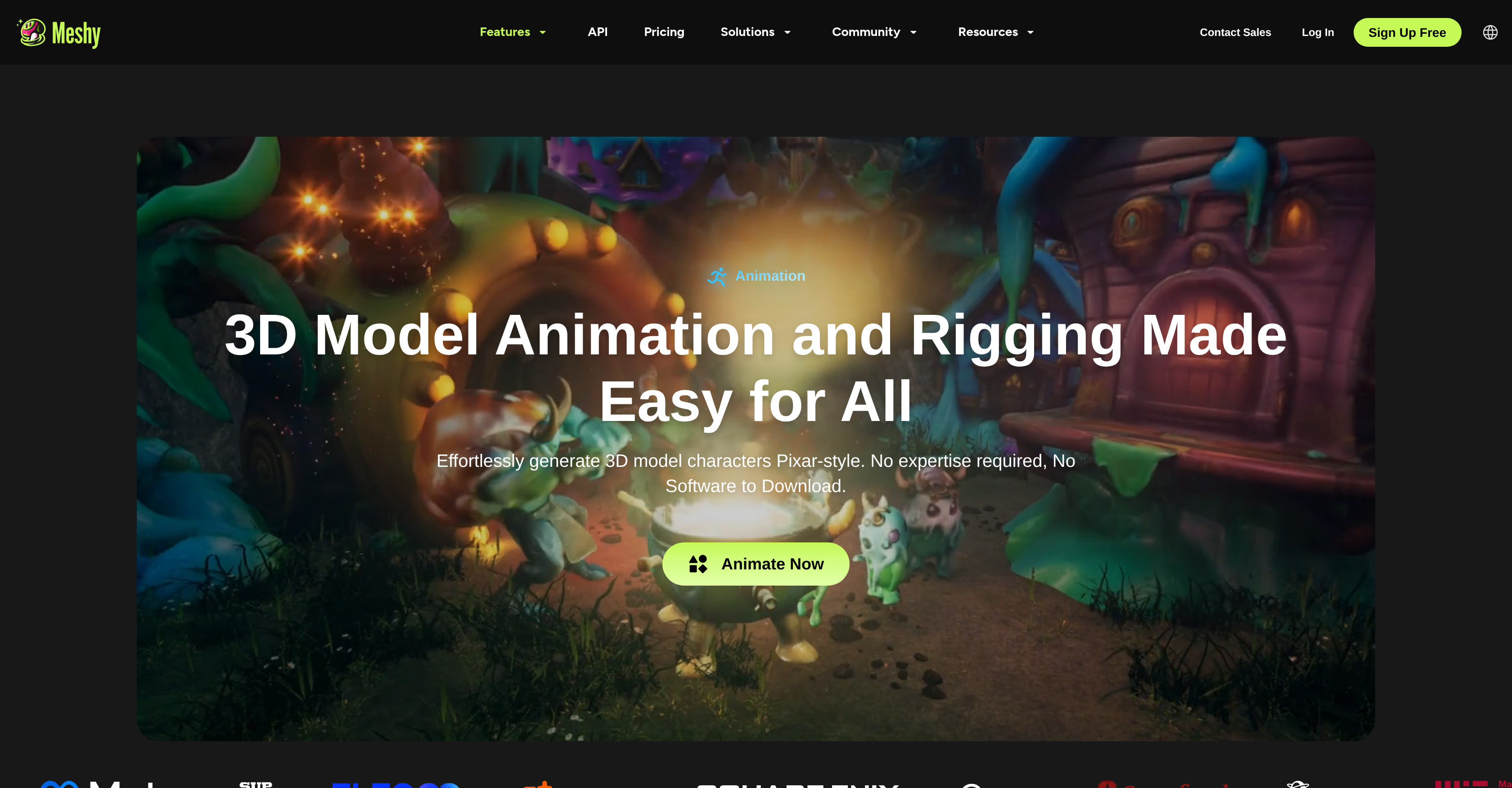
Generated by ChatGPT AI 3D Character Animation is a tool used to generate 3D model characters and animations. Designed for game developers, film artists, XR developers, and others, the tool transforms any image or text prompt into a 3D model within seconds. The AI technology incorporated within the tool can automatically add realistic PBR textures to any 3D model and produce multi-view images optimized for 3D creation. In addition, auto-rigging and animation features enable any 3D character to be animated in seconds. Users can also integrate the tool's 3D AI into respective apps or pipelines through provided APIs. Use cases for this tool include creating and downloading 3D models for 3D printing purposes, supercharging game development processes by time and cost-saving on 3D modeling, providing quicker prototyping and previz for film production, enhancing the design process in various industries, and more. The tool also allows for easy animation of Pixar-style 3D model characters without requiring expert knowledge or extra software downloads. In addition, the user can select their desired animation from a library of preset motion clips, then download and export the animated model in FBX or GLB formats for direct import into major tools like Unity, Unreal Engine, Blender, Godot, etc.
Pros
- Instant 3D models generation
- Auto-textures 3D models
- Automatic rigging and animation
- API Integration capabilities
- Can create 3D print models
- Facilitates quick prototyping
- Hassle-free Pixar-style animation
- Library of preset animations
- Exports in FBX and GLBNo expert knowledge required
- No extra software downloads
- Optimized for Unity, Unreal Engine, Blender and Godot
- Text to 3D model conversion
Cons
- Limited to humanoid/quadruped characters
- Requires high quality input
- Doesn't support custom bone structures
- No live preview of animations
- Limited preset motion clips
- No advanced texturing controls
- Automatic rigging may be inaccurate
- No option for manual rigging
- No support for non-standard formats
- Dependent on quality of input images