
Lido Document Processing
VerifiedAutomate PDF data extraction with AI
Quick facts
- Best for
- Document data extraction
- Pricing
- Freemium
- Editor rating
- 5 / 5
- Community saves
- 0
About Lido Document Processing
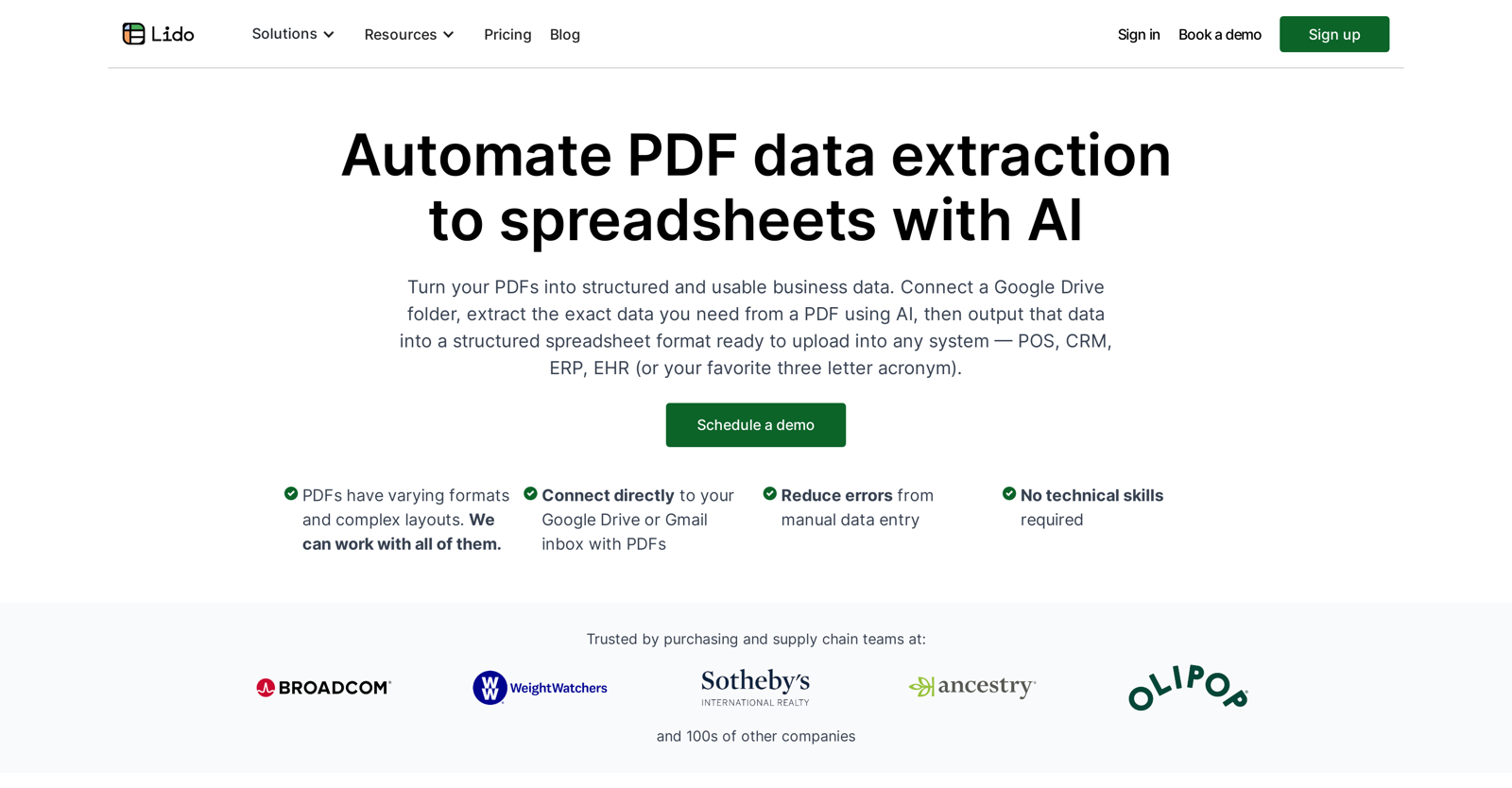
Tired of manually copying data from PDFs? Save time and money with Lido's PDF to spreadsheet AI tools. This tool is designed to transform PDF documents into clean Excel tables. You upload your PDFs then specify what data to extract either in plain English or by drawing a box around the region. The tool is able to work with all sorts of PDF layouts and formats, including tabular data. You can even edit the extracted data with AI to clean / reformat numbers or auto-categorize expenses. There's no complex setup required, just talk to the AI and have it extract the exact data you need. Bulk processing and automation integrations with email, drive folders, etc. are also available. Customers use it for processing invoices, bank statements, credit card statements, financial P&Ls, legal contracts, resumes, and much more. Free trial with 20 free pages.
Pros
- Transforms PDF to structured data
- Direct integration with Google Drive
- Direct integration with Gmail
- Decreases manual entry errors
- No technical skills required
- Automates data extraction process
- Data output to spreadsheets
- Works with varying PDF layouts
- Trusted by purchasing, supply chain teams
- Formulas for data extraction and parsing
- Customisable data extraction
- Optimized for POS, CRM, ERP, EHR systems
Cons
- Limited to Google systems
- Only extracts to spreadsheets
- Involves complex formulas
- Reliant on Internet connectivity
- No offline functionality
- Seemingly limited support
- Integration details unclear
- May struggle with complex PDFs
- Limited system compatibility (POS, CRM etc.)Not designed for individual users