
Quick facts
- Best for
- Python code in ChatGPT
- Pricing
- Free
- Editor rating
- 4.5 / 5
- Community saves
- 0
About JPT
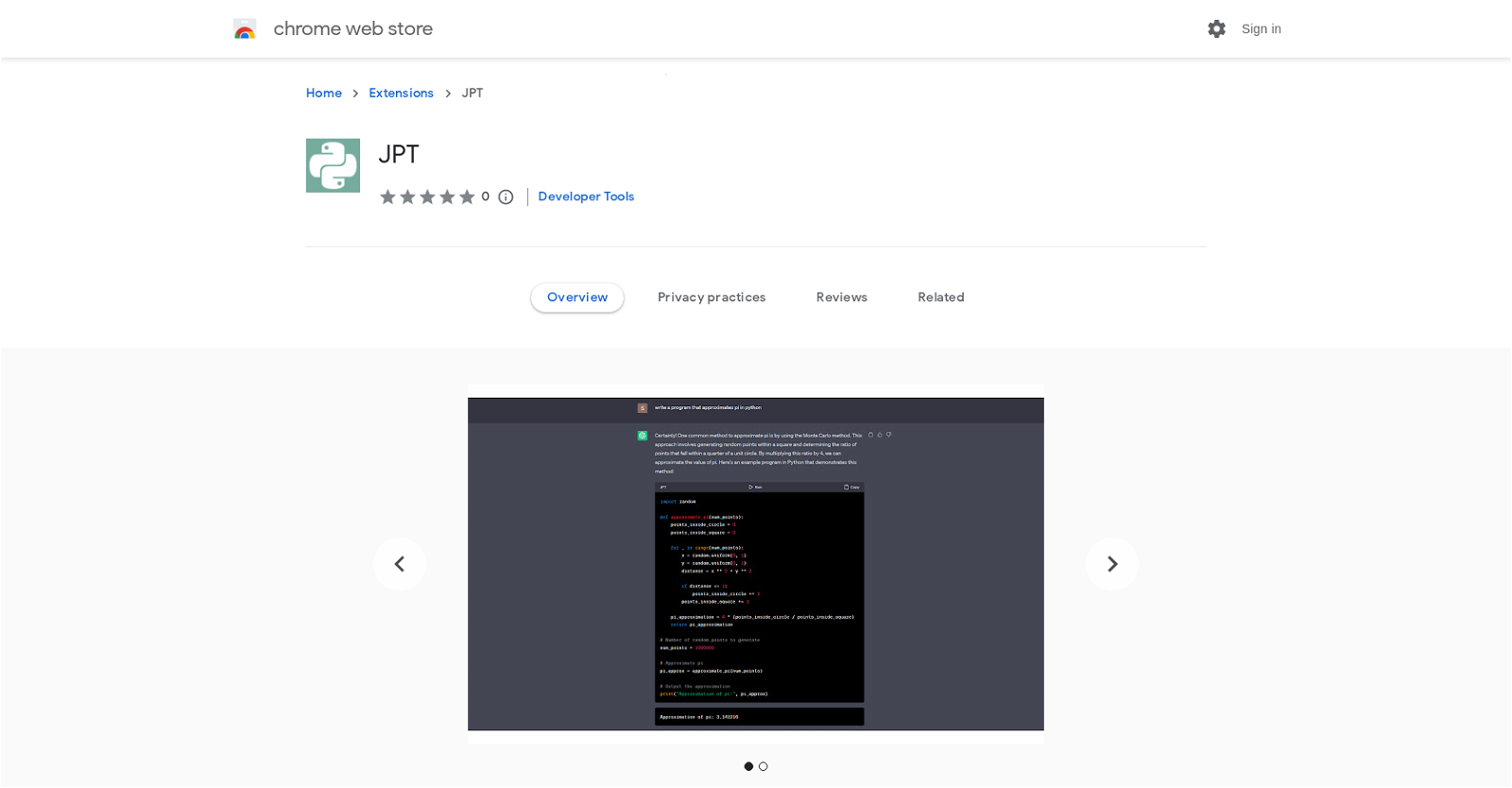
Generated by ChatGPT JPT is a Chrome extension that allows users to run Python code directly within ChatGPT instead of copying and pasting code back and forth. Users can take advantage of the full power of the Python ecosystem with access to libraries such as numpy, scipy, and matplotlib. The tool uses Pyodide, a WASM-based Python interpreter, which means that code execution occurs completely within the browser. The only parties that can view code are the user and OpenAI. However, the extension still has some bugs and requires additional development before it can provide a true Jupyter Notebook experience in ChatGPT.To use JPT, users can request ChatGPT to write a hello world program in Python, and then press the "Run" button. The first run may take some time, but subsequent runs should be faster. Users can edit Python code by pressing the "Edit" button, which does not persist but is available for present use. Additionally, to import Python packages, users can use micropip, such as `micropip.install("scipy")`. JPT provides the ability to run Python code, edit Python code, view output from stdout, and view plots from matplotlib. However, JPT may freeze if an infinite loop occurs, requiring a restart of the extension. JPT does not support user input, but the developers aim to add this feature in the future, along with supporting local filesystems, exporting chats as notebooks, and reducing the extension's size.
Pros
- Runs Python in-browser
- Access to numpy, scipy, matplotlib
- Runs on Chat
- GPTSecure code execution
- Python code editing
- Displays stdout output
- Displays matplotlib plots
- Supports micropip
- Future support for user input
- Plans for local filesystem support
- Plans to handle infinite loops
- Planned feature for exporting chats
Cons
- Limited to Chrome
- Runs slow on first execution
- Bugs present
- Infinite loop issues
- Lacks user input support
- Doesn't support local filesystems
- No export chats feature
- Possesses large extension size
- Code edits don't persist
- Lacks complete Jupyter Notebook experience