
JotMe
AI-powered meeting translator and note generator for Google Meet.
Quick facts
- Best for
- Google Meet assistance
- Pricing
- Freemium
- Editor rating
- 4.5 / 5
- Community saves
- 0
About JotMe
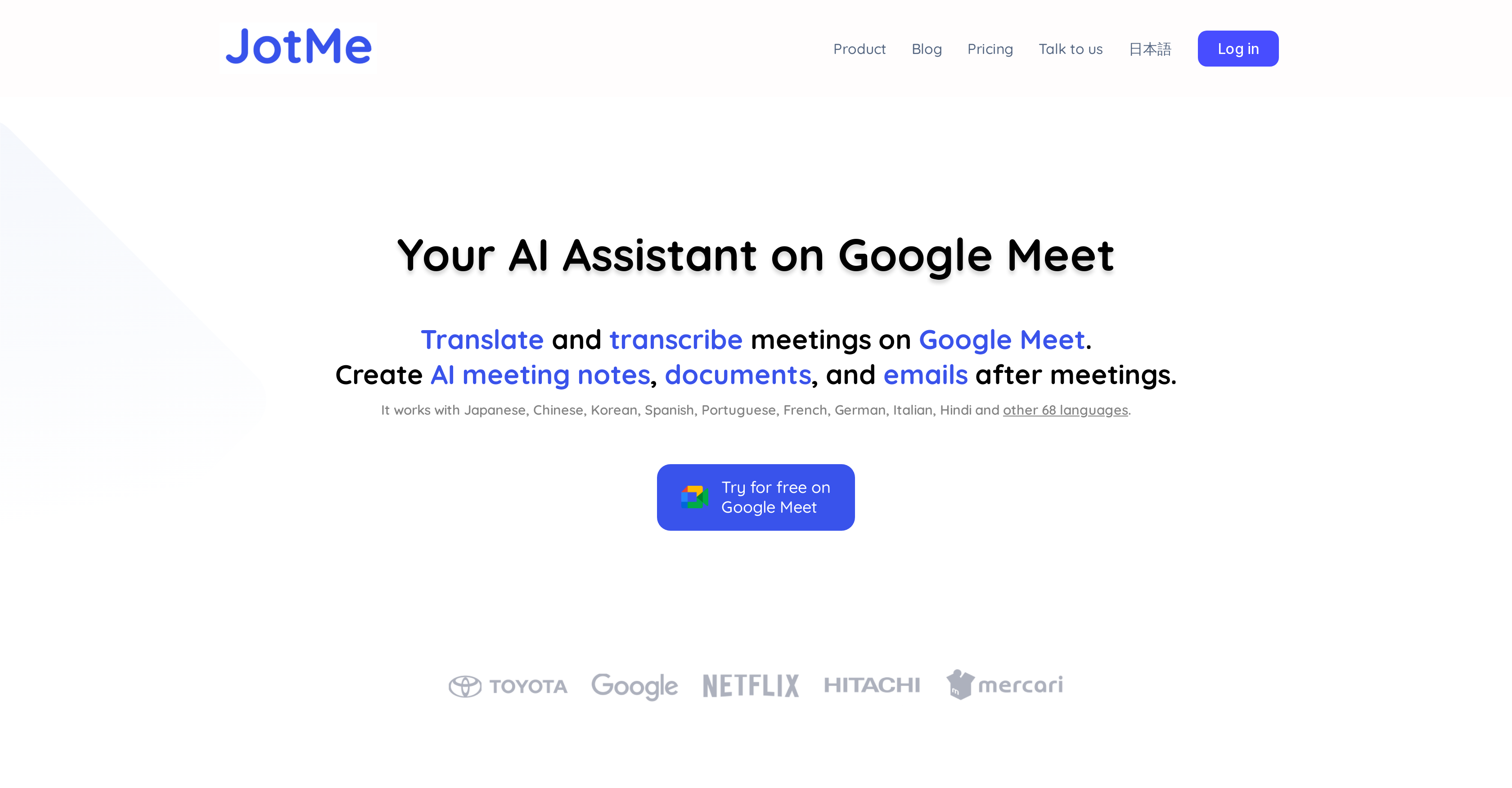
JotMe is an AI-powered assistant intended to enhance your Google Meet experience. Designed to work seamlessly with Google Meet, this tool fulfills multiple tasks, such as live transcription of meetings, translation, and the generation of contextual document drafts or emails collected from the conversations. With wide language support, including Japanese, Chinese, Korean, Spanish, Portuguese, French, German, Italian, Hindi, and more, it delivers high-quality AI live translation that takes into consideration both context and industry-specific nuances. The transcripts and translations, created during the session, are stored in the JotMe dashboard, easily accessible for future reference or use. JotMe's unique feature is the ability to generate meeting summaries, which can help users in understanding the discussed content without going through the entire transcript. Whether you need to draft documents or emails, the tool allows you to simply copy the transcript from the JotMe dashboard and paste it into a text-editing tool to generate drafts. Furthermore, it is also appreciated by users for its convenience in facilitating multilingual meetings and bridging cultural divides.
Pros
- Seamless Google Meet integration
- Live transcription of meetings
- Generates contextual document drafts
- Generates emails from conversations
- Supports multiple languages
- Recognizes industry-specific nuances
- Transcripts stored on dashboard
- Generates meeting summaries
- Facilitates multilingual meetings
- Bridges cultural divides
- Used by notable companies
- Translates and transcribes meetings
Cons
- Limited to Google Meet
- Translation limited minutes
- Extra paid features
- Dashboard reliant
- Manual draft copy-pasting
- No standalone storage
- No API mentioned
- Limited customer support
- Chrome extension dependent
- Translation discrepancies for industry-specific nuances