
Quick facts
- Best for
- Image upscaling
- Pricing
- Freemium
- Editor rating
- 4.5 / 5
- Community saves
- 0
About Img Upscaler
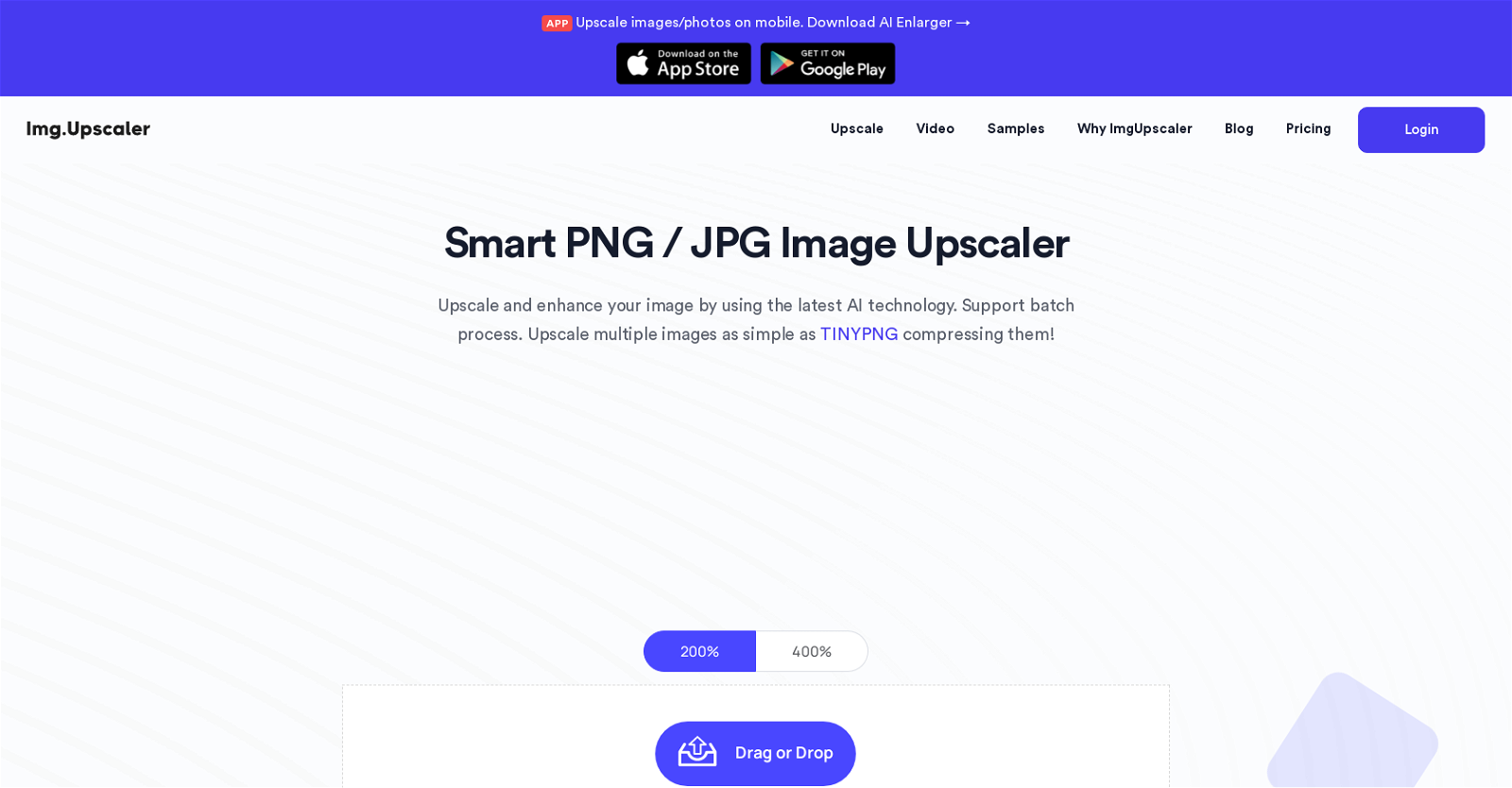
AI Image Upscaler is a tool dedicated to upscaling and enhancing images. It supports multiple image formats like JPG, PNG, and JPEG. This tool can upscale images up to large resolutions, enhancing details without compromising on the quality. Users can upload their images in a batch process, allowing for efficient upscaling of multiple images. The tool offers two distinct upscaling models tailored to specific needs. The 'portrait model' is designed to enhance portrait and facial images, refining skin tones and features. The 'detailed model' is intended to maintain intricate details of images, albeit requiring a bit more processing time. The tool also provides a feature called 'Reimagine Upscaler', which allows users to create a modified version of their original image. Additionally, the users have control over 'creativity value' and 'resemblance strength' that influence the uniqueness and the adherence to the original image during the upscaling process respectively. Built to support both mobile and web platforms, AI Image Upscaler can be accessed through the application named 'AI Enlarger', available for both iOS and Android.
Pros
- Free image upscaling tool
- Batch processing support
- Upscale up to 400%Supports 16000x16000px
- Supports JPG, PNG, JPEGMobile compatible
- Web platform compatibility
- Optimized for Anime photos
- Data privacy protection
- User-friendly interface
- Details enhancing
- Portrait upscaling
- Detail upscalingi
- OS app
Cons
- Limited format support
- Optimized for anime/cartoon
- Detailed model requires more time
- Restrictions on free use
- Paid needed for high resolution
- Requires sign up for free credits
- No APICreativity and resemblance are subjective
- Reimagination requires paid credits
- Only web platform available