
HayNo AI Music Video Generator
VerifiedUpload a song, describe the vibe, get a music video.
Quick facts
- Best for
- Music videos
- Pricing
- Freemium
- Editor rating
- 5 / 5
- Community saves
- 0
About HayNo AI Music Video Generator
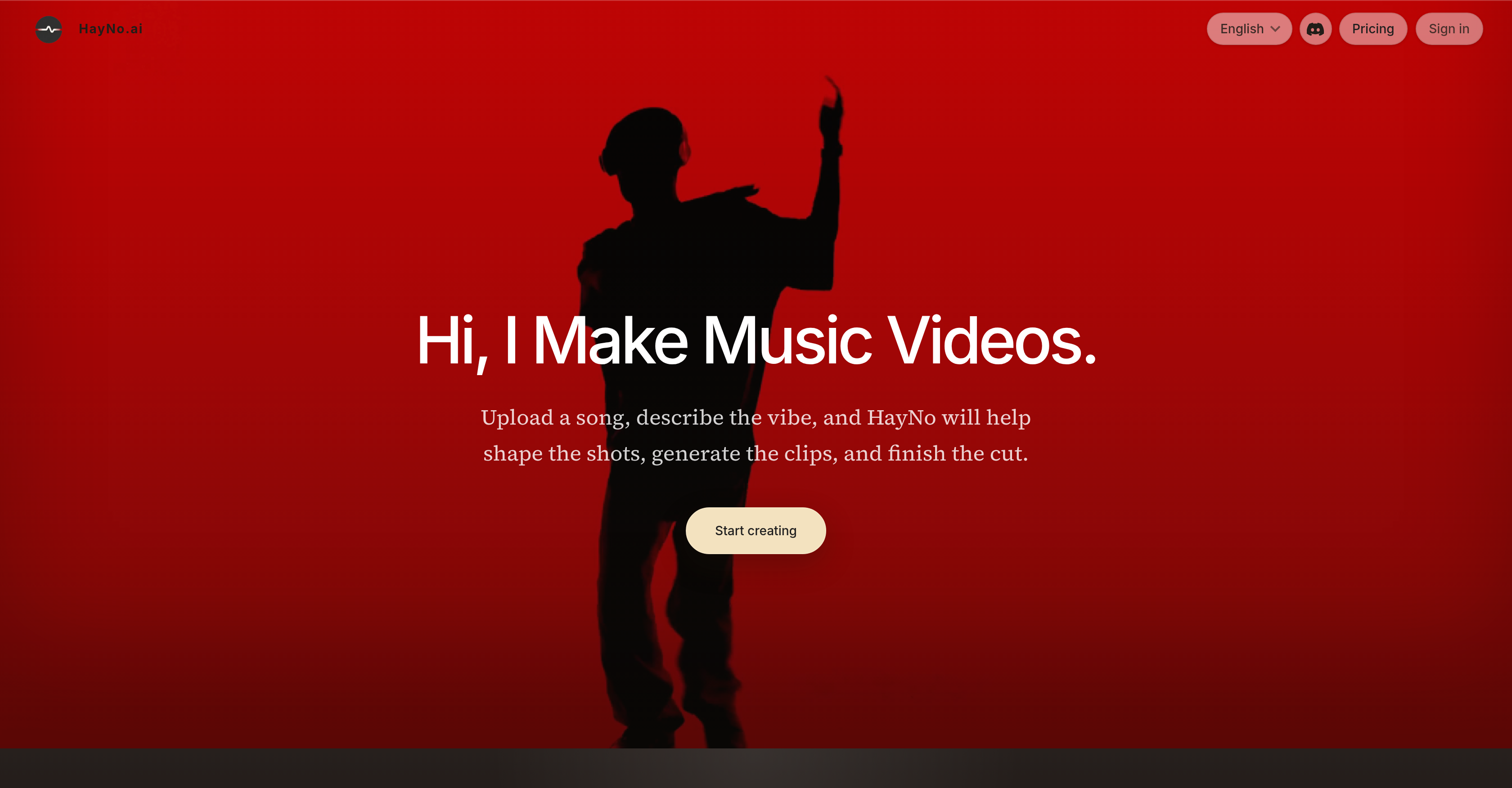
🎵 Introducing HayNo AI Music Video Generator — Turn your music into stunning music videos with AI. Upload your track, describe your vision, and let HayNo AI handle the rest. ✨ How it works Upload your music and describe the mood, style, or storyboard. AI automatically generates shots, first-frame images, and video clips. Review, edit, and export your finished music video. 🎬 Designed for musicians, creators, labels, studios, and content teams, HayNo AI helps transform songs into professional-looking videos without the need for a full production crew. 🔥 Key Features AI-powered storyboard generation Consistent characters and visual styles with customizable first frames Automatic shot planning and video creation Integrations with leading AI tools including Google, OpenAI, Kling, and PixVerse Easy editing, exporting, and sharing Whether you're releasing your next single, creating content for social media, or exploring new AI-powered creative workflows, HayNo AI makes music video production faster, simpler, and more accessible than ever. 🚀 Create your next music video with HayNo AI and bring your music to life in minutes.
Pros
- Music-oriented video generation
- Single creative workspace
- Storyboard generation
- Functional for different user roles
- Upload and provide visual brief
- Turn music into video clips
- Maintains visual consistency
- Organizes generated sequence
- Interactive timeline editor
- Mitigates need for production teams
- Machine learning model usage
- First frames generation
Cons
- Requires manual visual guidance
- Inflexible, single workspace
- No mobile version
- Lack of collaborative functions
- May misinterpret visual briefs
- No in-built library resources
- Dependent on other integrations
- High reliance on first-frames
- No real-time editing features