
Quick facts
- Best for
- Agents
- Pricing
- Freemium
- Editor rating
- 5 / 5
- Community saves
- 0
About Guild.ai
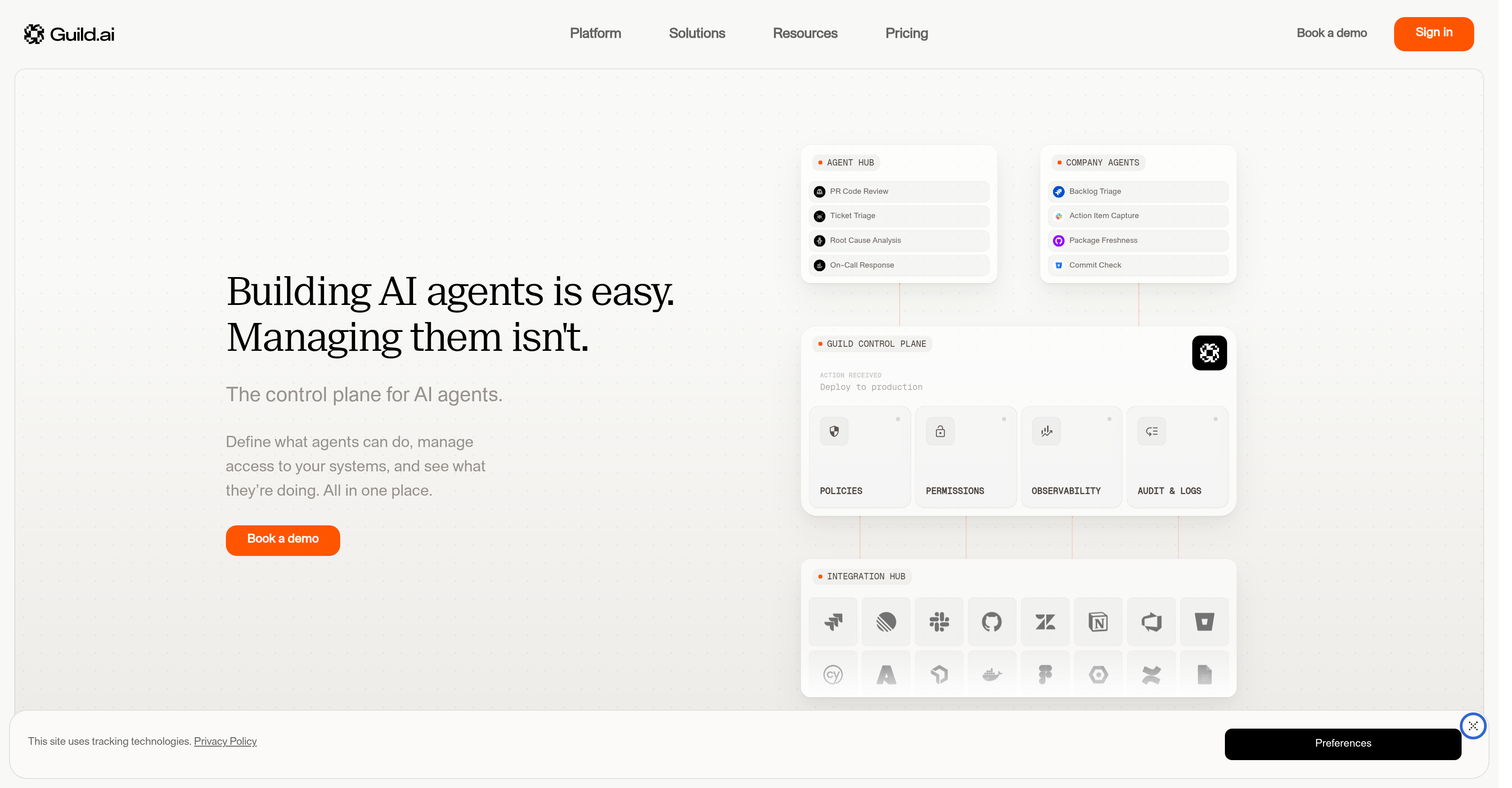
Guild.ai serves as a control plane for AI agents facilitating the management, governance, and sharing of these agents within production environments, with an emphasis on security and observability. The platform allows the definition of what agents can do, manages access to systems and provides insights into their operations - all from a centralized location. The system supports building agents using their SDK, either through its web UI or in the user's own development environment. Production-ready agents, such as Ticket Triage, Slack Bot, Code Review, etc., are included in its Starter Kits, facilitating the building process. Beyond creation, Guild.ai takes care of the deployment of agents, featuring versioning and validation systems for better management and control. It allows users to utilize ready-to-run agents out-of-the-box, tailor them to a specific use case, or develop their own. One of its key features is control over agent access and visibility into every action the agents perform. This is facilitated through features like scoped access, running history, review of changes, and usage monitoring. The platform also supports discovery, forking, and remixing of agents across organizations, encouraging collaboration and avoiding duplicate effort.Furthermore, the Guild.ai platform is model agnostic, working across various models and vendors. For integration purposes, the system is compatible with several common tools, including GitHub, Slack, Linear, Jira, etc., allowing for the automation of existing workflows within these platforms.
Pros
- Centralized management
- Proactive governance
- Enhanced security
- Visibility on agents' actions
- SDK for building agents
- Web UI and CLI support
- Production-ready agents in Starter Kits
- Agent deployment system
- Implemented versioning system
- Out-of-the-box agent use
- Option for agent customization
- Scoped agent access
Cons
- Limited starter kit agents
- No multilingual support
- SDK only supports Type
- Script
- No on-premise solution
- Non-flexible interface
- Lacks self-learning capability
- No real-time tracking feature
- Limited integration options
- No automated error detection
- No dedicated mobile app