
Quick facts
- Best for
- Jupyter notebooks
- Pricing
- Freemium
- Editor rating
- 4.5 / 5
- Community saves
- 0
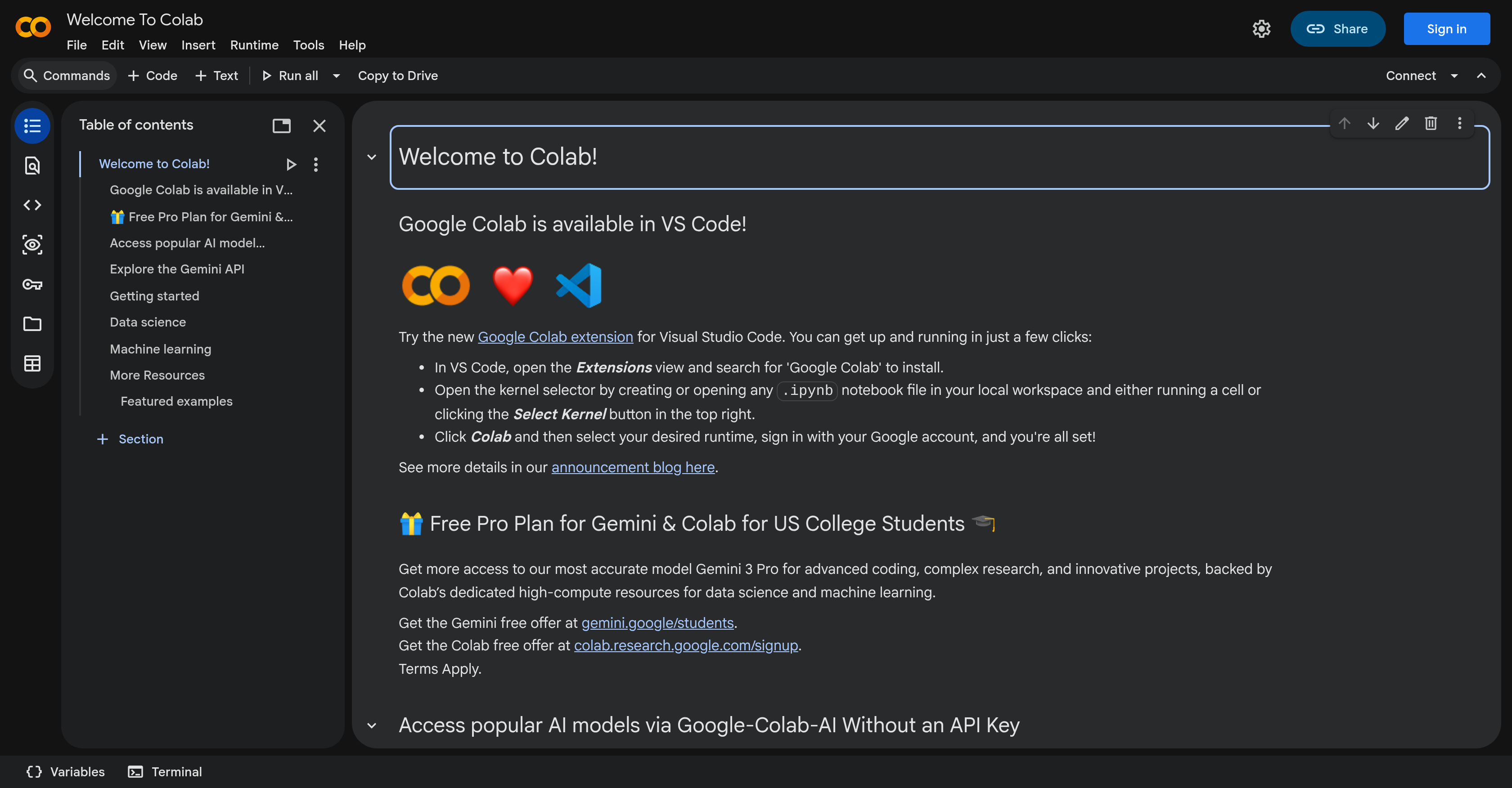
About Google Colab
Google Colab is an online platform developed by Google that offers a cloud-based Python programming environment. The tool serves as an interactive notebook allowing collaborative coding and programming based on Jupyter notebooks. Utilizing Google Colab, developers have access to a free compute environment, enabling them to write and execute code, and share their results. With its integration to Google Drive and several other cloud services, it offers a flexible workspace. The users can leverage pre-installed machine learning libraries, making it preferred for machine learning and data science applications. Additionally, Colab provides GPU and TPU (Tensor Processing Units) support to accelerate computationally intensive tasks. While the tool works best with Google's ecosystem, it also supports scripting, markdown, visualizations, forms, widgets, and interactive outputs. It comes with several useful features for prototyping, data analysis and interactive machine learning research, giving a boost to collaborative projects with real-time co-editing and comments. Furthermore, it simplifies the process of setting up the development environment and promoting reproducible research. However, as it is browser-based, users need internet connectivity for operation. Google Colab is a comprehensive tool for machine learning development and other data-driven tasks, ideal for both beginners and experts in the field.
Pros
- Cloud-based Python environment
- Supports Jupyter notebooks
- Free computation environment
- Google Drive integration
- Pre-installed ML libraries
- GPU and TPU support
- Supports scripting
- Supports markdown
- Data visualization capabilities
- Offers interactive outputs
- Facilitates real-time co-editing
- Promotes reproducible research
Cons
- Requires internet connectivity
- Limited to browser-based use
- Dependent on Google's ecosystem
- Limited hours for free GPUs
- No support for other languages
- Restrictive runtime limitations
- Limited file I/O capabilities
- Difficulty in version control
- Slow for larger datasets
- Lacking comprehensive user interface