
Quick facts
- Best for
- UX design
- Pricing
- Freemium
- Editor rating
- 5 / 5
- Community saves
- 0
About Figr AI
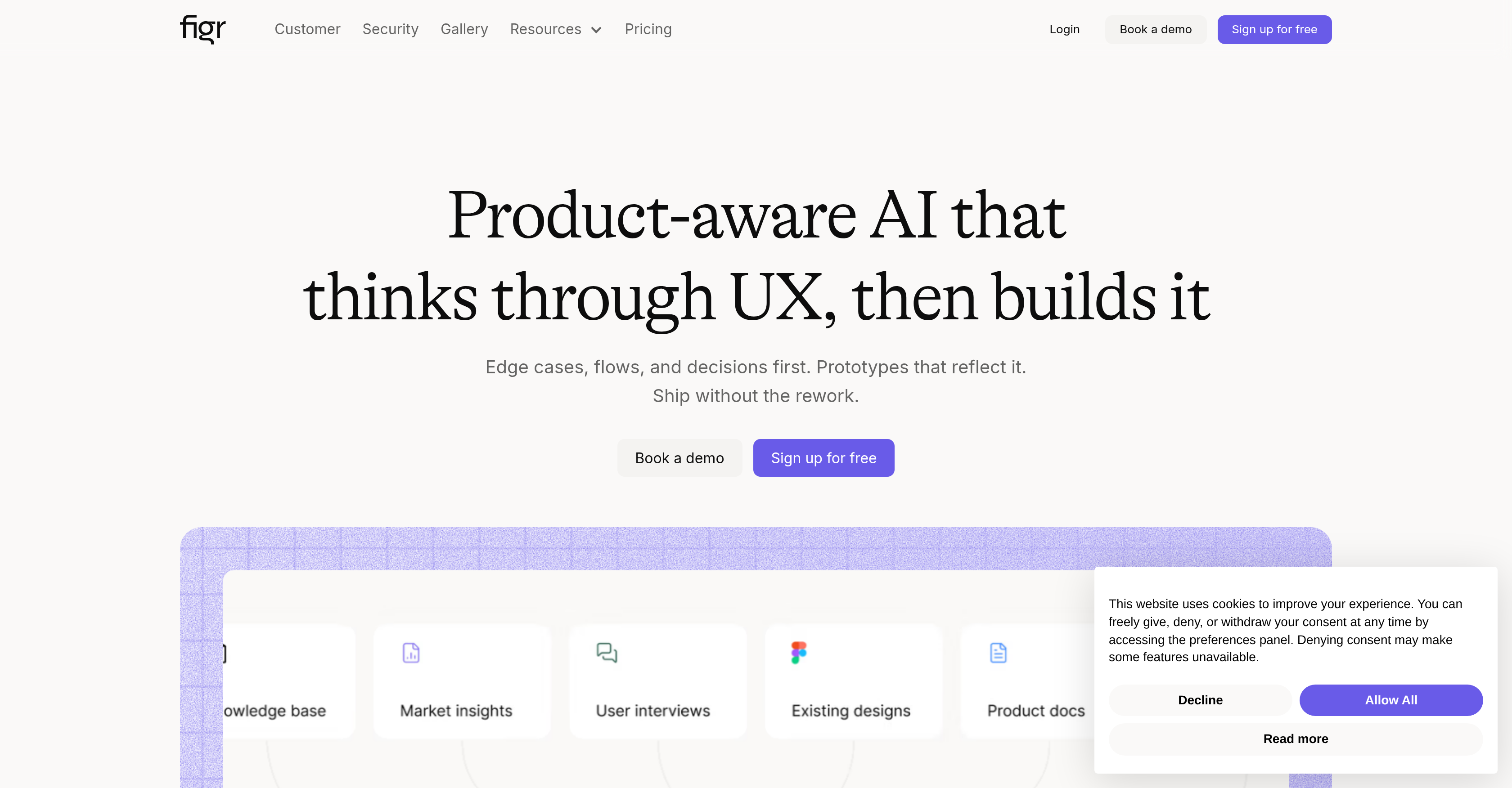
Socials: Figr is an artificial intelligence tool specifically aimed at aiding product teams in the design process. It can deeply comprehend the context of a product, taking into account factors like industry benchmarks, user feedback, and design systems to create production-ready UX. Figr eliminates the need for guesswork and endless revisions, streamlining the workflow and helping teams ship products faster. This tool is adept at thinking through user experience, constructing it from the ground up. Figr is also equipped to handle edge cases, flows, and decisions before constructing prototypes that properly reflect these elements. This process reduces the chance of rework significantly. Further, this product-aware AI learns to deliver even more accurate and helpful results as it gathers more product context over time. For product managers, it drafts PRDs and specs, maps user flows and journeys, and provides feedback grounded in real UX patterns. For product designers, it explores A/B variations, enforces design system tokens, and checks for accessibility in its designs. Figr is trusted by hundreds of teams that highly value user experience. Supported featuresAgentsMCP (Model Context Protocol) Key FeaturesContext Aware Product DesigningChrome Extension For Live Web App ParsingPersistent Product Memory Across Sessions200,000+ Screen Ux Pattern TrainingHigh-fidelity Prototypes Matching Your Design SystemUx Review And Accessibility Audit For Product TeamsUser Flow And Journey MappingScreen Recording As Context Input
Pros
- Integrates with Chrome
- Imports Figma designs
- Ingests screen recordings
- Analyzes competitor screenshots
- Connects with Notion, Confluence
- Builds persistent knowledge base
- Thinks before designing
- Identifies missed edge cases
- Runs UX reviews
- Generates A/B variations
- Maps user flows
- Generates PRDs200,000+ screen patterns database
Cons
- Requires Chrome extension
- Heavy reliance on third-party apps
- No information on on-prem availability
- May not support all design tools
- Non-universal design language use
- Lacks mobile app version
- No specific user roles
- Limited A/B testing capabilities
- May not cover platform-specific UXNo multi-language support