
Draw3D
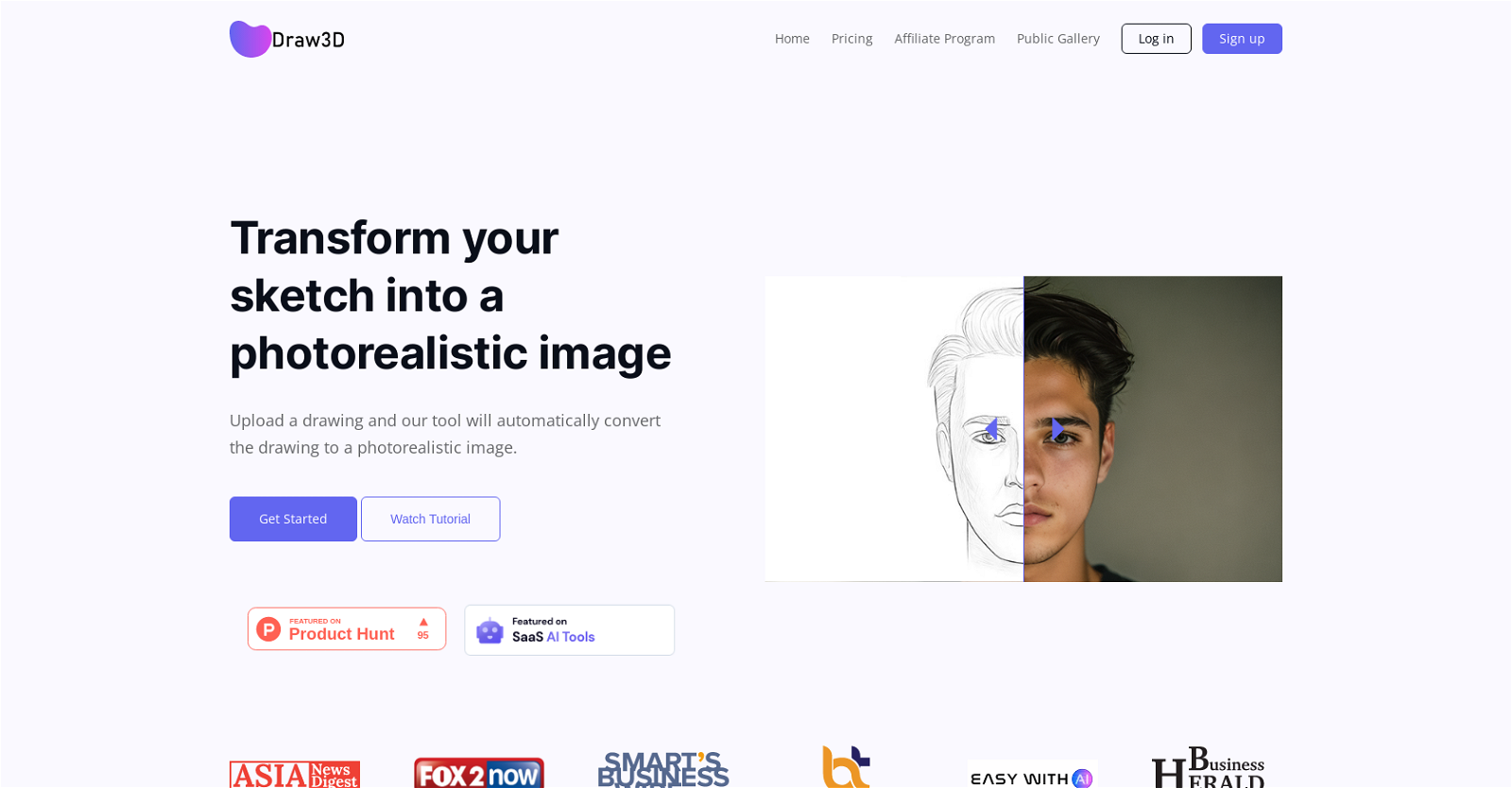
VerifiedTransform sketches and 3D blockout into photorealistic images.
Quick facts
- Best for
- Sketch to image
- Pricing
- Freemium
- Editor rating
- 4.3 / 5
- Community saves
- 0
About Draw3D
Draw3D is an advanced AI-powered creative tool that transforms sketches into stunning, photorealistic visuals and dynamic animations. Whether you're starting with a rough doodle, a clean line drawing, or a structured 3D blockout, Draw3D intelligently interprets your input and brings it to life with depth, lighting, texture, and realism. Built for versatility, Draw3D supports a wide range of creative workflows: Sketch → Photo: Turn simple drawings into high-quality, realistic images 3D Blockout → Photo: Convert rough 3D compositions into polished visuals Photo → Animation: Generate motion and bring still images to life The platform preserves the original structure and artistic intent of your input while enhancing it with AI-driven detail and realism. It can even handle complex transformations—like converting sculptures, abstract shapes, or concept layouts into lifelike imagery. Beyond generation, Draw3D includes a powerful suite of built-in tools: AI Image Editor for refining and modifying outputs Upscaling Engine to enhance resolution without quality loss Smart Filters & Adjustments for quick post-production edits Template System for consistent content creation (perfect for social media and content automation) Style Control & Prompt Guidance for more precise creative direction Designed for both professionals and beginners, Draw3D offers an intuitive, streamlined interface that makes high-end visual creation accessible to everyone—from artists and designers to content creators and casual users. With its ability to move seamlessly from idea to polished visual (and even animation), Draw3D is not just a tool—it's a complete AI-powered creative pipeline. Key FeaturesSketch To Photorealistic Image Conversion3d Blockout To High-quality RenderPhoto To Animation GenerationStructure-aware Ai
Pros
- Transforms sketches into photorealistic images
- Works with any detailed sketch
- Can animate animal sketches
- Sculpture to photo transformations
- Upscales images without quality loss
- Integrated image editor
- Offers special discounts
- Versatile for various artworks
- Intelligently interprets drawn elements
- Enhances resolution without quality compromise
- Ease of use
- Good for novice users
Cons
- Inconsistent image conversion results
- Limited sculpture conversion capability
- Quality depends on sketch detail
- Lacks offline functionality
- No batch processing
- No free version
- Upscaling limited to 4x
- Basic image editing tools
- Limited customer support options
- Vague pricing structure