
DocsToAudio
VerifiedConvert any document into audiobook, free, in your browser.
Quick facts
- Best for
- Text to speech
- Pricing
- Free
- Editor rating
- 5 / 5
- Community saves
- 0
About DocsToAudio
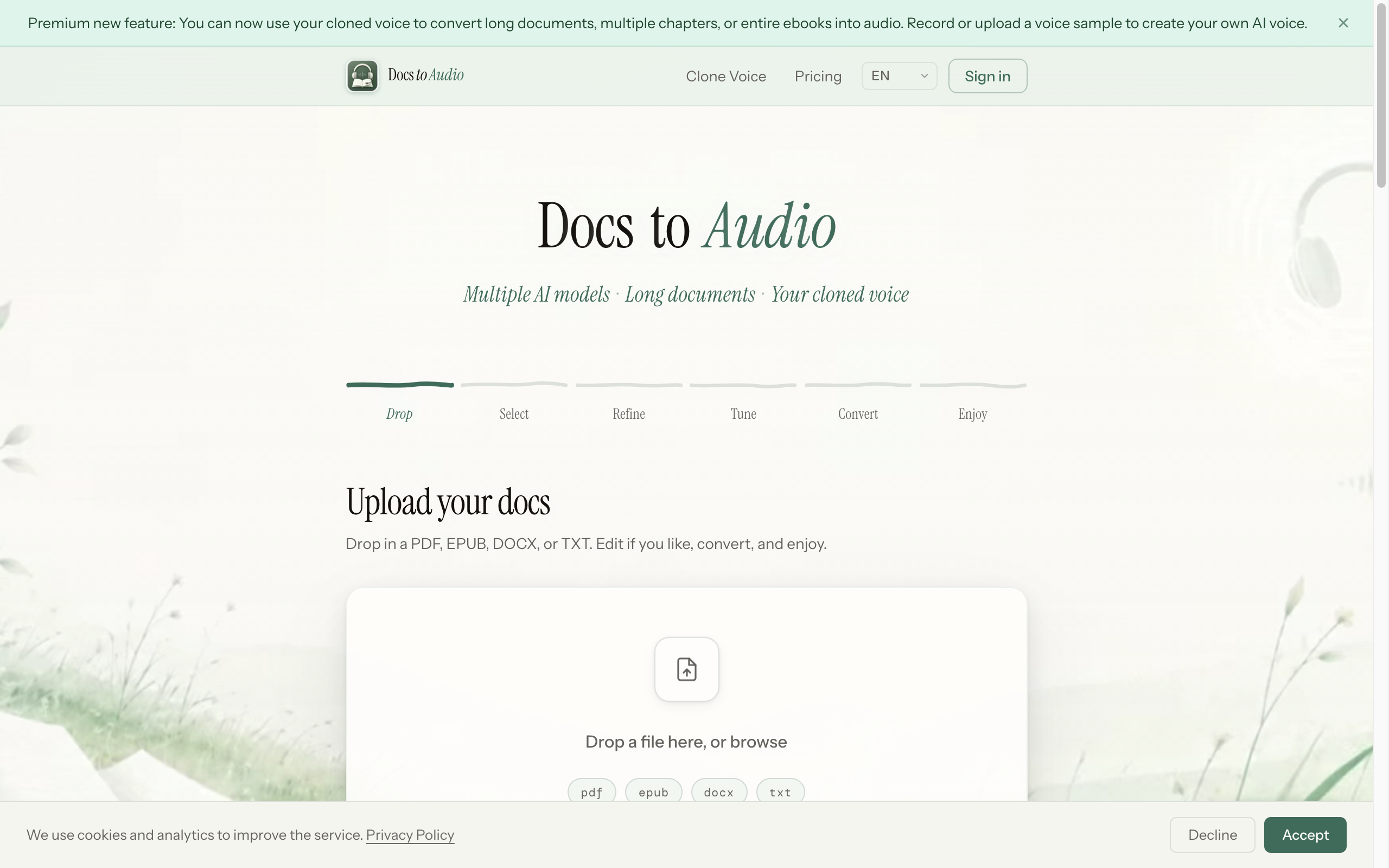
Socials: DocsToAudio is a free tool designed to convert text documents to audio files. The tool is capable of converting various document formats, including EPUB, PDF, DOCX, and TXT, to audio formats such as MP3 or M4B. The tool is designed to be simple and straightforward to use with a six-step process of dropping in the file, selecting, refining, tuning, converting, and then enjoying the audio file that is generated. The tool supports dozens of languages and boasts a wide variety of voice options. As a user, you are not required to sign up or create an account to use DocsToAudio, and files do not need to be uploaded to a server, instead conversion occurs directly within your browser. The tool doesn't have a hard limit for file sizes but extremely large documents might affect the performance of your browser. For commercial use of the audio output, users are responsible for ensuring they have the necessary rights and their use complies with relevant laws and third-party service terms. The tool does not guarantee that the generated audio can be used for commercial use. Supported featuresNo Signup Key FeaturesNo File Upload — Conversion Runs Entirely In The BrowserChapter Selection — Convert Only The Chapters You NeedText Editing Before ConversionRetry Failed Chapters Without RestartingResume Conversion After Accidental Page Refresh300+ Voices Across Dozens Of LanguagesVoice Preview Before ConvertingDownload As Mp3 Or M4bSupports Pdf, Epub, Docx And Txt
Pros
- Free tool
- No hard limit on file size
- No account creation required
- Browser-based conversion, files never leave your device — 100% private
- Resume after accidental page refresh
- Retry failed chapters
- Edit text before converting300+ voices in dozens of languages
- Preview voices before converting
- Select specific chapters — skip what you don't need
- Simplified six-step process
- Supports PDF, EPUB, DOCX and TXTOutputs MP3 format
- Outputs M4B format
Cons
- Browser must stay open during conversion
- Conversion speed depends on document length
- Inability to save progress
- No mobile app
- No cloud storage for converted files