
Quick facts
- Best for
- Watermark removal
- Pricing
- Freemium
- Editor rating
- 4.5 / 5
- Community saves
- 0
About Dewatermark
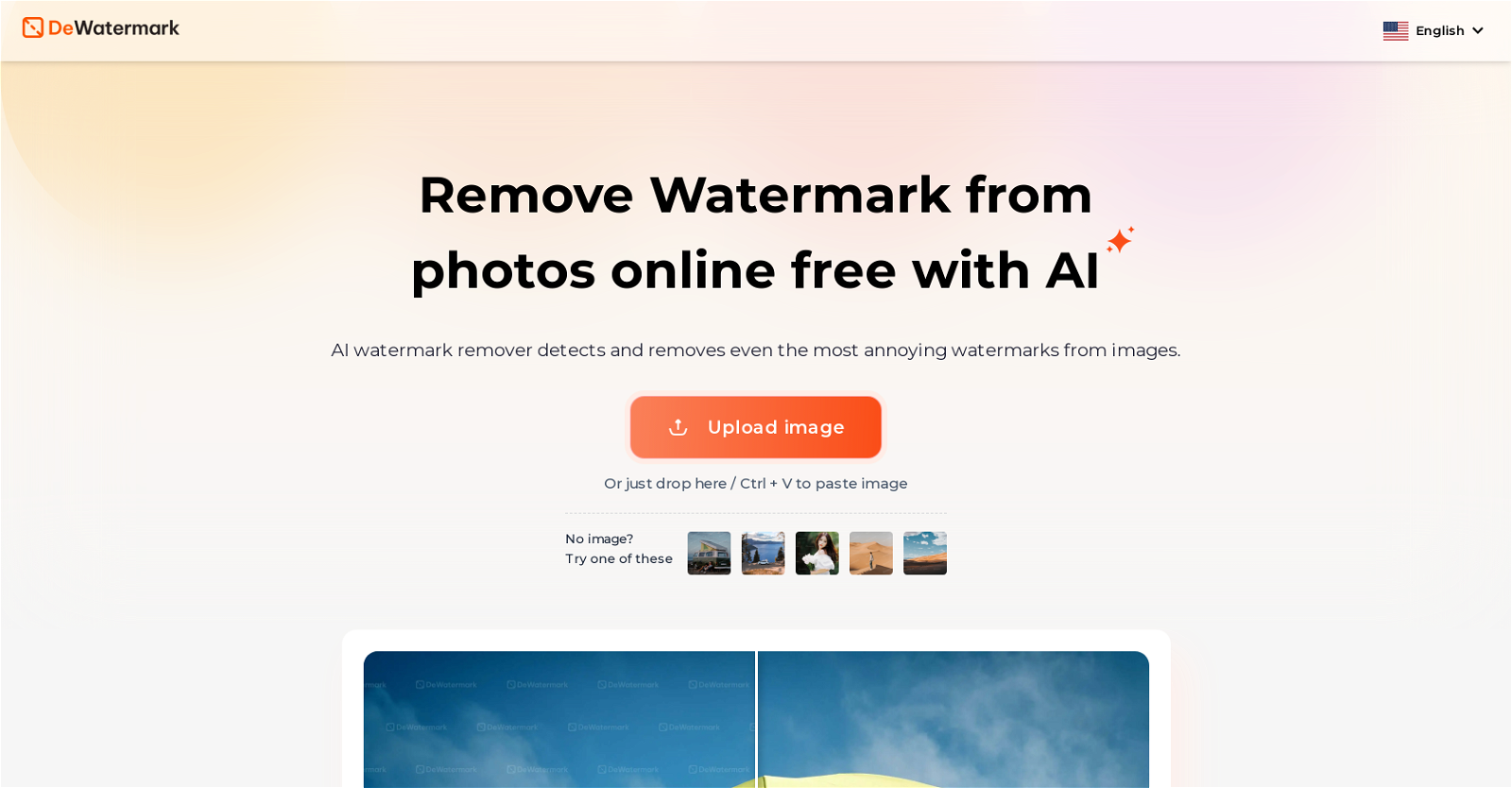
Dewatermark.AI is a free, user-friendly tool that works on different platforms, including mobile, desktop, and tablet devices. It utilizes AI technology to detect and remove watermarks from images automatically and quickly. Its proficiency extends to the most complex watermarks, even those with multiple layers, detail-dense, or color-blended with the image. Dewatermark.AI is designed to retain the image's original quality, committing considerable effort to ensure there is no quality loss or detail fading. In addition to its automatic functionality, Dewatermark.AI also offers a manual brush feature, enabling users to remove remaining watermark traces thoroughly. Once the watermark has been removed, users have the choice between the original and enhanced versions of their images to download. This tool is highly appreciated by its users for its accuracy, speed, and ability to save time on manual editing.
Pros
- Free tool
- User-friendly interface
- Mobile compatible
- Desktop compatible
- Tablet compatible
- Quick processing
- Complex watermark removal
- Retains original image quality
- No loss in details
- Manual brush feature
- Choice of original or enhanced version
- Saves time
Cons
- No batch processing
- No APILimited file formats
- Limited editing tools
- Requires manual brush for perfection
- No offline version
- No built-in photo enhancement tools
- Doesn't support vector images
- No preview before download