
Quick facts
- Best for
- Voice coding
- Pricing
- Free
- Editor rating
- 5 / 5
- Community saves
- 0
About DashVox
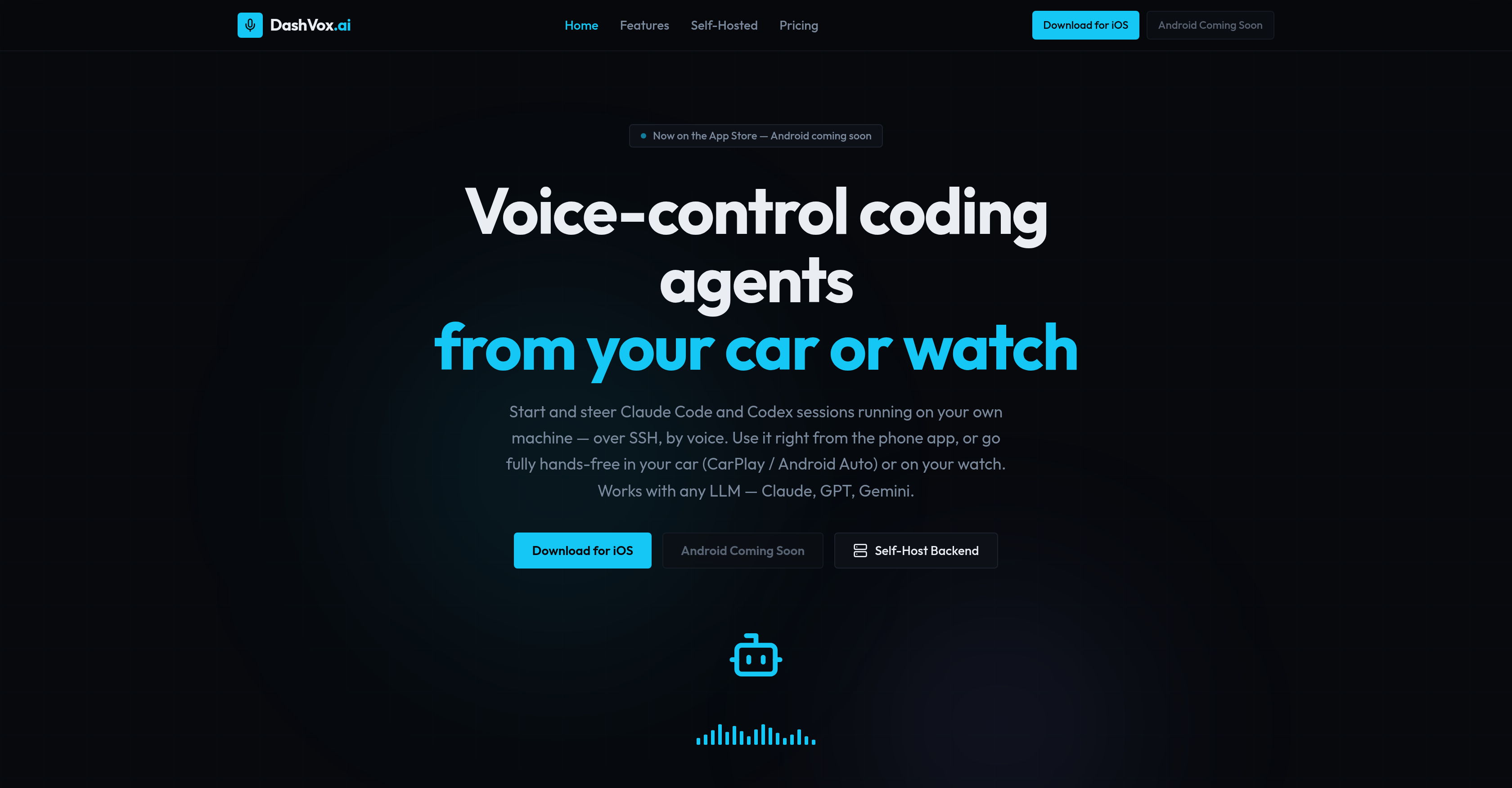
DashVox is a voice-first AI tool that facilitates control of AI coding agents such as Claude Code and Codex using your phone, car, watch, or even glasses. The tool enables you to start and steer coding sessions running on your own machine via SSH, by voice. It is designed with versatility in mind, allowing usage right from a phone app or fully hands-free through CarPlay or Android Auto in your car or on your watch. DashVox is compatible with any language learning model like Claude, GPT, or Gemini. The tool encompasses several key features such as the ability to remotely manage coding sessions, wherein the user can start, stop, and switch AI coding sessions, as well as check output and approve prompts via voice. DashVox's 'Agent Mode' enables your AI to autonomously manage multiple coding sessions.Unique to DashVox is its web search integration, where the AI can search the web on behalf of the user and summarize results, allowing the user to stay informed without the need of a screen. Smart connectivity features prevent duplicate messages after dead zones, while stringent security measures such as encryption at rest are implemented for SSH keys. The tool can either be self-hosted with no account needed, or utilized via the cloud.The software supports both iOS and Android platforms, and is built with Java 21, Spring Boot, H2 for self-hosting, PostgreSQL for the cloud, and Swift for iOS, among other technologies. Future enhancements include support for additional platforms such as Meta wearables.
Pros
- Voice-control coding agents
- Remote control capability
- Cross-platform functionality
- Hands-free coding
- Play compatibility
- Android Auto compatibility
- Supports any language model
- Self-hosting option
- Cloud-based option
- Agent Mode for multitasking
- Integrated web search engine
- Smart connectivity features
Cons
- No offline functionality
- Limited platform integration
- Lacks detailed error reporting
- Potential voice command limitations
- Lacks multi-user support
- No localized language support
- Depends on third-party APIs
- Potentially high learning curve
- Limited smart-glasses integration
- Android support still pending