
Quick facts
- Best for
- Writing assistance
- Pricing
- Free
- Editor rating
- 4.2 / 5
- Community saves
- 0
About Clico
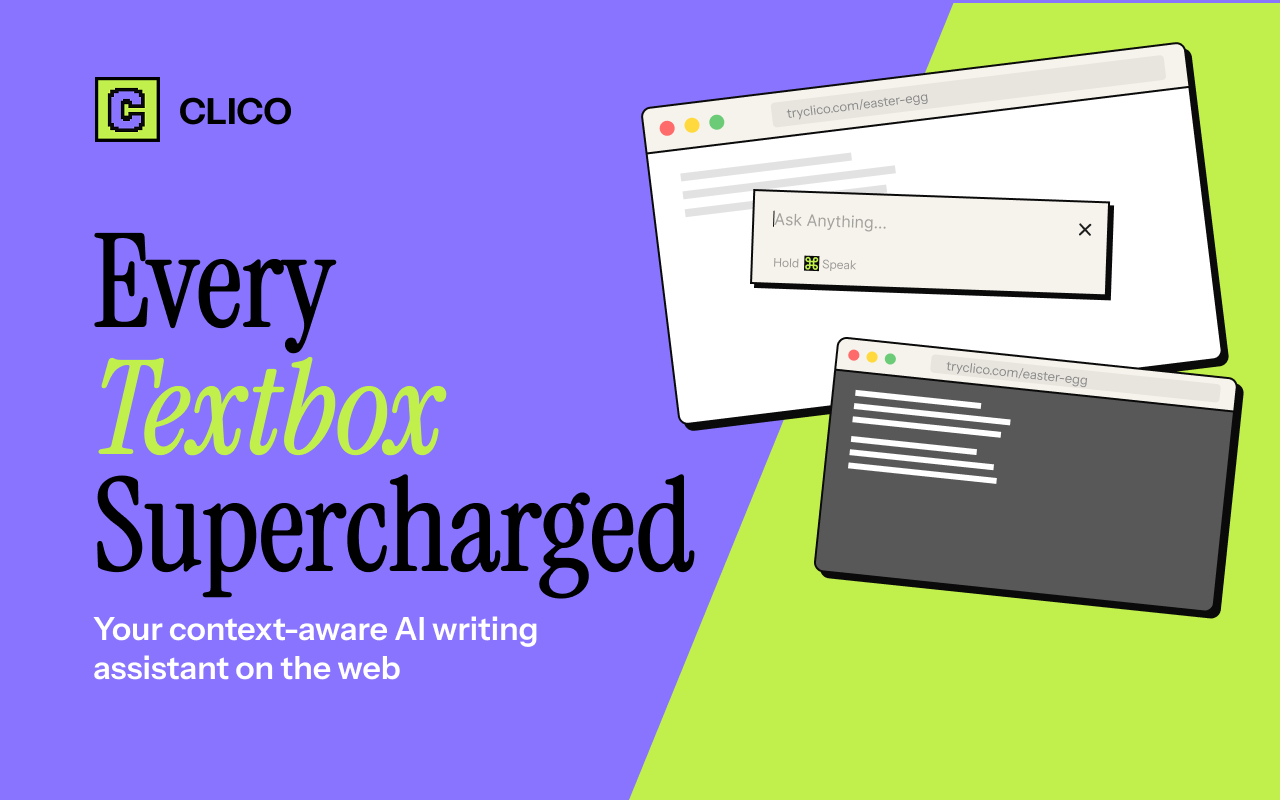
Socials: Clico AI Writing Assistant is a browser extension designed to assist users in their writing tasks across a wide range of applications. Incorporating artificial intelligence, this tool integrates with every text box, providing writing, search, summarization, and dictation features to enhance productivity. The assistant lives where you type, eliminating the need for tab shifting or copy-pasting, hence reducing interruptions and improving focus. By using simple keyboard shortcuts, users can draft posts or replies, generate email responses that fit the ongoing conversation, continue writing where they left off in congruence with their writing style, or enhance the quality of their existing text. Users can also utilise the highlight feature for quick AI automated searches, instantly summarize lengthy documents, and employ voice input for hands-free writing. Clico is highly compatible; it functions seamlessly with various platforms including Gmail, Google Docs, Notion, LinkedIn, Reddit, Canva, Google Classroom, and many more, making it a comprehensive writing solution for different tasks across different platforms.The extension can be installed from the Chrome Web Store and starts working immediately across all websites visited, providing an enhanced browsing and writing experience. Notably, no API key is needed for Clico's use, making its operation straightforward and user-friendly. The tool is free to use and compatible with Chrome, Edge, Brave, Arc, and all Chromium-based browsers. Supported featuresAgentsText Generation Key FeaturesClico It | Summon Clico With Cmd+oHightlight | Select Anything And Search ItMemo It | Double Cmd To Summarize Entire PageVoice Input | Hold Cmd To Use Voice As Input
Pros
- Lives where you type
- Eliminates tab-switching
- Reduces context gaps
- Extensive cross-platform compatibility
- Efficient in multiple applications
- Features dictate commands
- Provides instant search results
- Text and image highlighting
- Text summarization feature
- Enhancing selected text
- No API key required
- Free to use
Cons
- No mobile support
- No offline mode
- Limited style adaptation
- No multi-language support
- Potential privacy concerns
- No specificity in summarization
- Search could yield irrelevant results
- Dictation may misunderstand speech
- Compatibility issues with non-listed platforms
- Limited accuracy in tone-matching