
Quick facts
- Best for
- Images
- Pricing
- Freemium
- Editor rating
- 4.8 / 5
- Community saves
- 0
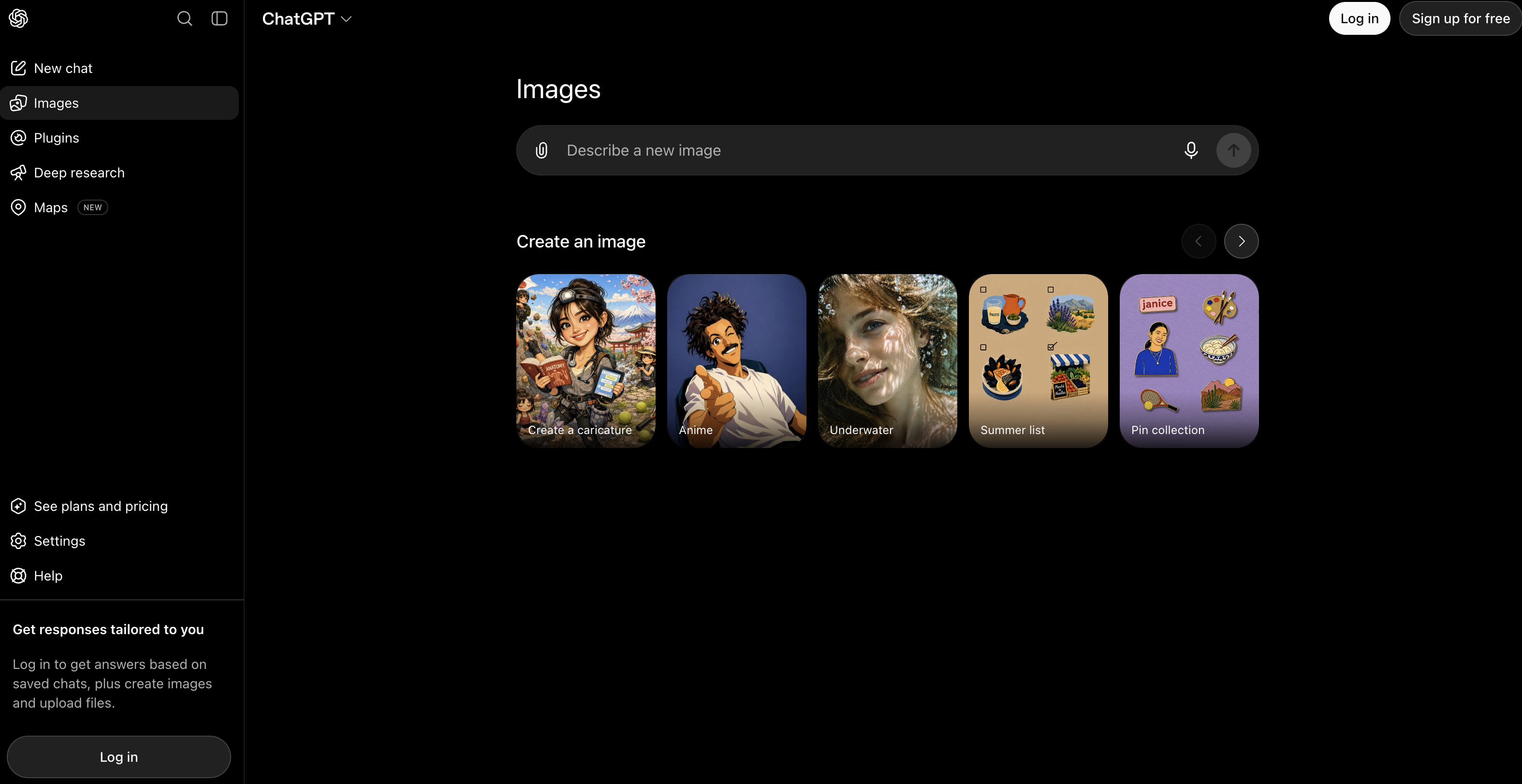
About ChatGPT Images
ChatGPT Images transforms your ideas into stunning visuals with the power of AI. Built directly into the ChatGPT app, this feature lets you generate and customize high-quality images simply by describing what you want — no design skills needed. Whether you’re creating artwork, illustrations, promotional visuals, concept art, or professional graphics, just type a prompt and watch your vision come to life. It’s fast, intuitive, and accessible to users at all experience levels.  With ChatGPT Images, you can go beyond generation — you can edit or refine visuals on the fly. Upload a photo or previously generated image and tell the AI what to change, from adjusting colors to adding or removing elements. The conversational interface makes this process feel like talking to a creative partner, turning complex design tasks into simple natural language instructions.  The feature is powered by advanced multimodal AI, meaning the same AI that writes and understands text also interprets and produces visuals with impressive accuracy and detail. This allows you to create visuals tailored for social media, websites, presentations, ads, or personal projects — all without switching between separate tools.  Quickly access your creations with a built-in image library that keeps all your AI images organized in one place. Whether you’re brainstorming, prototyping, or finalizing visuals, ChatGPT Images makes visual content creation effortless and fun. Supported featuresRealismStylingImage generation
Pros
- Part of a broader multimodal AI ecosystem
- Ideal for prototyping visuals without design software
- Enhances storytelling and brainstorming workflows
- Can follow detailed, complex prompts with high fidelit
- Fast turnaround on image creation
- Image analysis feature
- Useful for creative projects: art, marketing, concepts
- Built-in image editing capabilities — crop, refine, adjust
- Generates high-quality visuals from natural language prompts
Cons
- Quality can vary — sometimes less photorealistic
- Limits on free-tier image generations
- May struggle with detailed text in images
- Requires careful prompting for best results
- Not yet perfect at facial or realistic edits