
Quick facts
- Best for
- Video captions
- Pricing
- Freemium
- Editor rating
- 4.5 / 5
- Community saves
- 0
About Brevidy
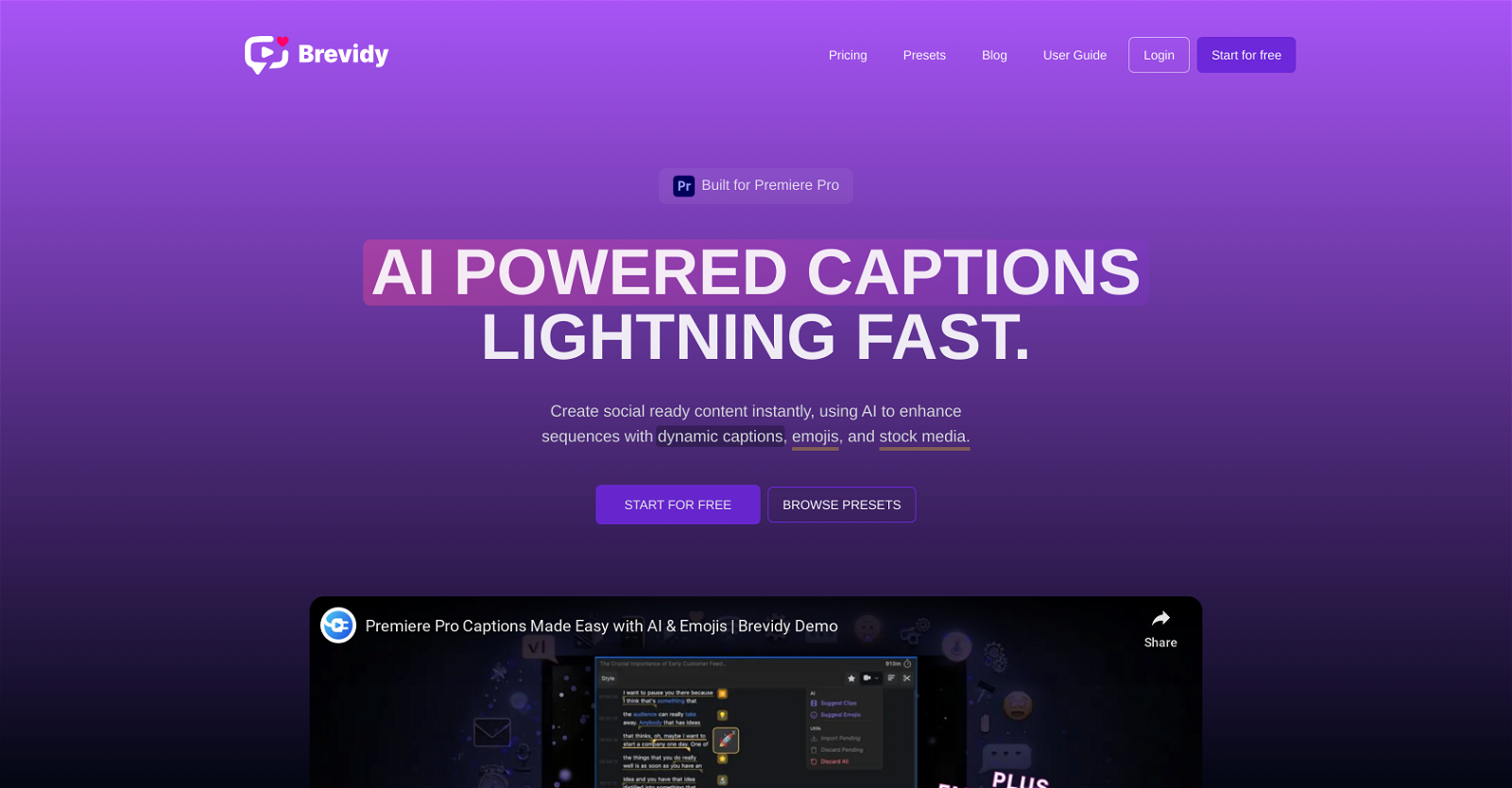
Brevidy is an AI-enhanced tool specifically designed to function as a digital assistant for Adobe Premiere Pro users. Leveraging the power of artificial intelligence, it streamlines video editing workflows by automating various monotonous and time-consuming tasks that are traditionally performed manually. This includes processes like cutting and joining video clips, correcting color, adding transitions, and aligning audio tracks. Brevidy's strength lies in its capability to learn from user's editing styles and preferences, enabling it to make smart suggestions and predictions. It assists users in achieving professional-level results by providing intelligent feedback on editing choices and suggesting improvements where necessary. Furthermore, it aids in avoiding common mistakes that can otherwise compromise the production quality of edited videos. It's important to note, however, that despite being an AI enhanced tool, Brevidy does not entirely eliminate human intervention. Rather, it plays a supportive role in the editing process by reducing the complexity and time consumption of tasks, thereby enhancing productivity and efficiency. Bear in mind that to make the most out of Brevidy, one must have a basic understanding of Adobe Premiere Pro as the tool is essentially an add-on to the software. It is particularly beneficial for video editors, content creators and professionals who often work on large projects and are looking for ways to optimize their editing processes. Despite being powerful and sophisticated, Brevidy maintains a user-friendly interface, making it a valuable companion for both novices and experienced Adobe Premiere Pro users.
Pros
- Automates video editing workflows
- Learns user's editing styles
- Smart suggestions and predictions
- Provides intelligent feedback
- Helps avoid common mistakes
- Reduces task complexity
- Enhances productivity and efficiency
- User-friendly interface
- Useful for large projects
- Supports Adobe Premiere Pro
- Assists in color correction
- Handles audio alignment
Cons
- Only for Adobe Premiere Pro
- Basic understanding of Adobe required
- Doesn't eliminate human intervention
- UI may still be complex
- Limited to large projects
- Based on user's editing style
- Reliant on user feedback
- No independent functionality
- May not catch specific errors
- Limited automated tasks