
Quick facts
- Best for
- Process modeling
- Pricing
- Freemium
- Editor rating
- 4.5 / 5
- Community saves
- 0
About BA Copilot
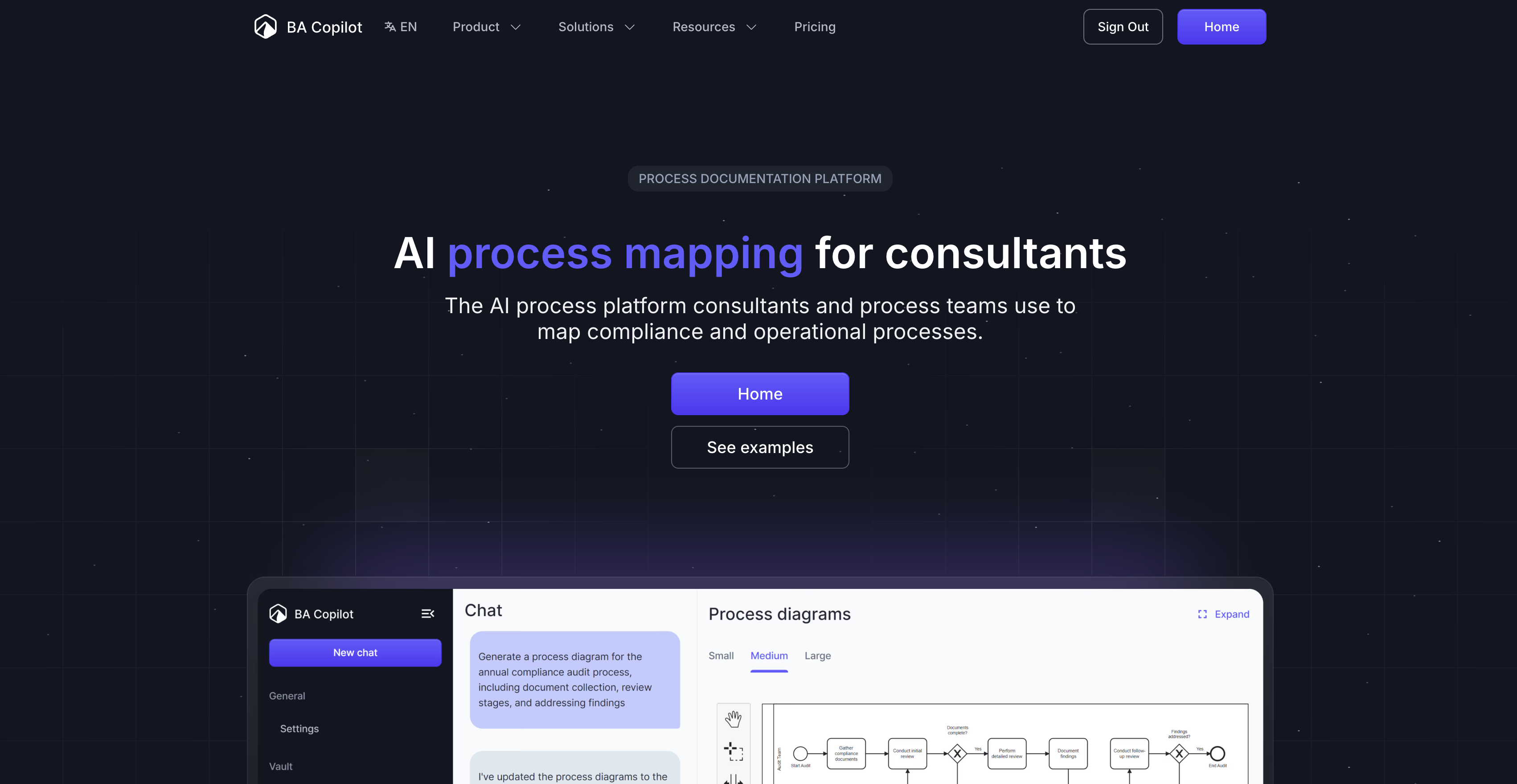
AI Process Map Generator is a tool designed to convert text, images, or documents into process maps. Suitable for consultants, operations teams, and business analysts, it creates process maps in seconds, meaning no more starting from scratch or manual drawing. Users can also edit diagrams using a mouse, keyboard, or trackpad, and export finished processes as an image or .bpmn file. An additional feature allows users to convert whiteboard sketches into digital BPMN processes instantly, transforming hand-drawn diagrams into professional process maps. It also supports multiple languages. The AI tool offers auto-documentation capabilities, ensuring that crucial details are not missed or ambiguous. It is capable of automatic generation of SOPs and work instructions. The tool also offers versioning of process maps, allowing the track changes as processes evolve. It includes a collaboration feature that uses AI and natural language processing to refine and improve your process maps. Furthermore, it contains a Process Advisor that can spot bottlenecks and inefficiencies and suggests improvements, using industry best practices as a reference. Security is prioritized with data protection features in place and privacy policies ensuring that user data is neither used for model training nor shared without permission. Templates and compliance maps are also provided, including a fill-in-the-blanks Standard Operating Procedure template and compliance checklists for various standards and regulations. Finally, free tools are provided like a full BPMN editor, a swimlane maker, and the symbol reference.
Pros
- Instant process maps generation
- Supports text, image, document input
- Drag and drop editing
- Can export as BPMNCan export as image
- Transforms whiteboard sketches digitally
- Multiple language support
- Auto-documentation feature
- Automatic SOPs generation
- Version tracking in process maps
- Collaboration tools integrated
- Process Advisor for improvement
- Robust data protection
Cons
- No offline version
- Lacks mobile app
- Limited export formats
- Limited template variety
- May require steep learning curve
- No integration with other tools
- No real-time collaboration
- Manual editing can be laborious