
Quick facts
- Best for
- Video editing
- Pricing
- Freemium
- Editor rating
- 3 / 5
- Community saves
- 0
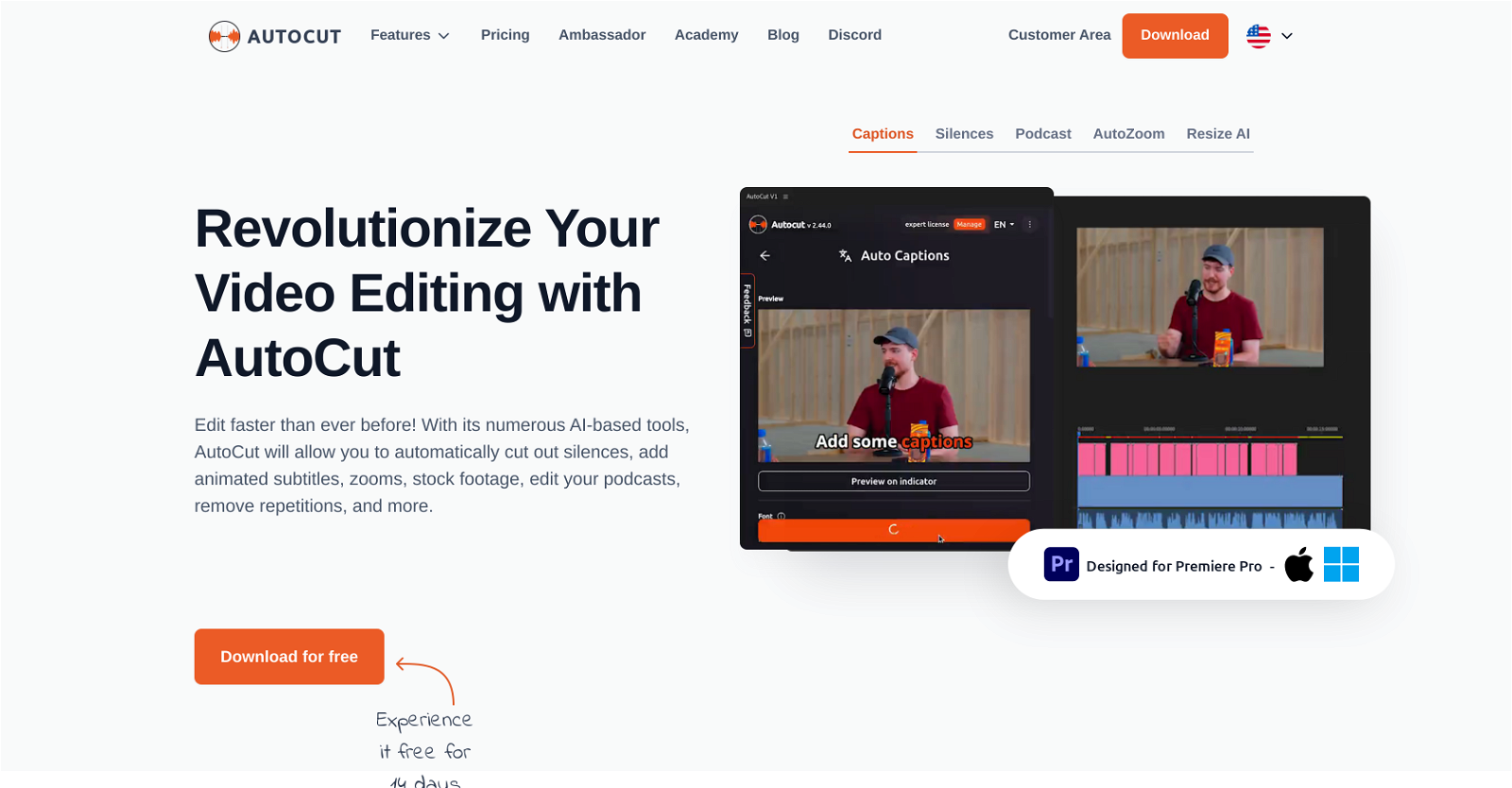
About AutoCut
AutoCut is a robust plugin developed specifically for Adobe Premiere Pro to automate and streamline the video and podcast editing process. The tool intelligently applies various AI-based mechanisms such as removing silences to create a more fluid audiovisual experience, detecting repetitions and keeping only the best takes, applying automatic J-Cut & L-Cut edits, and automating the deployment of relevant B-roll footages. Additionally, it enhances the interactive part of the content by adding animated subtitles that sync with the audio, thus, improving user engagement. The AutoCut tool also provides features like AutoResize and AutoZoom intended to improve the visibility and focus of the subject in the videos, thereby making the content more immersive. Furthermore, it offers the AutoProfanity filter feature that automates the detection and masking of profanities in the videos dialogue, maintaining the integrity of the content. Finally, it aids in the editing of podcasts, allowing the user to activate specific cameras based on the sound input from mirrored microphones. AutoCut's overall goal is to help the user manage zooms, animations, transitions, etc., making the video dynamic and captivating.
Pros
- Adobe Premiere Pro integration
- Automates video editing
- Streamlines podcast editing
- Automatic silence removal
- Detects repetitions
- Automated J-Cut & L-Cut edits
- B-roll footage deployment
- Adds animated subtitles
- Syncs subtitles with audio
- Improves user engagement
- Auto
- Resize feature
Cons
- Only for Adobe Premiere Pro
- Less effective indoor recording
- Possible over-cutting errors
- Subscription needed for all features
- Inadequate handling of complex scenes
- Prone to detecting false positives
- Limited language support on Auto
- Captions
- Does not support Final Cut Pro or Da
- Vinci Resolve
- Animated subtitles may not align perfectly
- Auto