
AI PPT Maker
VerifiedAI turns your ideas into PowerPoint presentations instantly.
Quick facts
- Best for
- PowerPoint presentations
- Pricing
- Freemium
- Editor rating
- 4.5 / 5
- Community saves
- 0
About AI PPT Maker
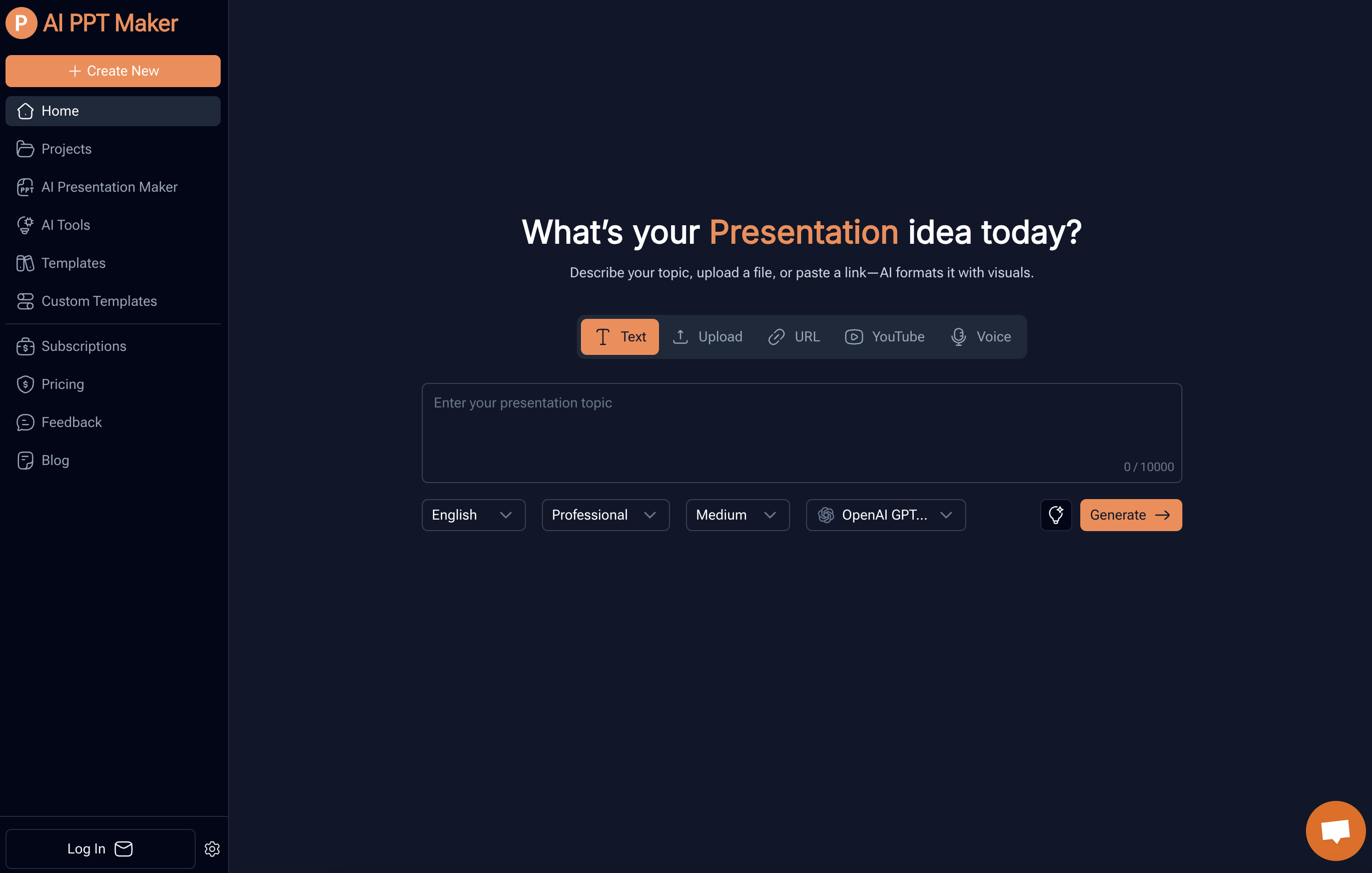
AI PPT Maker is an AI-driven tool designed for generating PowerPoint presentations. The tool utilizes DeepSeek and ChatGPT to transform different types of content into professional presentations. Users can upload text documents, PDFs, URLs, and even voice recordings. The AI then formats the data, creating visually appealing presentations while preserving the original context and structure of the information.The AI PPT Maker also houses a feature to convert media files, including YouTube videos and audio files, into structured PowerPoint slides. This conversion also extends to various file types such as doc, docx, pdf, ppt, pptx, among others. Users can create professional presentations by simply uploading a file or describing their topic, enabling the AI to generate a structured outline for the presentation and generate the slides. Additionally, the tool provides customization opportunities, allowing users to select from various templates and adjust the presentation to match their style. The user can then view, edit, and download the completed presentation, promoting easy sharing and collaboration. Due to its versatility and convenience, AI PPT Maker caters to a range of professional needs, from creating business meeting presentations to crafting educational materials and investor pitch decks. The platform offers the freedom to adjust presentation flavors, thereby meeting various industry-specific needs. Supported featuresSlides
Pros
- Supports various file formats
- Supports voice recordings
- Intelligent content formatting
- Converts You
- Tube videos
- Converts media files
- Customization options available
- Different templates provided
- Generates structured outlines
- User can edit presentations
- Supports easy sharing
- Adaptable to different professions
Cons
- No offline version
- Potential data security issues
- No mobile application
- Varied quality with different content types
- Limited customization options
- Limited file size restrictions
- No real-time collaboration feature
- Dysfunction with poorly structured inputs