
Quick facts
- Best for
- Podcasts
- Pricing
- Freemium
- Editor rating
- 4.5 / 5
- Community saves
- 0
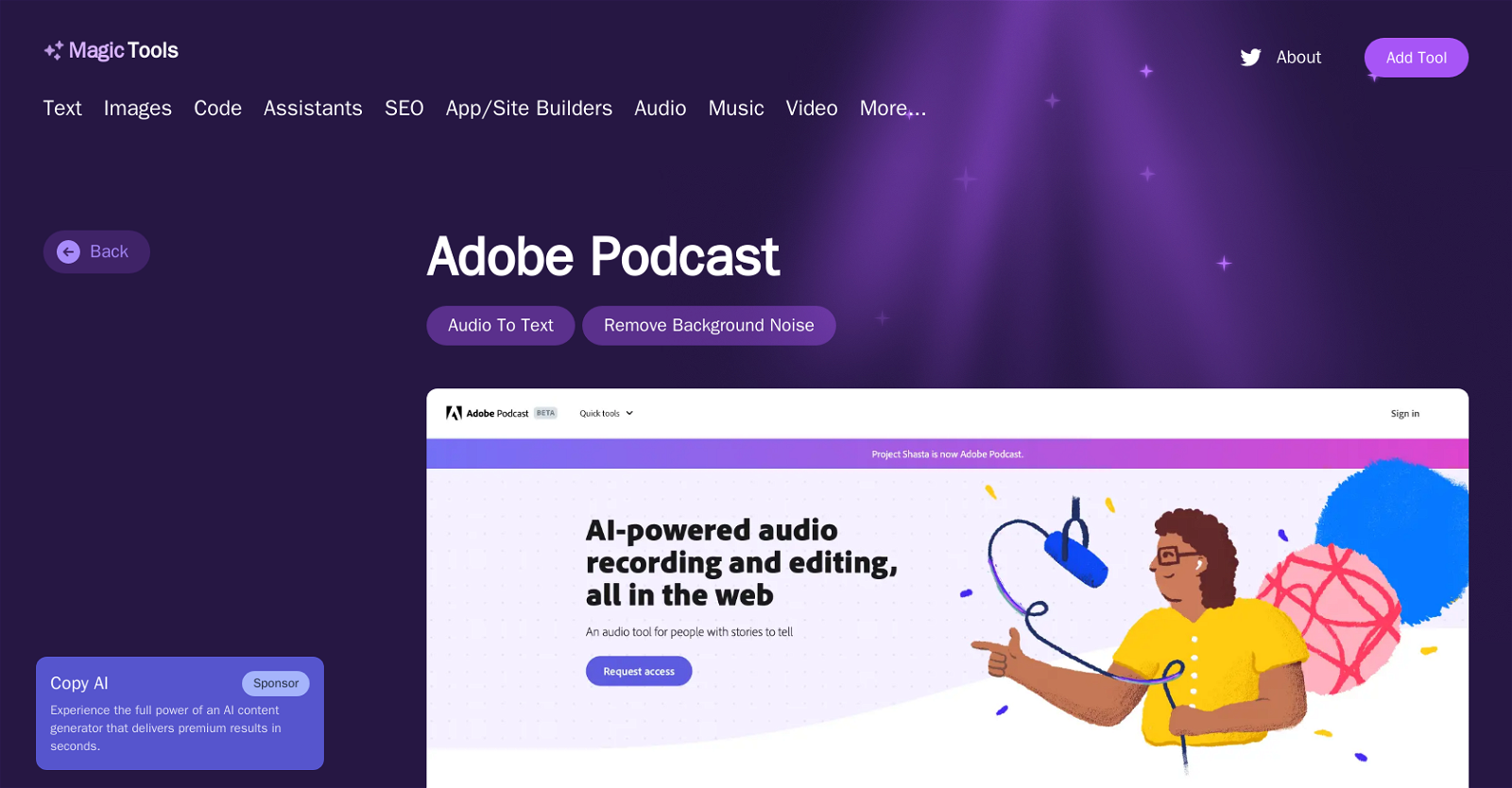
About Adobe Podcast
Adobe Podcast is an advanced AI-enabled audio recording and editing tool accessible via the web. With a core emphasis on enhancing speech, Adobe Podcast enables users to remove noise and echo from voice recordings, providing crisp and clear audio every time. Its key functionalities include in-browser recording and editing, and dynamic enhancements designed to produce professional-grade sound. Using the AI-based StudioBETA feature, users can not only record and edit but also enrich their audio directly in their browser. The Mic Check feature assists in identifying and resolving microphone issues prior to recording, ensuring optimal sound quality. Users can transcribe audio and video, download them as text or PDF, and even convert audio to video by creating audiograms. Additionally, Adobe Podcast supports video formats such as MP4 and MOV, and offers additional premium features with the Adobe Podcast Premium plan. The software also provides tools to help users design custom audiograms, captions and backgrounds. Furthermore, it offers an extensive library of pre-edited royalty-free music to add depth to productions. The built-in AI analyzes your recording setup, enabling users to achieve a professional level of sound without requiring high-end equipment. Unique to the Adobe Podcast Studio is its ability to transcribe each word using industry-leading transcription technology, an approach that allows users to edit audio like a text document, simplifying the editing process significantly. Supported featuresDenoise
Pros
- Web-based accessibility
- In-browser recording and editing
- Removes noise and echo
- Dynamic enhancements
- Studio
- BETA enriches audio
- Mic Check for troubleshooting
- Audio and video transcription
- Downloads transcribed text
- Converts audio to video
- Supports MP4 and MOVAdobe Podcast Premium plan
- Customizes audiograms
Cons
- Web-based only
- Dependent on internet connection
- Lacks offline functionality
- No mention of mobile support
- Possible compatibility issues with non-supported video formats
- Mitigation of microphone issues not comprehensive
- Potential limits on file sizes
- Premium features restricted to subscription
- Limited customizability of audiograms
- Unclear supported language capability